
Bra
Bust framing · 10 credits
AI Bra & Lingerie Try-On
AI lingerie try-on for bras, panties and full sets. Drop a flat-lay, pick a model, and download a ready-to-list image in about ten seconds. No render queue, no studio booking, no model fees.
AI try-on is a product-photography tool that puts a real garment you already own onto a chosen model, so apparel sellers get on-body catalog images without booking a shoot. Use it when you have a flat-lay and need a listing photo. Each image costs 10 credits and takes about ten seconds.
Cost: 10 credits
Pick a person, upload a garment, generate in seconds.
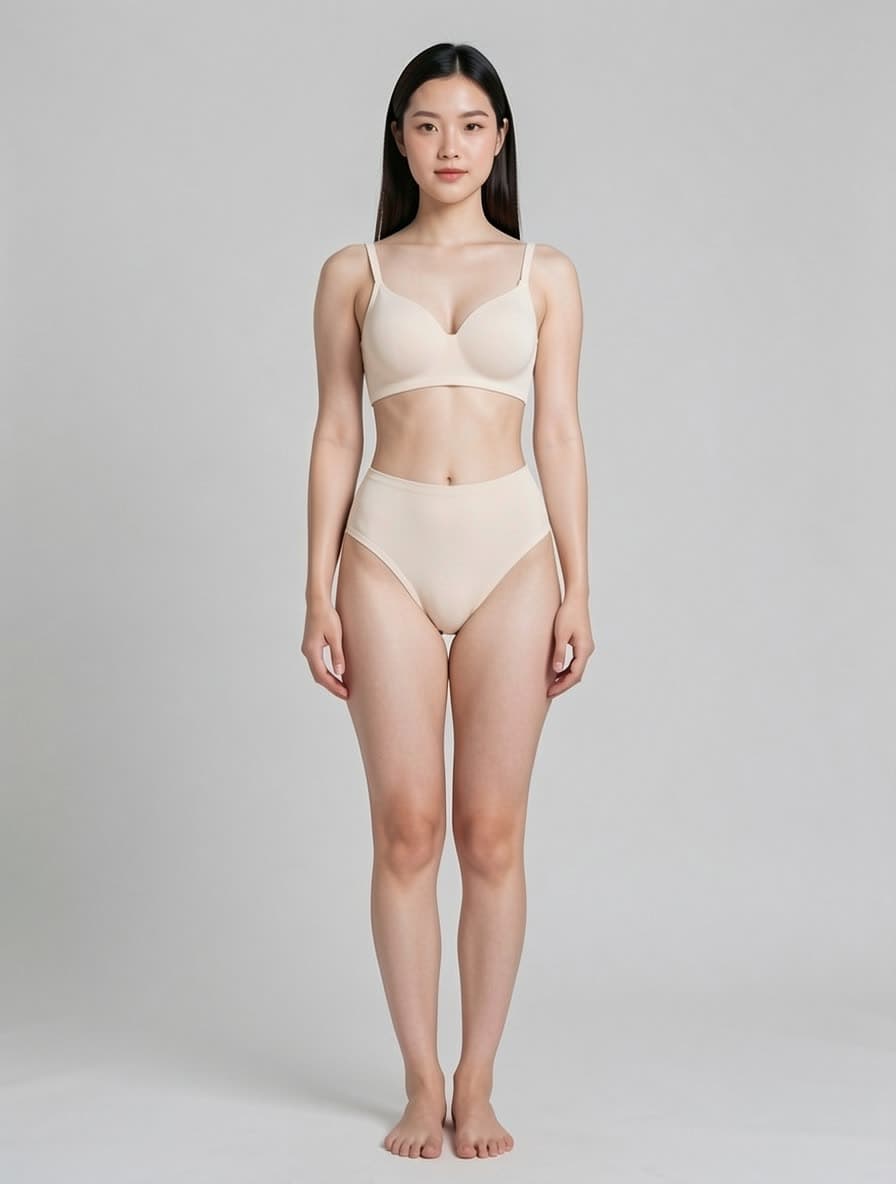
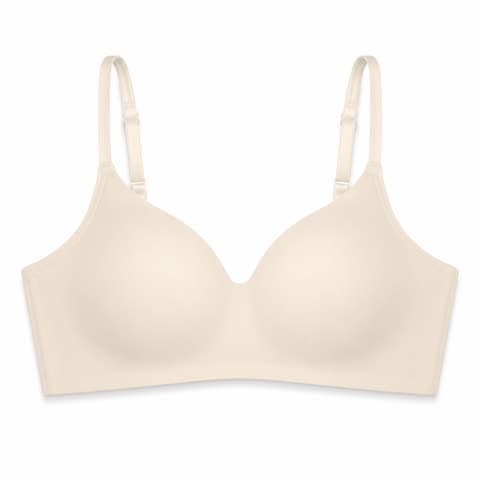
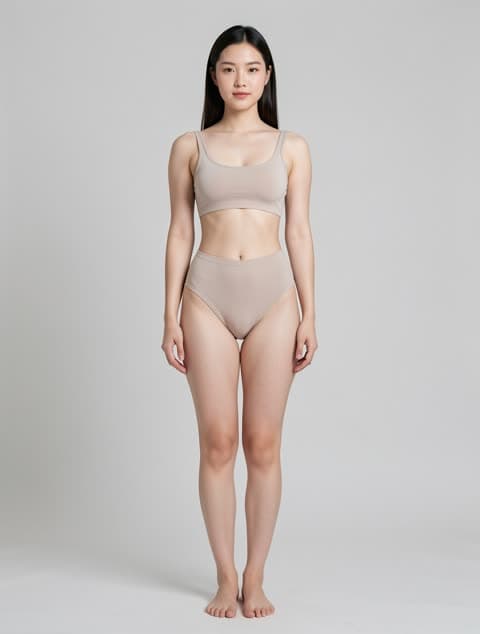
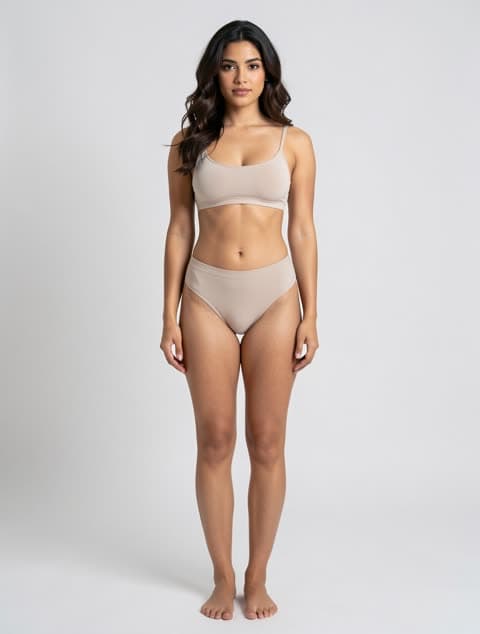
Every result below came out of AI try-on from the two images beside it — a garment flat-lay and a model. Nothing was retouched afterwards.
Bust framing · 10 credits
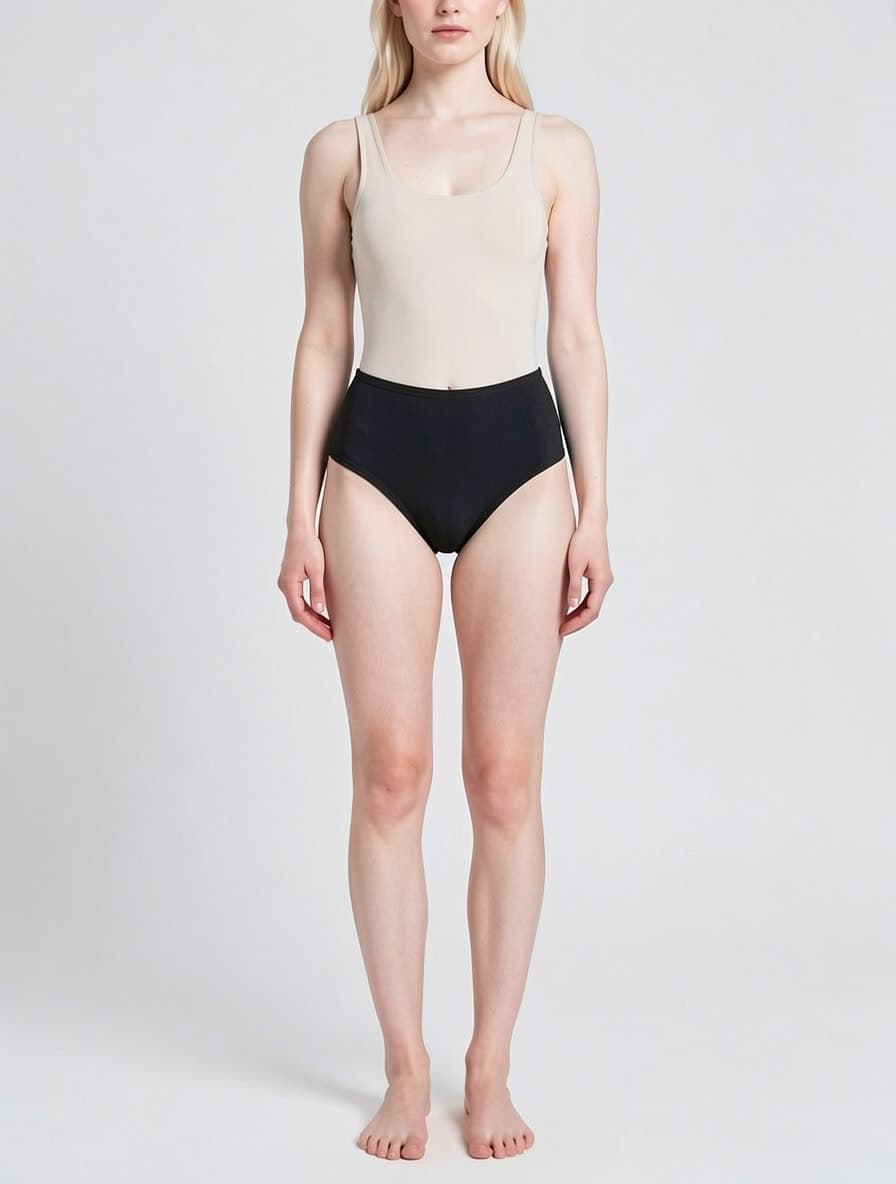
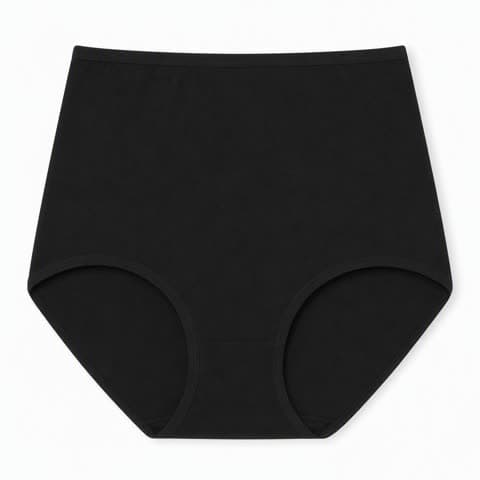
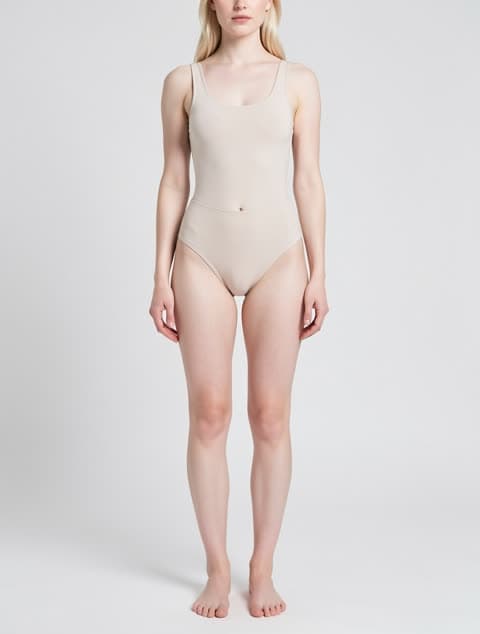
Lower-body framing
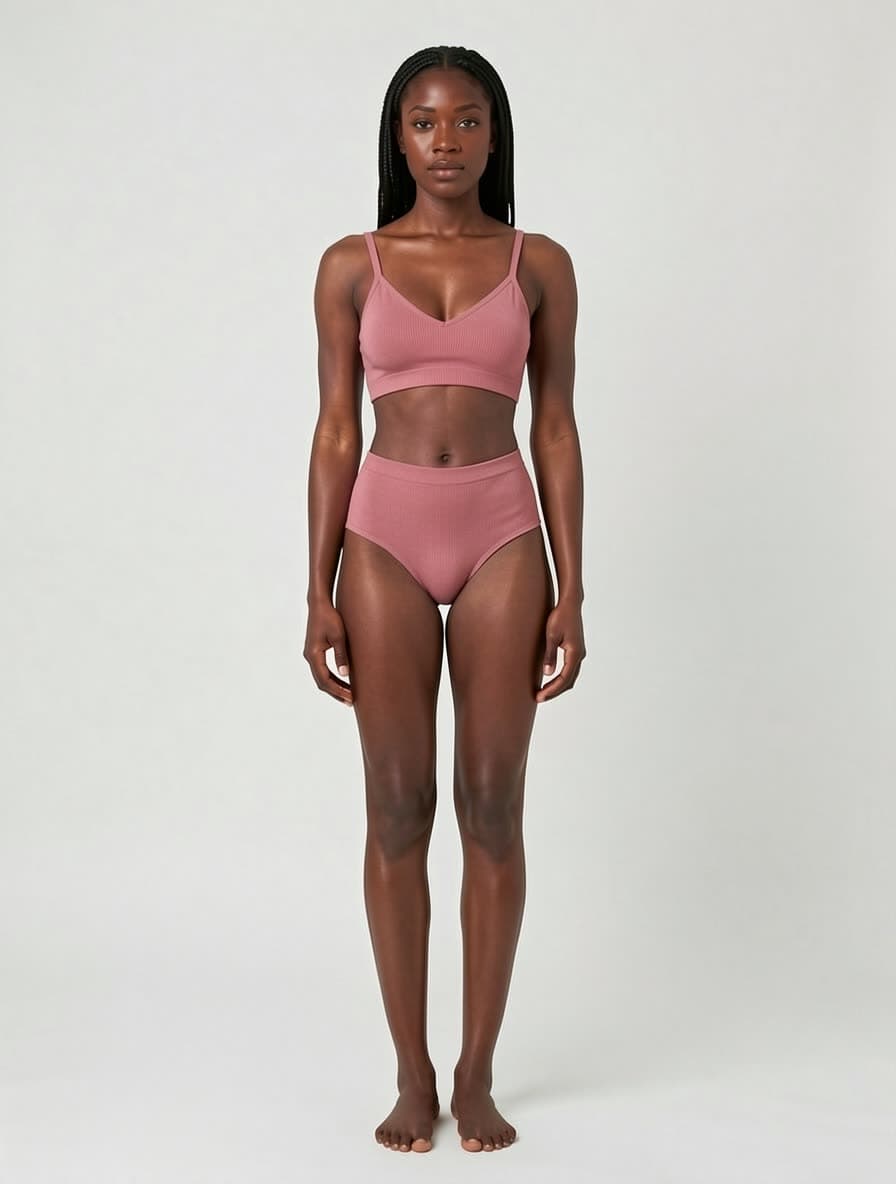
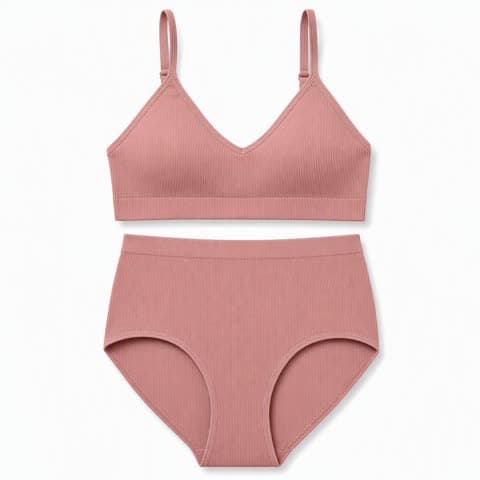
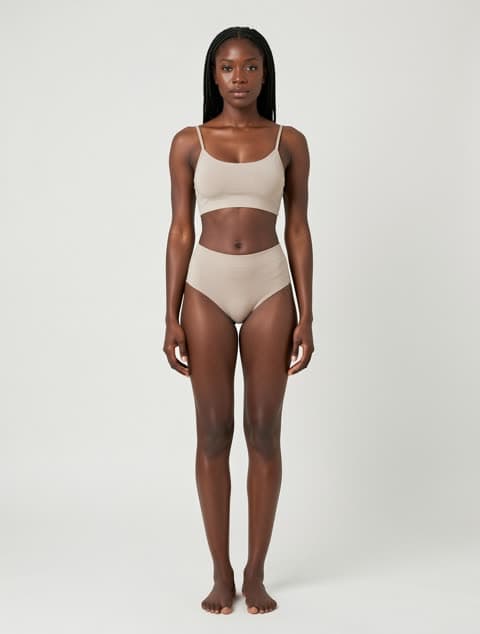
Full body, colour-matched
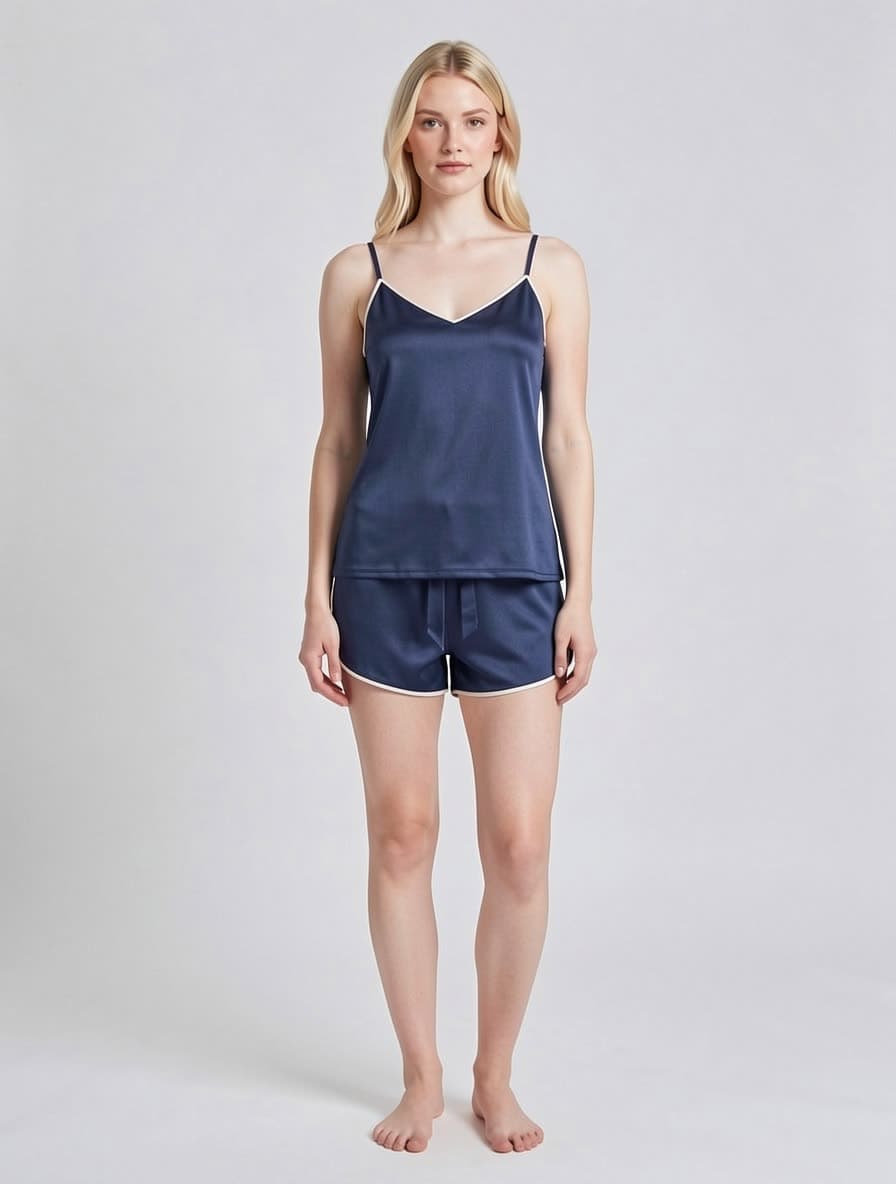
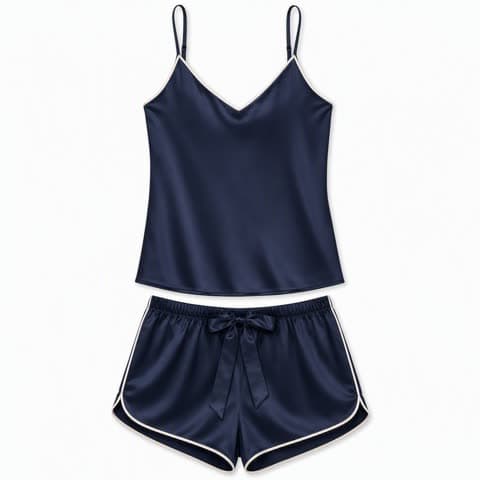
Drape preserved
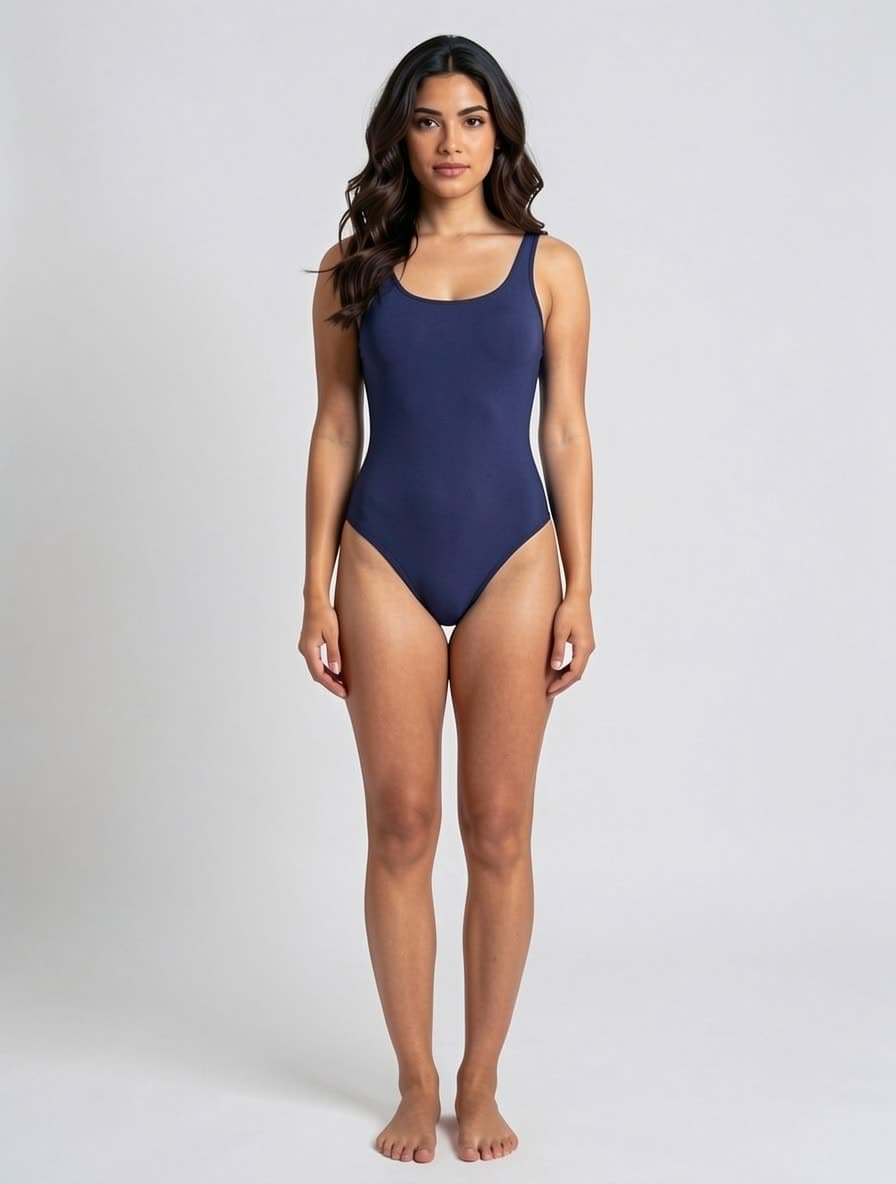
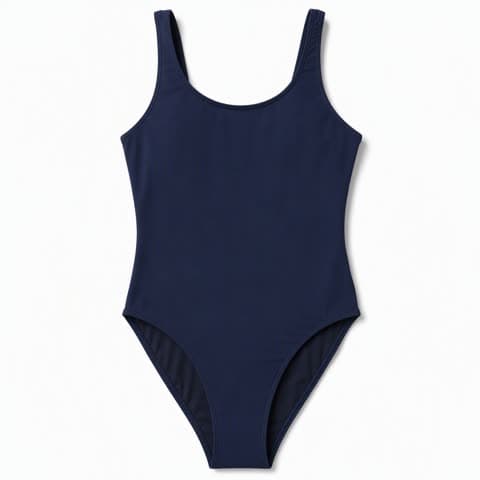
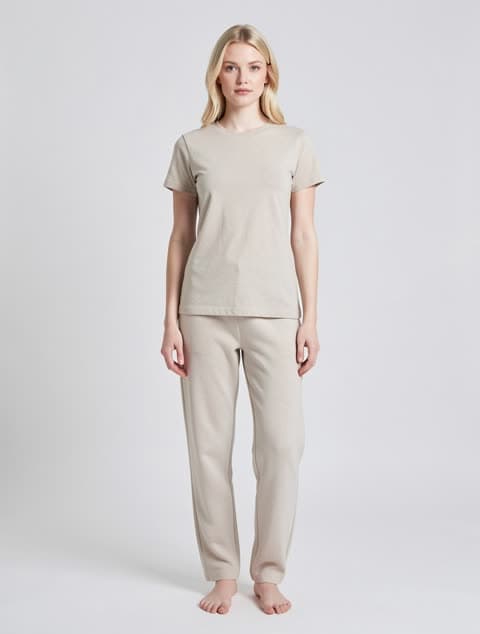
One-piece stays one-piece
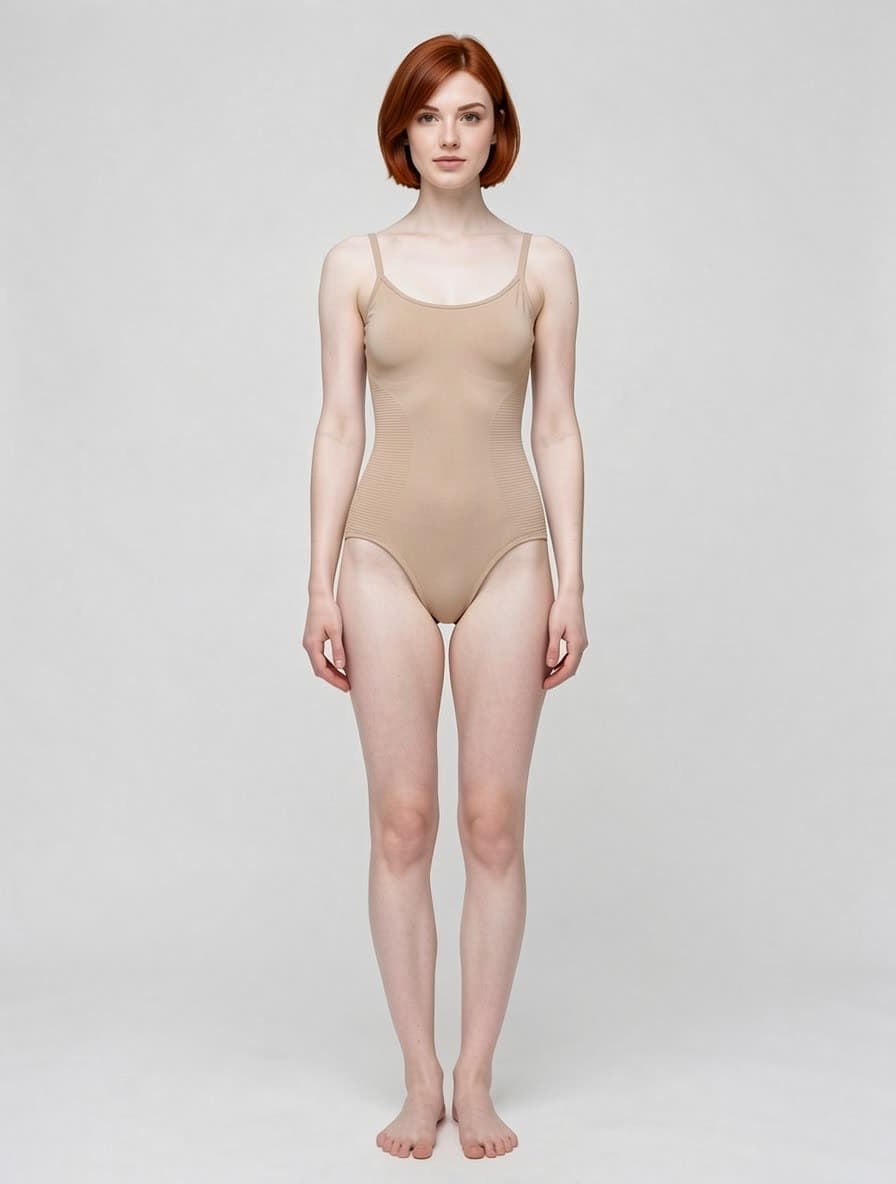
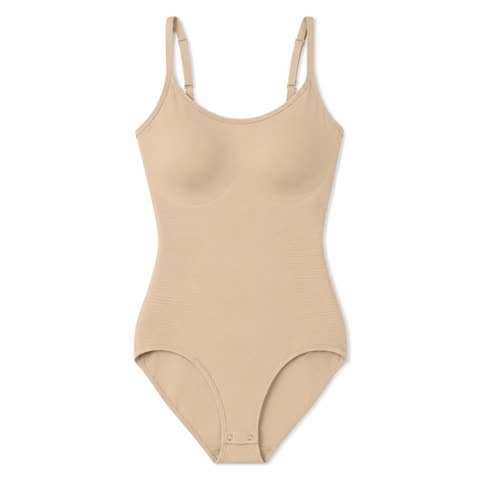
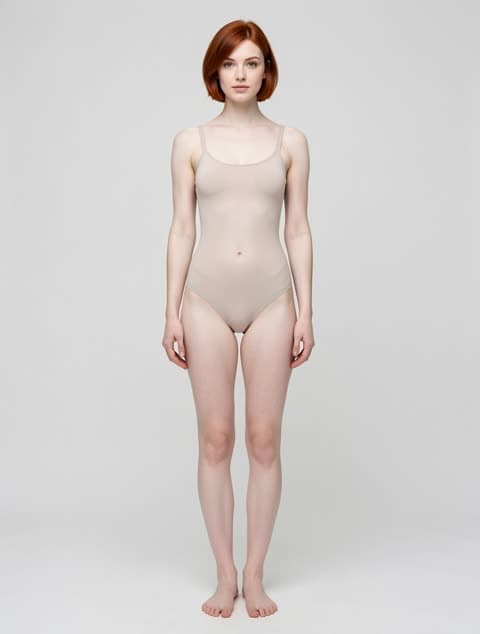
Compression knit kept
Three steps. About ten seconds end-to-end.
Choose from our curated library — Asian, Black, White; slim, standard, curvy. Or upload your own person photo.
Any flat-lay, ghost-mannequin or product shot. PNG, JPG, WebP up to 4 MB.
Permanent URL on your own R2 storage. Drop into Shopify, Amazon or your CMS.
$0.20 each. New users get 30 free credits — the first three images are on us.
Premium GPU instances — typical job under 15 seconds, no queue at peak.
Asian, Black, White × slim, standard, curvy × standing, sitting, lying. Pick the body type your buyers actually look like.
AI try-on is a product-photography tool that renders a garment you already own onto a model you choose. It is not a text-to-image generator and it cannot invent a product from a description — you upload a photo of the item you actually sell, pick a model from the library, and get a catalog image back in about ten seconds. The garment's cut, colour, fabric and print come from your photo; what changes is who is wearing it.
Upload a flat-lay, ghost-mannequin or hanger shot. The garment is rendered worn, with the cut and fabric carried over from your file.
Asian, Black and White models across slim, standard and curvy builds. Pick the one your customers see themselves in, or upload your own person photo.
Choosing the garment category filters the library to the framing that fits — bust crops for bras, lower-body for briefs, full body for sets.
A lingerie shoot runs studio, photographer and model fees before a single image exists. One AI lingerie try-on costs 10 credits — from $0.020 each, so about $0.20 an image.
Booking, shooting, selecting and retouching is a multi-week loop. This is upload, pick, download — and you can re-run it the moment a SKU changes.
You no longer batch products until there are enough to justify a shoot. A single new item can go live on its own.
The product photo exists but nobody has worn it yet. AI try-on turns the flat-lay into the on-model shot the listing needs.
Run the same item across slim, standard and curvy models to show fit range without booking three people.
The shoot already happened last season. Upload the new colour and reuse the same model and framing for a consistent gallery.
Bras, panties, sets and bodysuits — the categories where bra try-on framing and fit decide whether a listing converts.
Categories with short seasons and expensive shoots, where images have to exist before the weather does.
Anyone listing on Amazon, Shopify, Etsy or Tmall who needs consistent on-model imagery at SKU pace.
Selling bikinis or one-pieces? That page keeps a two-piece a two-piece and can move the shot to a beach, pool or resort in the same pass.
For leggings, sports bras and matching sets: the garment is put on the model in a yoga pose you pick — warrior II, downward dog, high lunge or deep squat.
Babydolls, teddies, strappy and garter sets need tighter rules for lace, mesh and coverage than everyday lingerie; that page is tuned for them.
You now have an on-model shot against a studio backdrop. This puts her in a bedroom, by a pool or on a sofa without booking the location.
Marketplaces want a pure white main image. Run the flat-lay through that tool and keep the try-on shot for the secondary slots.
Try-on output comes back around 1 MP. Push it to 4 MP before it becomes the image buyers zoom into.
Yes. Outputs are PNG/JPG with clean framing and consistent lighting; marketplace-safe composition keeps imagery within Amazon, Etsy and Shopify policies.
Color, fabric texture and prints are preserved by design — that's the core promise of try-on. For prints, we recommend uploading a flat, well-lit reference at 1500 px or larger.
Yes. You retain full commercial rights to anything you generate on a paid plan. Free credits are limited to evaluation use.
Permanent. Results are stored on our Cloudflare R2 and the URLs do not expire — no 24-hour link rot. Download and keep your own copy for anything you rely on long-term.
Yes. Bras, panties, sets, bodysuits, sleepwear and swimwear all work. Upload a flat-lay of the actual garment and the model library auto-filters to the right framing — bust crops for bras, lower-body for briefs, full-body for sets. A bra try-on costs 10 credits and takes about ten seconds.
A virtual fitting room shows a shopper how a garment might look on them. This is the seller's side of that: it produces the catalog photo you list with. The output is a product image you own and upload to Amazon, Shopify or Etsy — not a shopper-facing widget.
Skip it if you do not have a photo of the actual garment — this is not a text-to-image generator and cannot invent a product. Skip it for sheer, heavy-lace or open-cut styles: those render poorly and uploads are often rejected by the upstream content filter. And do not use it where the garment must be reproduced with legal exactness, such as trademark prints or certification labels — output is close but not a pixel-faithful copy.
The pipeline is the same; the framing rules are not. Lingerie try-on has to crop to the part of the body the garment actually occupies — a bust crop for a bra, lower body for briefs, full body for a set — because a full-length frame wastes most of its pixels on skin rather than product. Outerwear tools generally assume one full-body frame for everything, which is why they tend to render intimates poorly.
10 credits per image, about $0.20, and roughly ten seconds per run. New accounts start with 30 free credits, so the first three bra try-ons cost nothing. There is no subscription and no per-model licence fee — you pay per generated image and the result is yours commercially.