
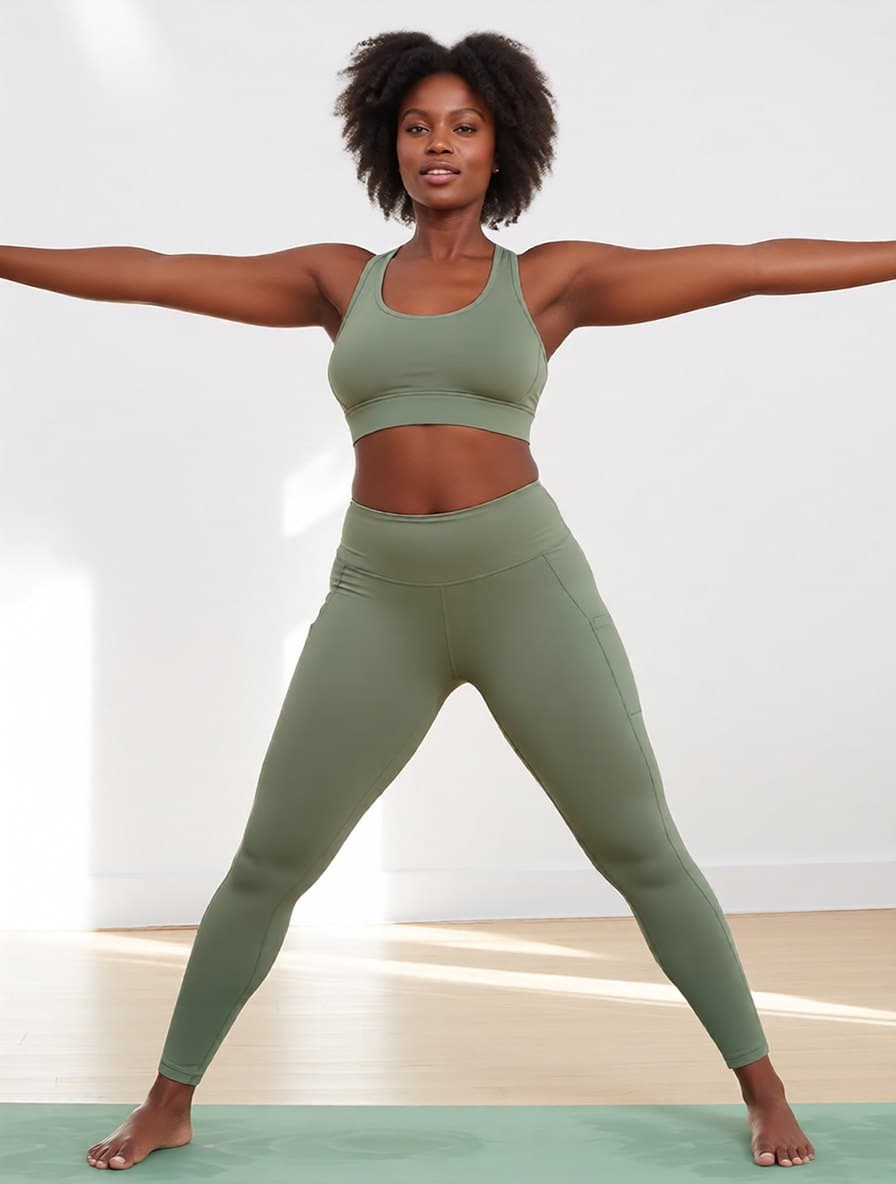
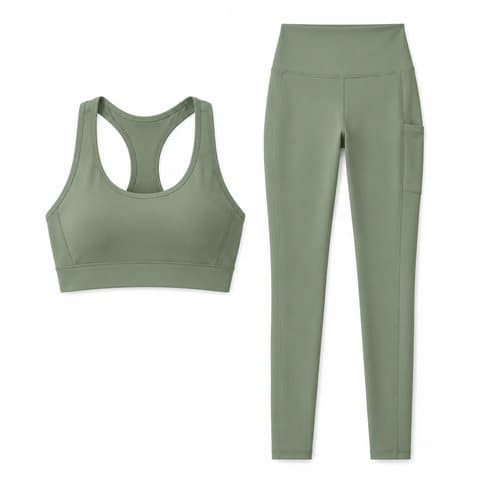
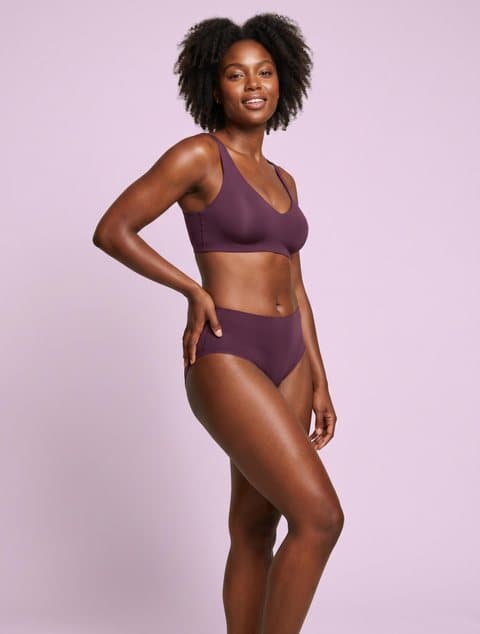
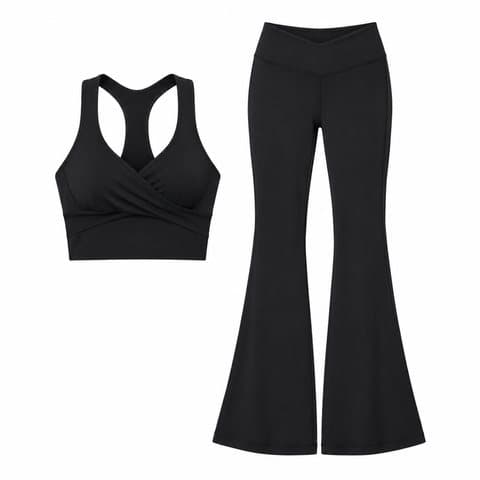
Racerback bra + pocket leggings
Warrior II preset · yoga studio · side phone pocket kept
AI Activewear Photography
Upload leggings, a sports bra or a matching yoga set, pick a model, and choose warrior II, downward dog, high lunge or a deep squat. The garment is re-rendered stretched to the pose, and you can move the shot to a yoga studio, a gym or outdoors in the same pass.
AI activewear product photography is a product-photo tool that puts activewear you already sell (leggings, sports bras, matching sets, unitards) onto an AI model in a yoga pose you choose, so sportswear sellers get on-model listing photos without booking a fitness shoot. Use it when you have a flat lay or packshot and need the garment shown on a body, mid-pose. Each image costs 10 credits and usually takes about half a minute.
Pose
Scene
Cost: 10 credits
Pick a person, upload a garment, generate in seconds.
Each result came from the two images beside it: a demo garment generated for this page, not a real brand's product, and a library model. Four of the six used the same model photo, and three of those switched pose with a preset, so the difference you see comes from the preset, not from another shoot.
Warrior II preset · yoga studio · side phone pocket kept
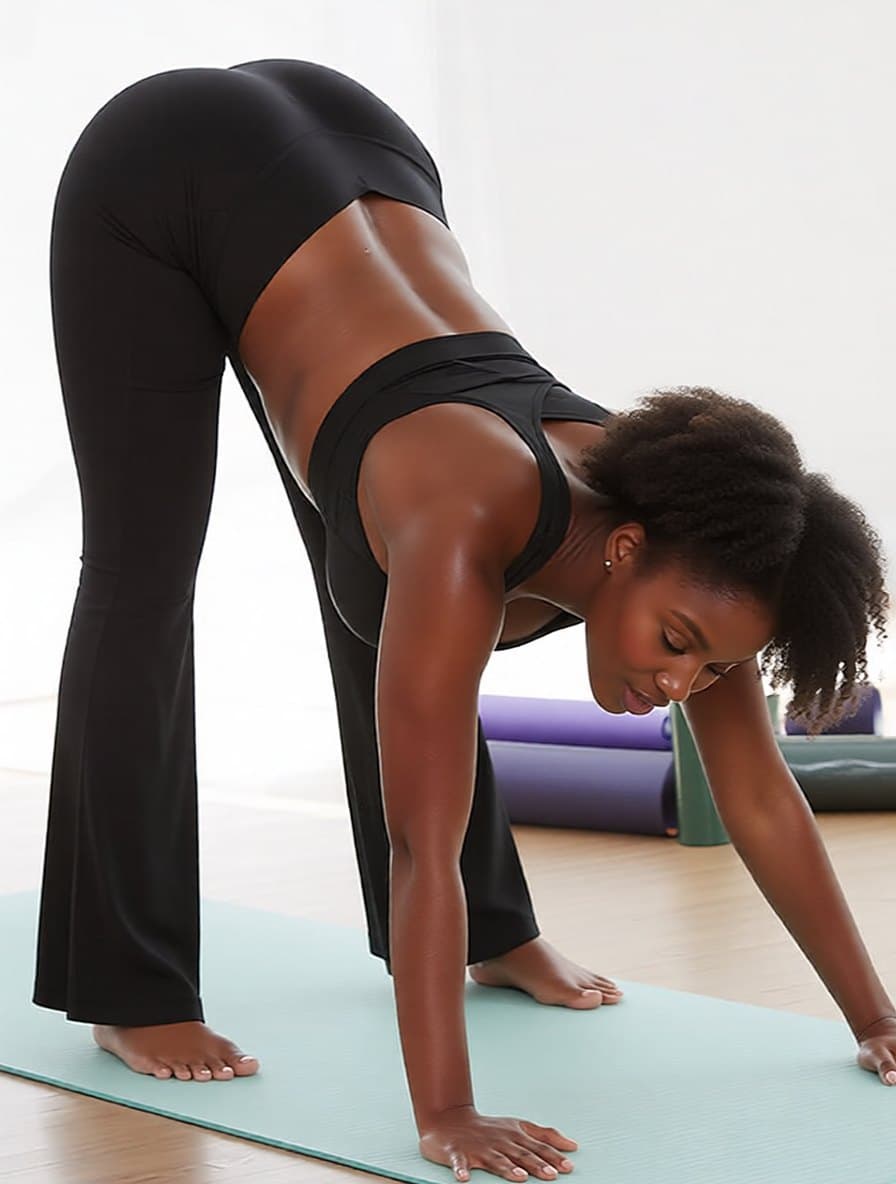
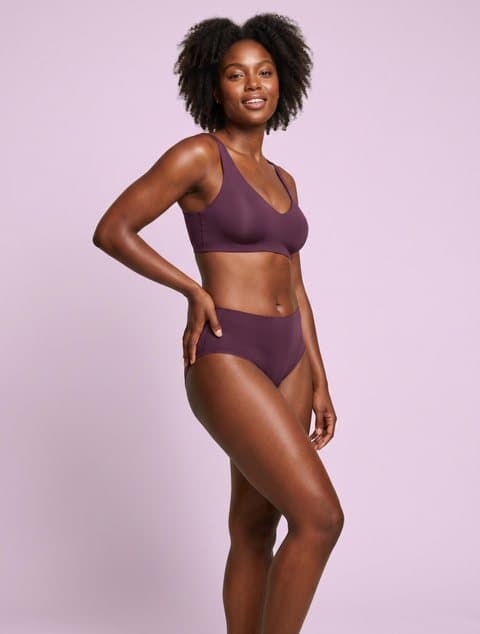
Downward-dog preset · flare visible down to the hem
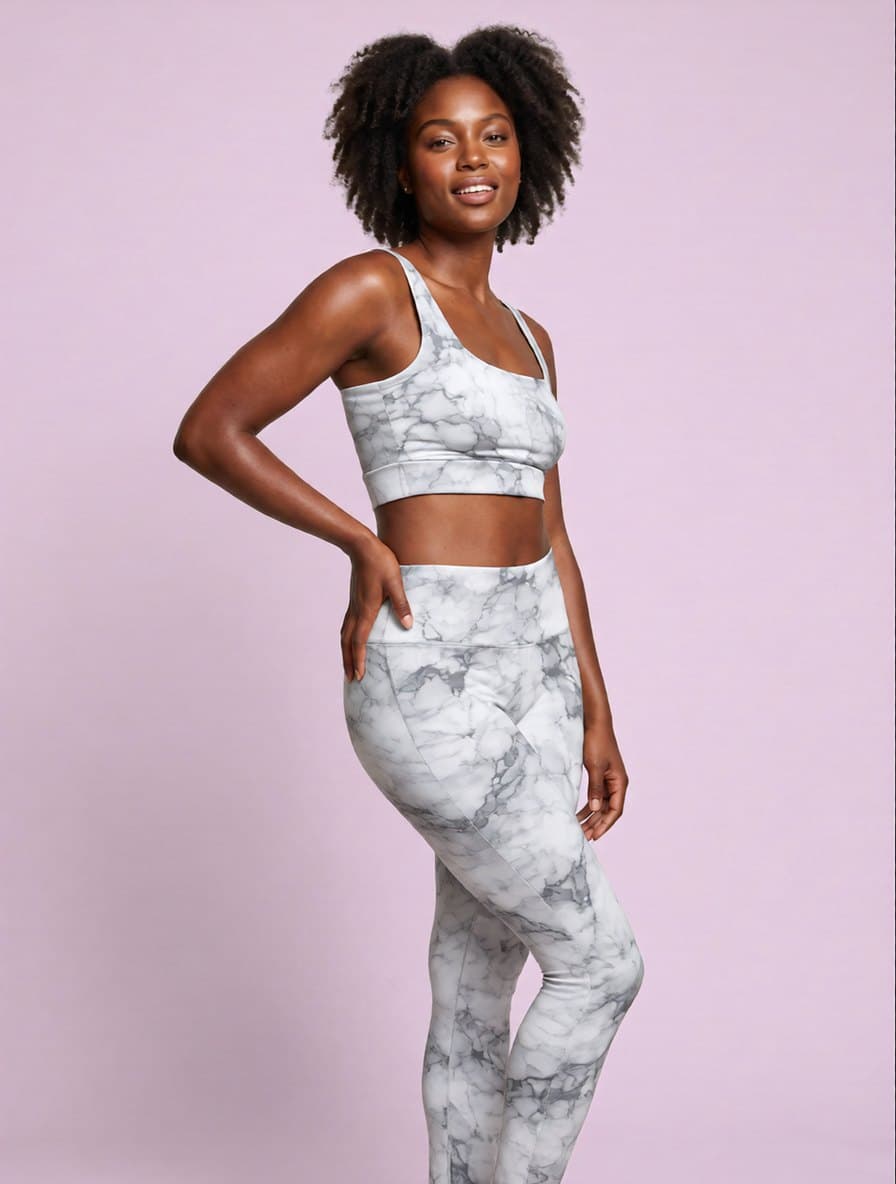
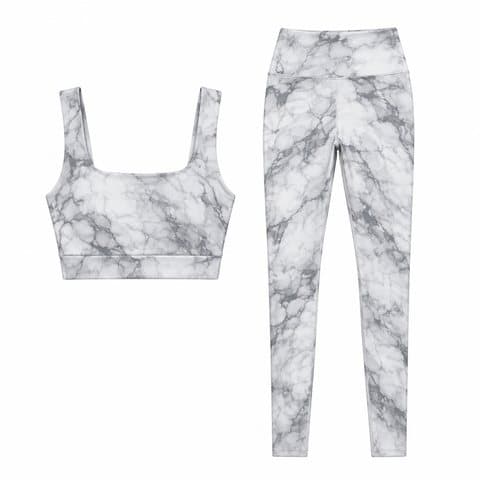
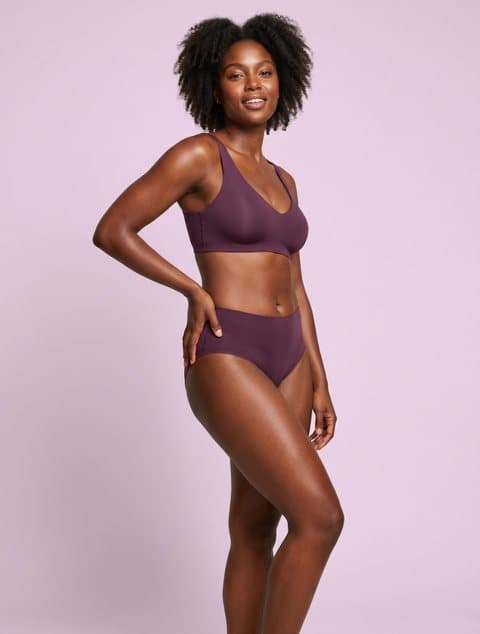
Original pose and backdrop · print on both pieces
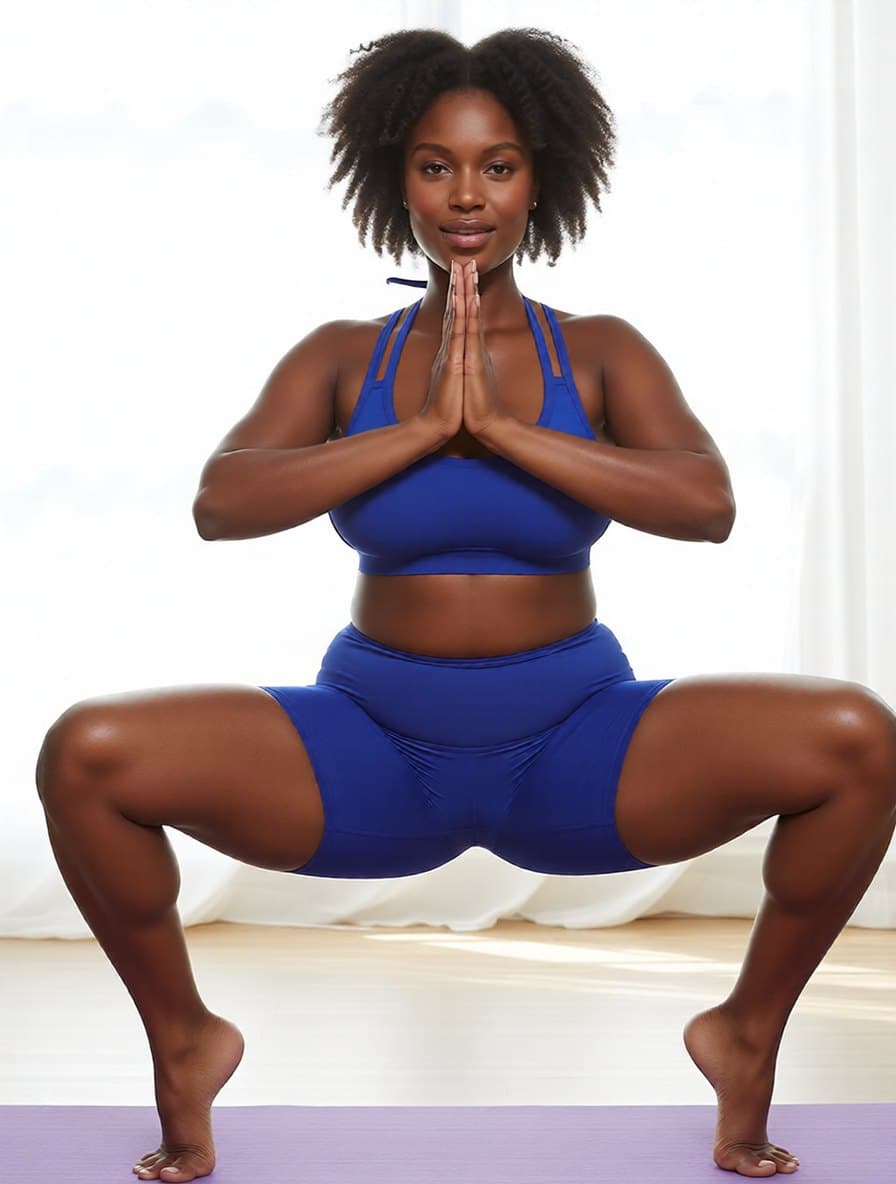
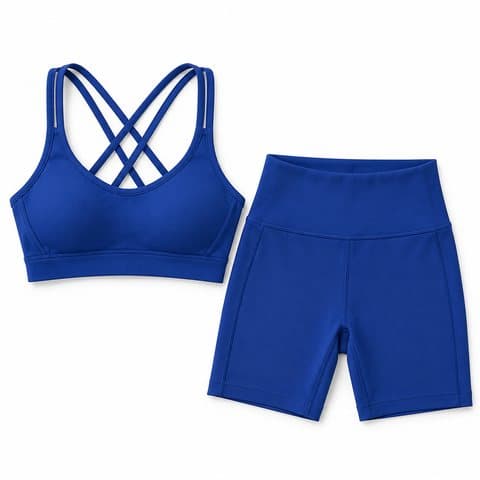
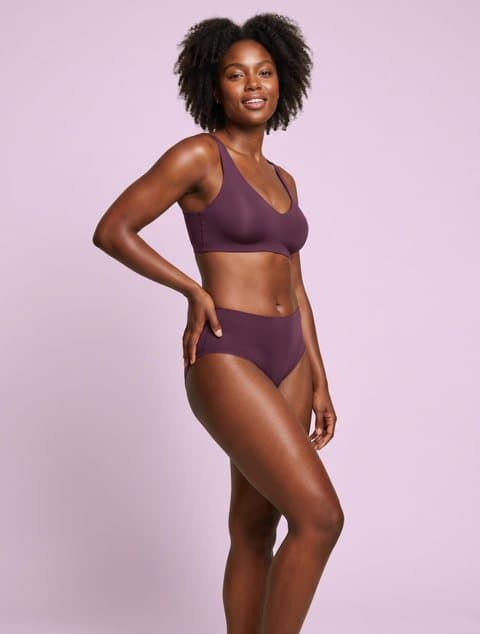
Deep-squat preset · shorts length held
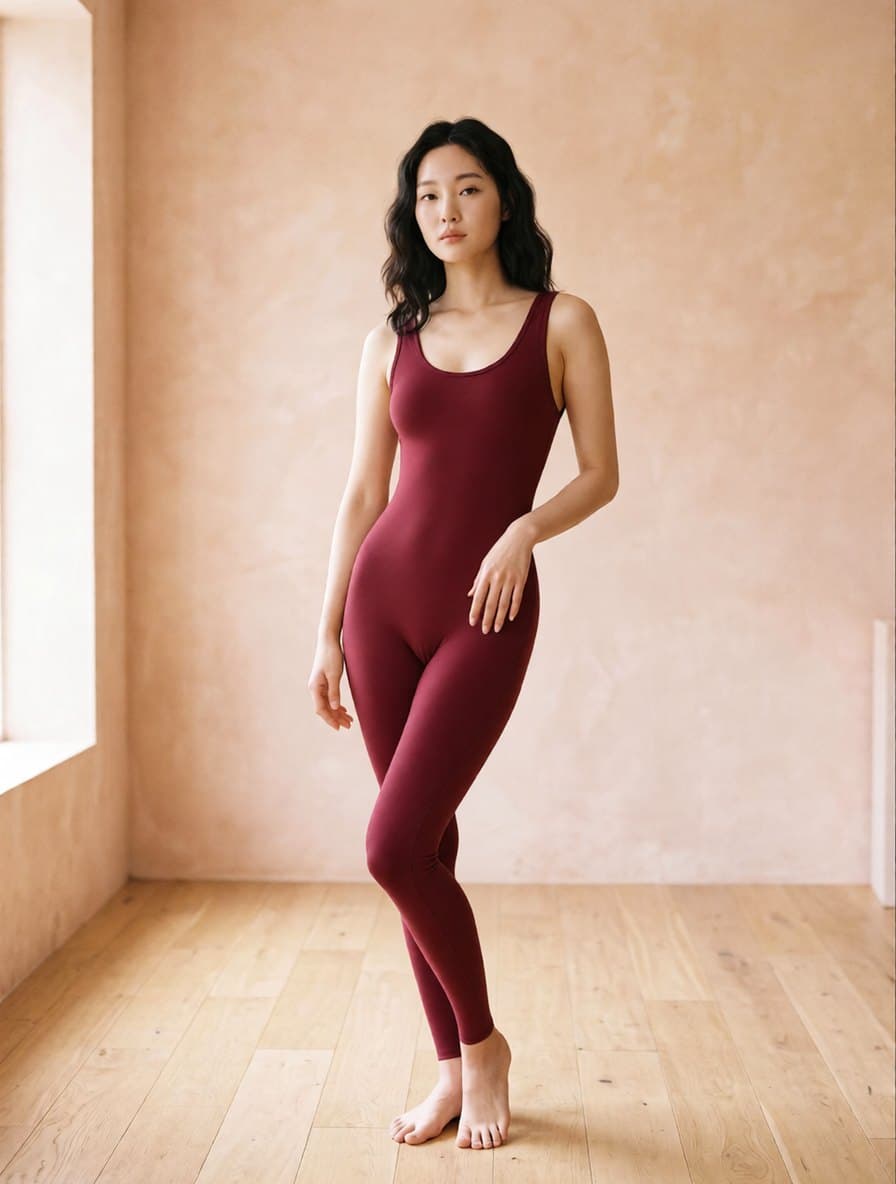
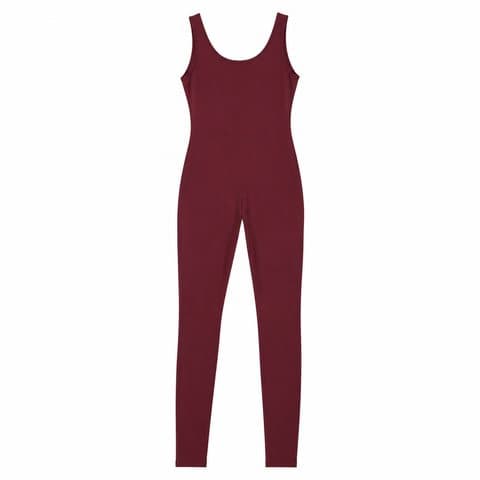
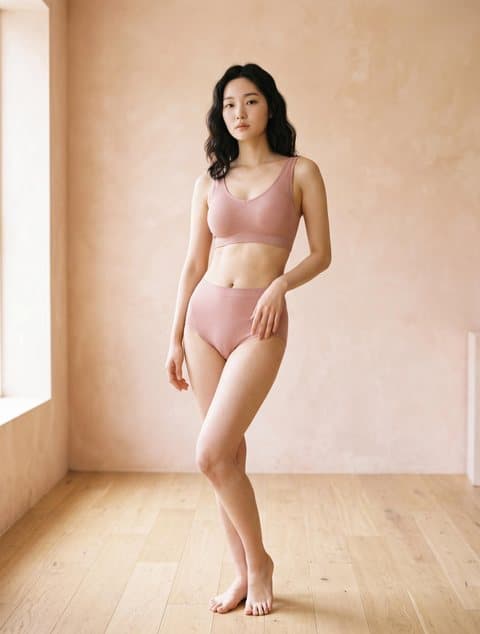
Asian model · original pose and room · stays one piece
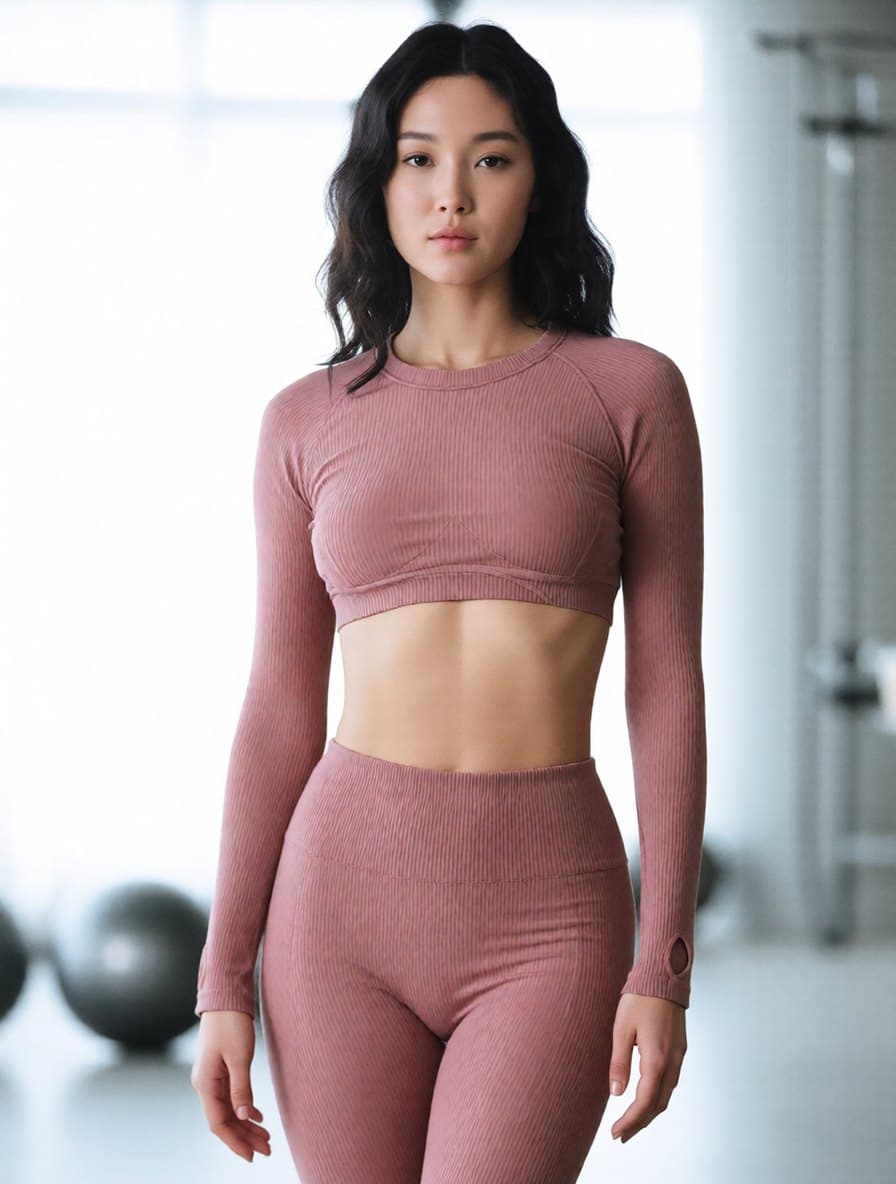
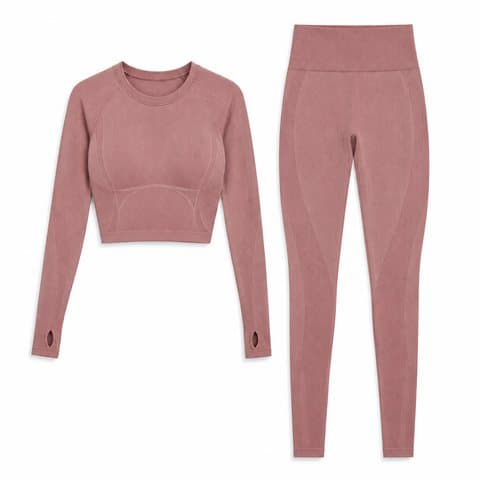
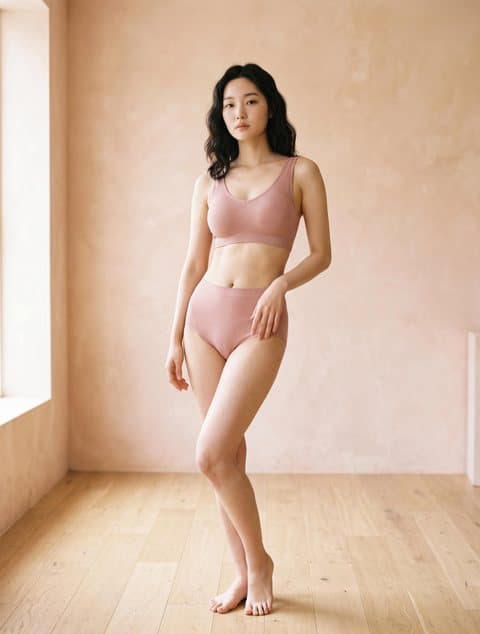
Original pose · gym scene · thumbholes and rib texture kept
Four steps, one generation. Pose and scene are chosen before you run it, not patched in afterwards.
A flat lay, mannequin shot or packshot of the real item. For a set, put the top and the bottom in one photo so the model wears both.
Library models are Asian, Black and white women in slim, standard and curvy builds. Or upload your own model photo, if that person has agreed to it.
Keep the photo's original pose, or switch to warrior II, downward-facing dog, high lunge or deep squat. Keep the original backdrop, or move to a bright yoga studio, a gym or outdoors.
Results usually take about half a minute. Library models come back at 1792×2400; your own model photo keeps its size. The link is permanent.
No separate pose-change step and background step. The leggings, bra or unitard is re-rendered stretching with the new pose, not pasted onto it.
Warrior II, downward dog, high lunge and deep squat reproduced the test garments across poses. Balance poses did not: a tree pose came out as a wide squat, so it is not offered.
About $0.20 each. New accounts get 30 free credits, enough for three images.
AI activewear product photography renders activewear you already own onto an AI model and, if you choose, moves that model into a yoga pose and a new scene in the same step. It is not a text-to-image generator: the cut, colour, print and seams come from your product photo, and what changes is the body wearing it, the pose and the backdrop. That matters more for activewear than for most apparel, because a flat lay of leggings shows the colour but not the fit. One 2026 guide to sportswear product photography advises against using a flat lay as the main image for performance wear for exactly that reason: it does not show fit, compression or construction.
Upload the bra and the leggings or shorts in one photo. Both pieces are worn and stay matched in colour and print.
Downward dog shows a flare leg from waist to hem; a deep squat shows the length and rise of bike shorts. Or keep the model's original pose.
Keep the model photo's backdrop, or move to a bright yoga studio, a gym or outdoors. For any other setting, use background replacement afterwards.
One 2026 industry guide puts a traditional activewear shoot at $2,000 to $12,000+ per session internationally. Here an image is 10 credits, about $0.20.
The same guide estimates 7 to 21 days from shoot to published images. A result here usually takes about half a minute, and you can re-run it when a SKU changes.
Four of the cases above started from the same model photo. Changing the pose preset is a re-run, not a reshoot.
The samples are in but nobody has worn them on camera. Turn the flat lay or packshot into the leggings product photos the listing gallery needs.
Run one set on slim, standard and curvy models to show how it fits different bodies, without booking three people.
Upload the new colour and reuse the same model and pose, so the gallery stays consistent across colours.
Women's leggings, sports bras, flare pants, bike shorts, sets and unitards, listed on a marketplace or your own store, that need yoga wear model photos for every style.
Catalogues where each style ships in several colours and sizes, and a shoot for every one of them does not pay for itself.
Activewear sells heavily through creator videos, but the listing page still needs product images. This makes those images, not the video.
Marketplace main images usually need a pure white background, and Douyin and Kuaishou reportedly do not allow sports bras to be promoted worn by a person. Use a white-background packshot for those slots and keep the pose shots for the rest.
The scene presets cover a yoga studio, a gym and outdoors. For anything else, such as a pilates room, a rooftop or a running track, background replacement swaps the setting and keeps the pose.
Selling swimsuits and bikinis too? Swimwear has its own page, with the same workflow set up for swimwear.
For bras, briefs and lingerie sets rather than gym wear. It keeps the model's pose and frames the shot by category.
Library-model results already come back at 1792×2400. If you used your own, smaller model photo, the output keeps that size; upscale it before it becomes the zoom image.
It is a way to get on-model photos of activewear from a product photo instead of a shoot. You upload leggings, a sports bra, a set or a unitard, pick an AI model, and choose a yoga pose and a scene; the garment is rendered worn in that pose. It is not a text-to-image generator, so it cannot show a product you have no photo of. The 30 free credits on signup cover three test images.
Four, plus keeping the original pose: warrior II, downward-facing dog, high lunge and deep squat. Those reproduced the test garments correctly across poses; flare legs, for example, showed most clearly in downward dog. Balance poses were unreliable (a tree pose came out as a wide squat), so they are not offered. Results follow the preset rather than textbook form: the warrior II case on this page reads as a wide, straight-legged stance. Check the pose before you list it.
No. An AI image renders whatever opacity the model is told to render, so it cannot show that a fabric stays opaque under tension. Use the deep-squat result to show fit, rise and length, and back any squat-proof or non-see-through claim with a real squat test on a physical sample. One 2026 activewear photography guide recommends a squat shot for leggings precisely to show opacity, which is why a generated squat should not stand in for that test.
No, upload them together in one photo. Lay the sports bra and the leggings or shorts side by side in a single flat lay or packshot; the model is dressed in both, matched in colour and print. In testing, a racerback bra with pocket leggings, a flare-pants set, a marble print set, a bike-shorts set and a one-piece unitard were all reproduced correctly.
No. The model library has female models only, and men's activewear such as gym shorts, compression tights and training tees is not supported.
Close, but not pixel-exact. Colour and all-over prints carry over (the marble print set on this page kept its veining on both pieces), but small logos, waistband wordmarks and licensed prints can drift. If a mark has to match exactly for trademark or licensing reasons, use a real photo for that image.
Check the platform's rules for that slot first. According to third-party summaries, Douyin and Kuaishou promotion rules treat sports bras like lingerie: shown on a mannequin or held in the hand, not worn by a person, although a gym or dance-studio setting is allowed; leggings are not covered by that rule. For those slots, use a white-background or mannequin image instead. TikTok Shop's content policy treats a sharply defined nipple outline as implied nudity, so inspect sports-bra results for that before listing. The summaries may be out of date; the platform's current text wins.
10 credits per image, about $0.20, and results usually take about half a minute. New accounts get 30 free credits, so the first three images cost nothing. With a library model the output is 1792×2400; with your own model photo it keeps that photo's size. Results are stored permanently. You retain full commercial rights to anything you generate on a paid plan; free credits are limited to evaluation use.
Regular try-on keeps the model's pose and frames by category, such as a bust crop for a bra. Activewear mode adds pose and scene presets in the same pass, because leggings and sports bras are judged by how they look stretched, which a standing pose does not show. If you sell bras, briefs and lingerie sets rather than gym wear, the regular try-on page is the better fit.
Yes, if the person in it has agreed to it. The garment is rendered onto the person in your photo and the output keeps the photo's size. Do not upload photos of people who have not agreed, such as a creator's post, another shop's model or a stranger.