
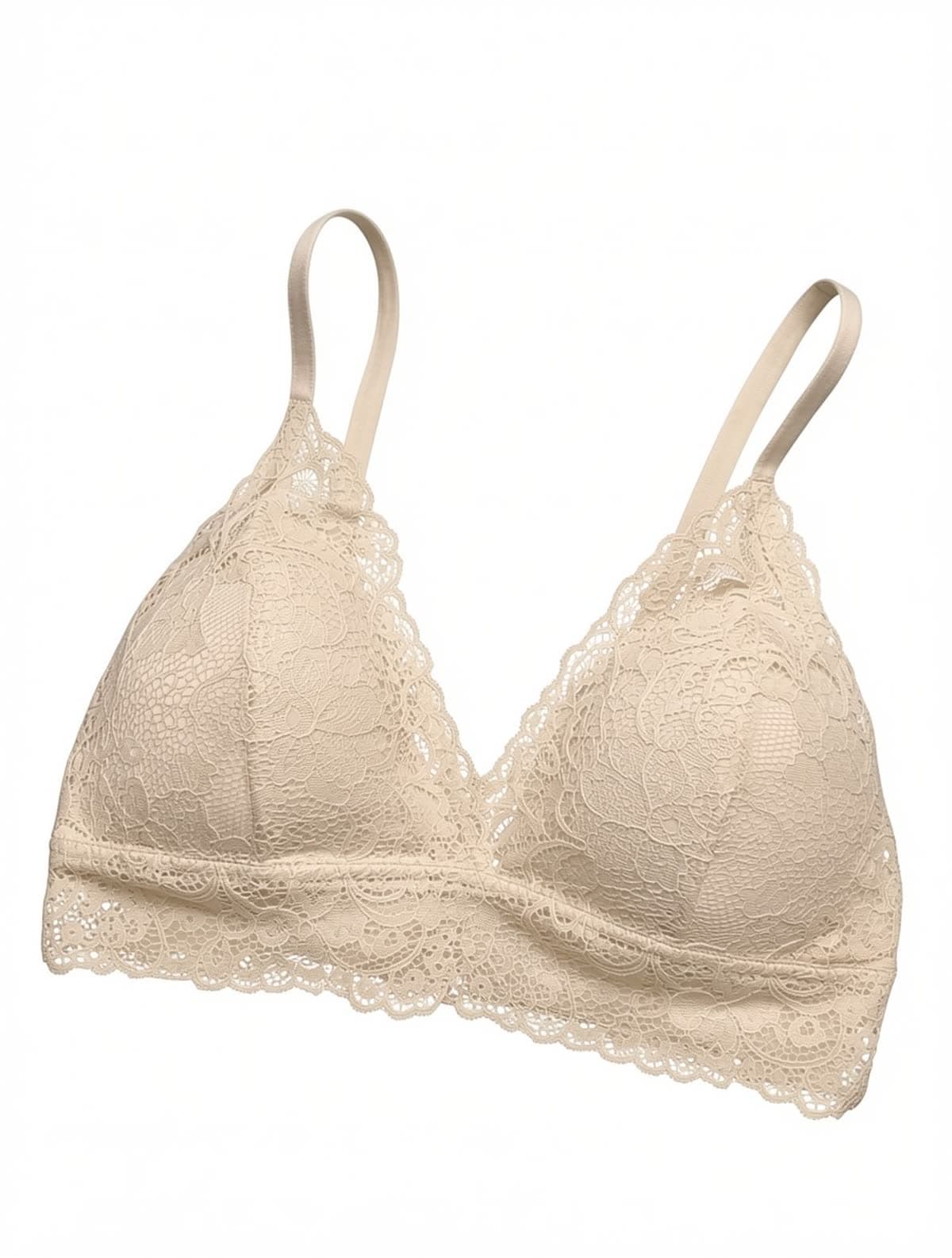
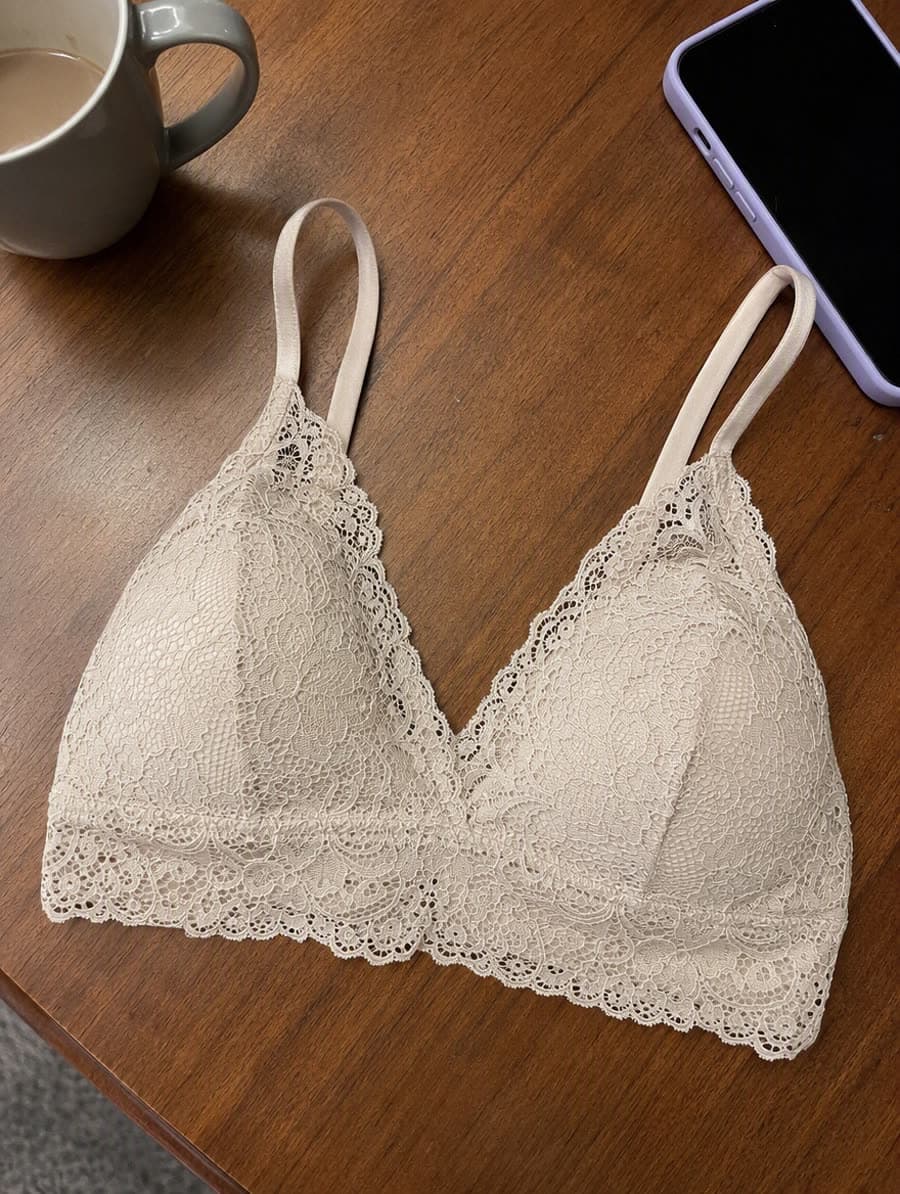
Phone snap on a café table
Wood grain, cup and phone dropped
AI White Background
Drop any product shot into the white background generator and get a marketplace-ready cutout on a true #ffffff background. Hair, lace, mesh, fur — it handles the edges you would normally pay an editor to fix by hand.
A white background generator is a cutout tool that removes whatever is behind your product and replaces it with pure #ffffff, so marketplace sellers can meet main-image rules. Use it when a listing is rejected for background. Each cutout costs 10 credits and outputs at 1K or 2K.
Optional: extra instructions
Aspect ratio
Resolution
Cost: 10 credits
Your result will appear here.
Each result came out of this tool from the single photo beside it — a phone snap, a shop rack, a bedsheet, a papered wall, a flash-lit carpet, a chair under a yellow lamp. No masking, no clean-up pass afterwards.
Wood grain, cup and phone dropped
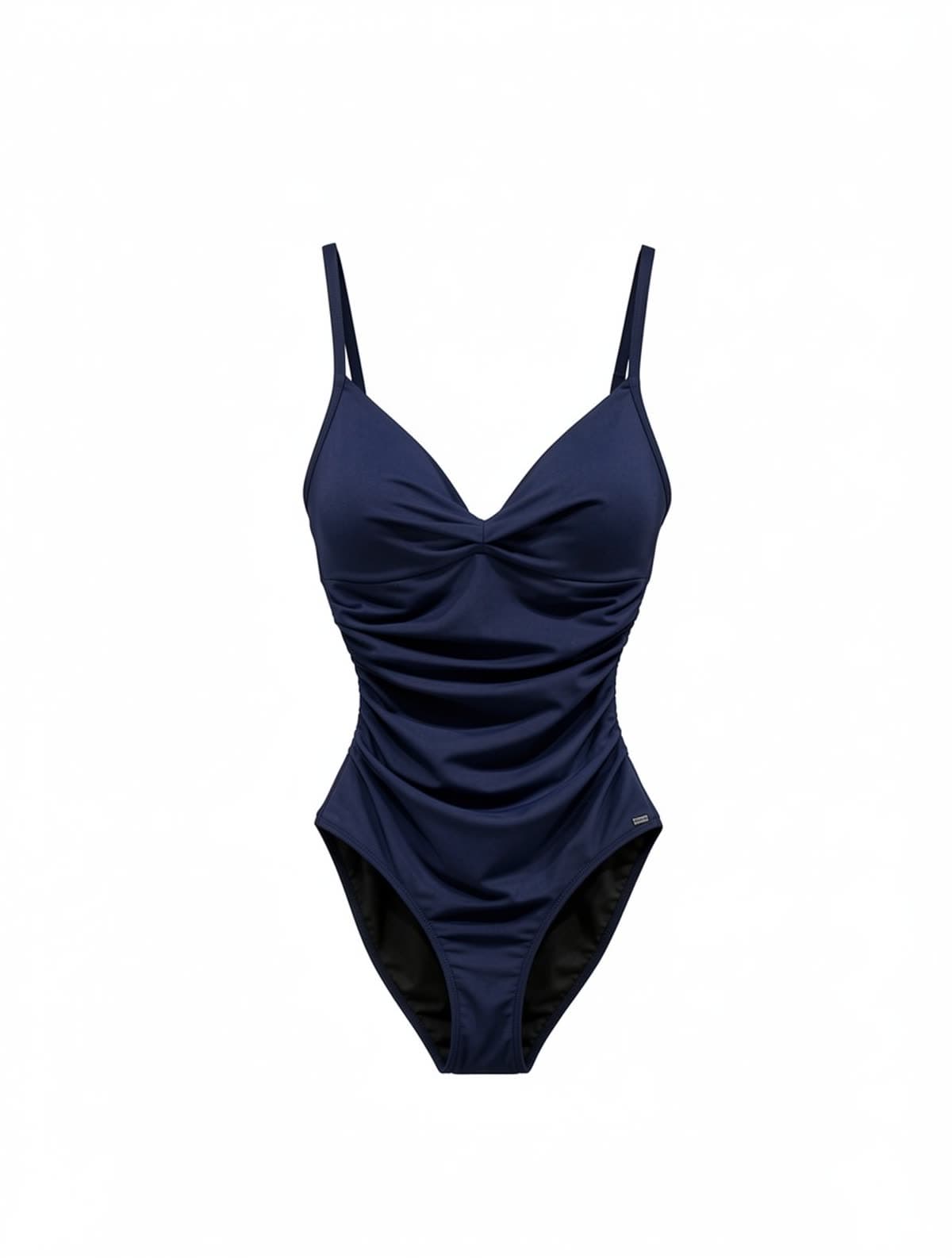
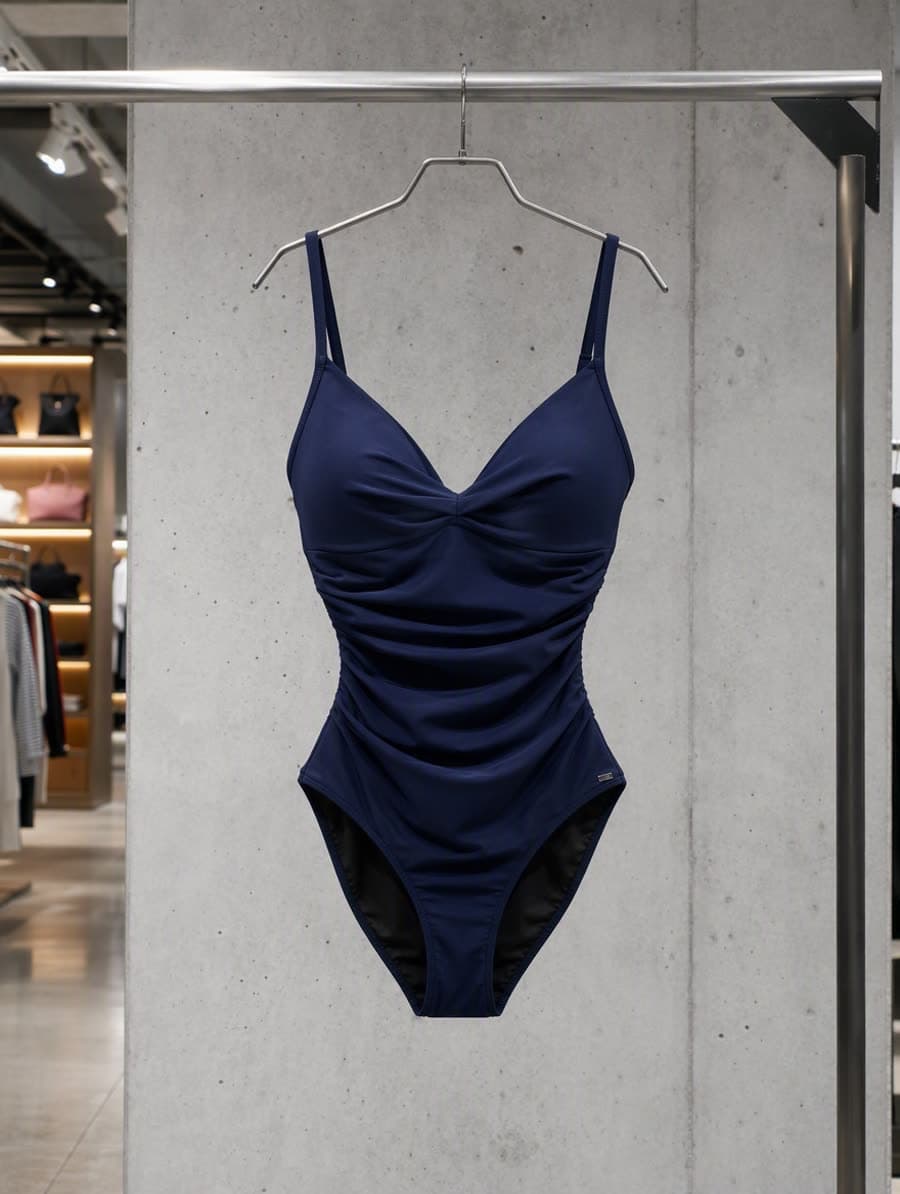
Rack, hanger and concrete wall gone
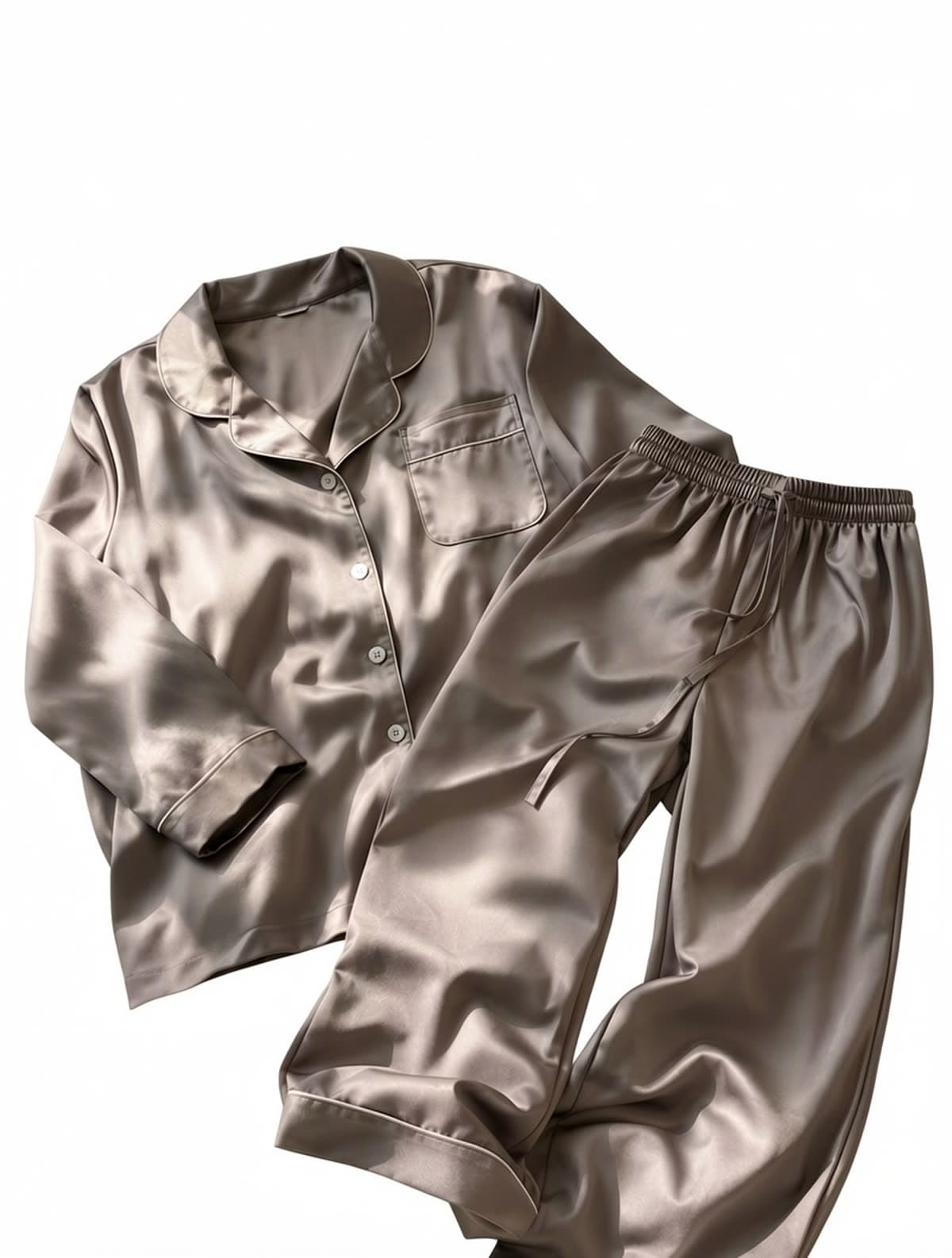
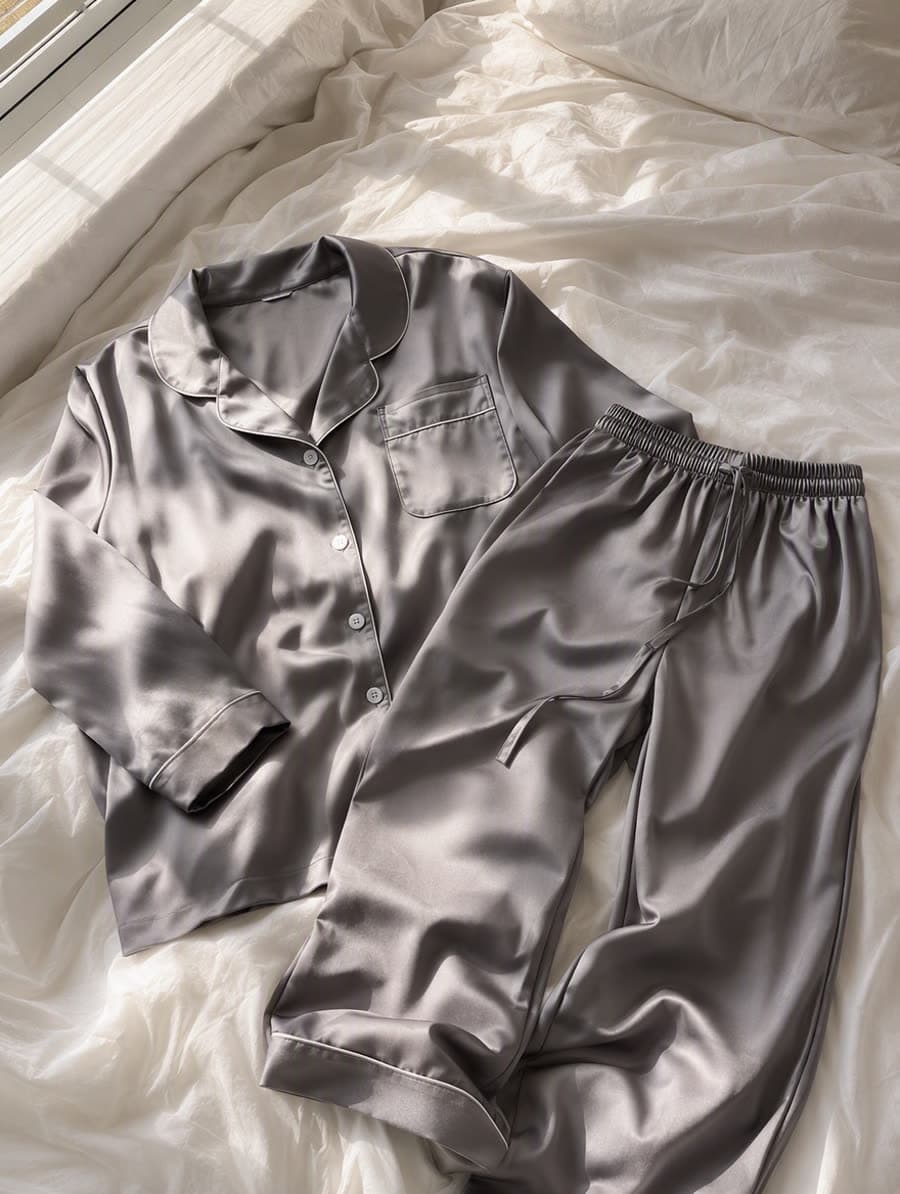
Satin sheen kept, bedding shadows gone
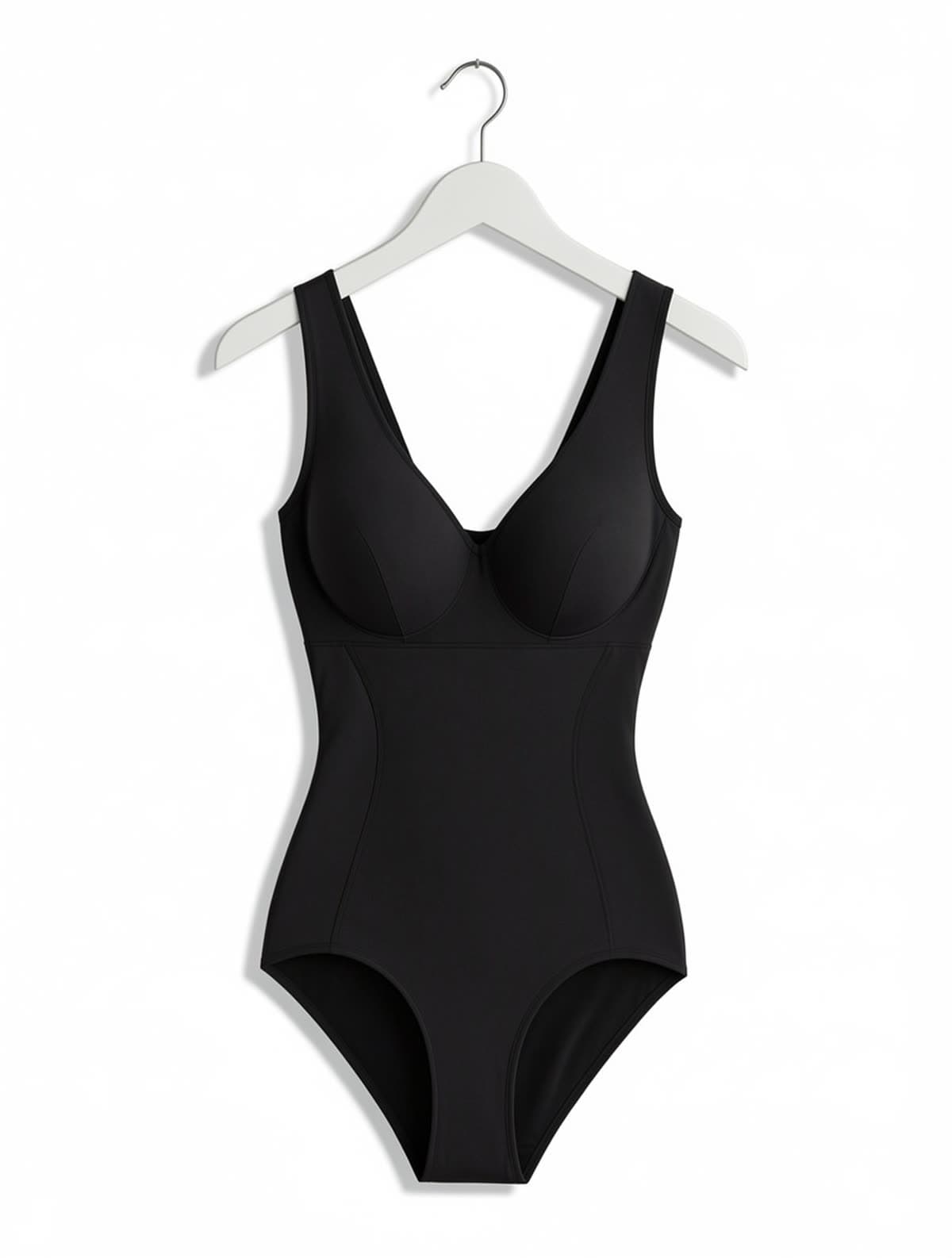
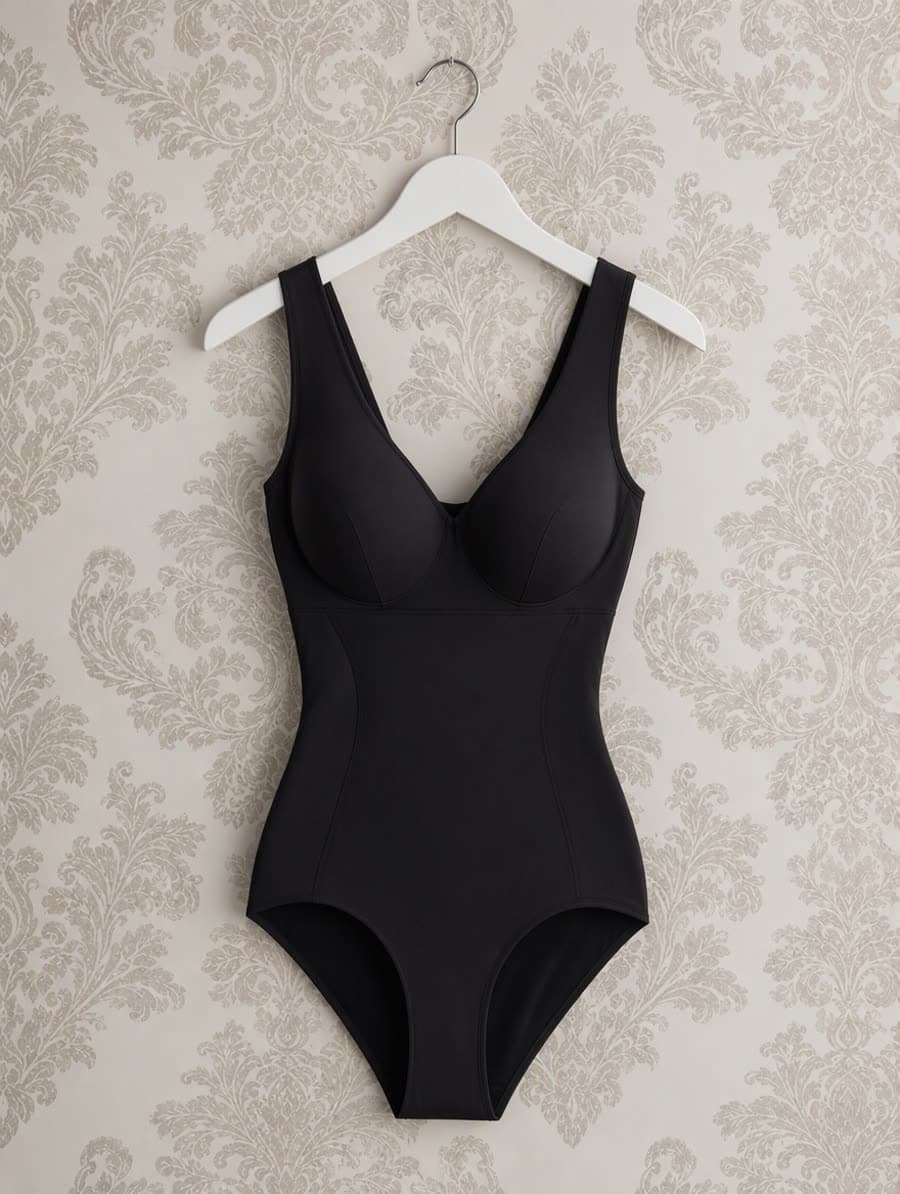
Hanger kept, wallpaper removed
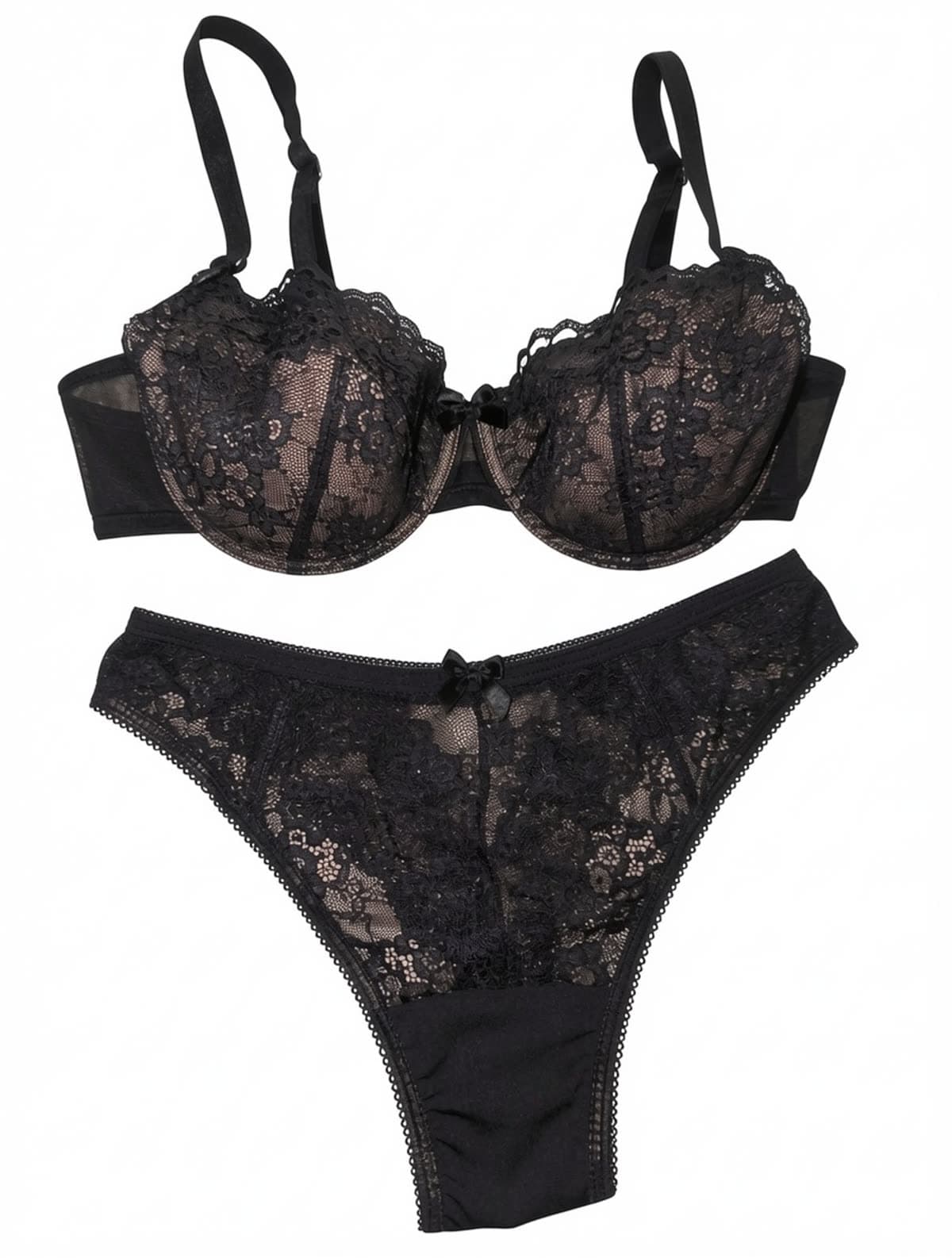
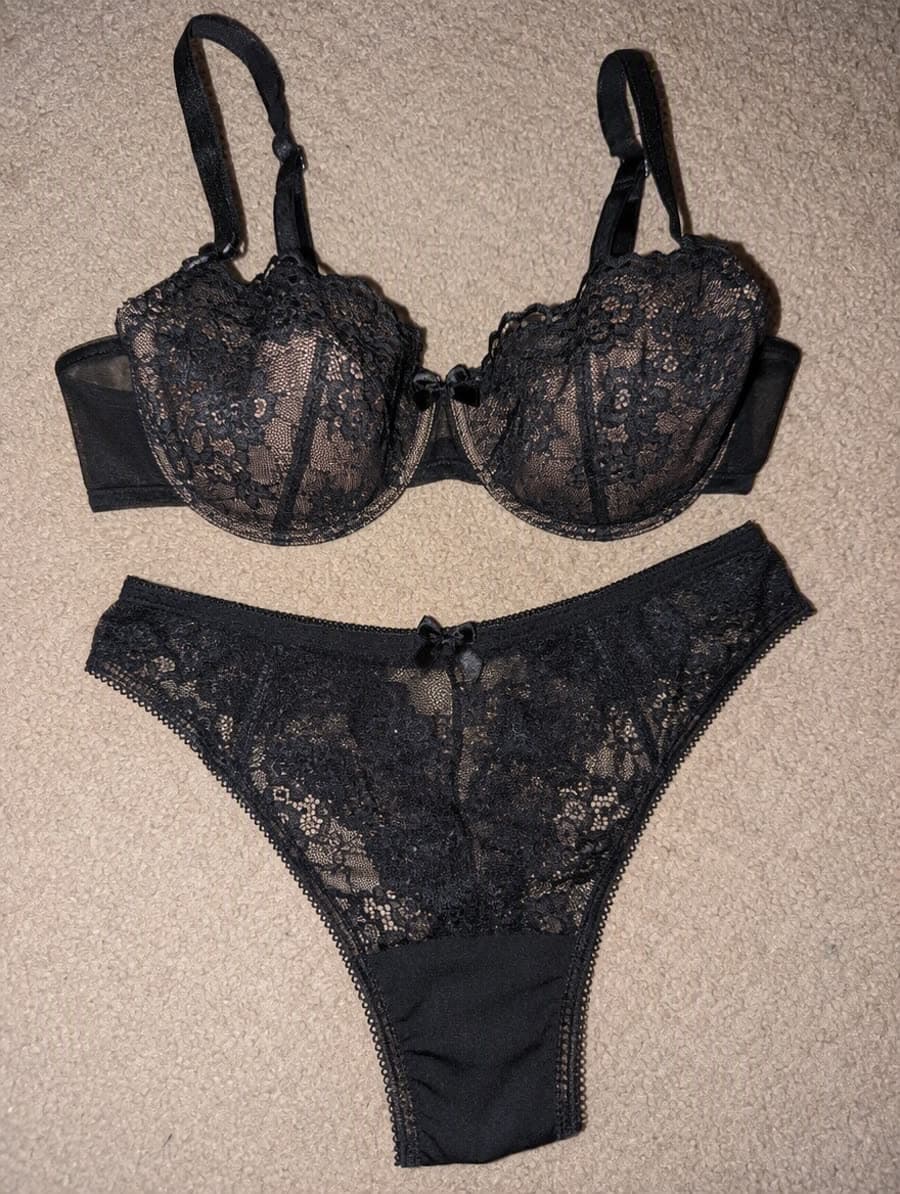
Flash hotspot and carpet pile gone
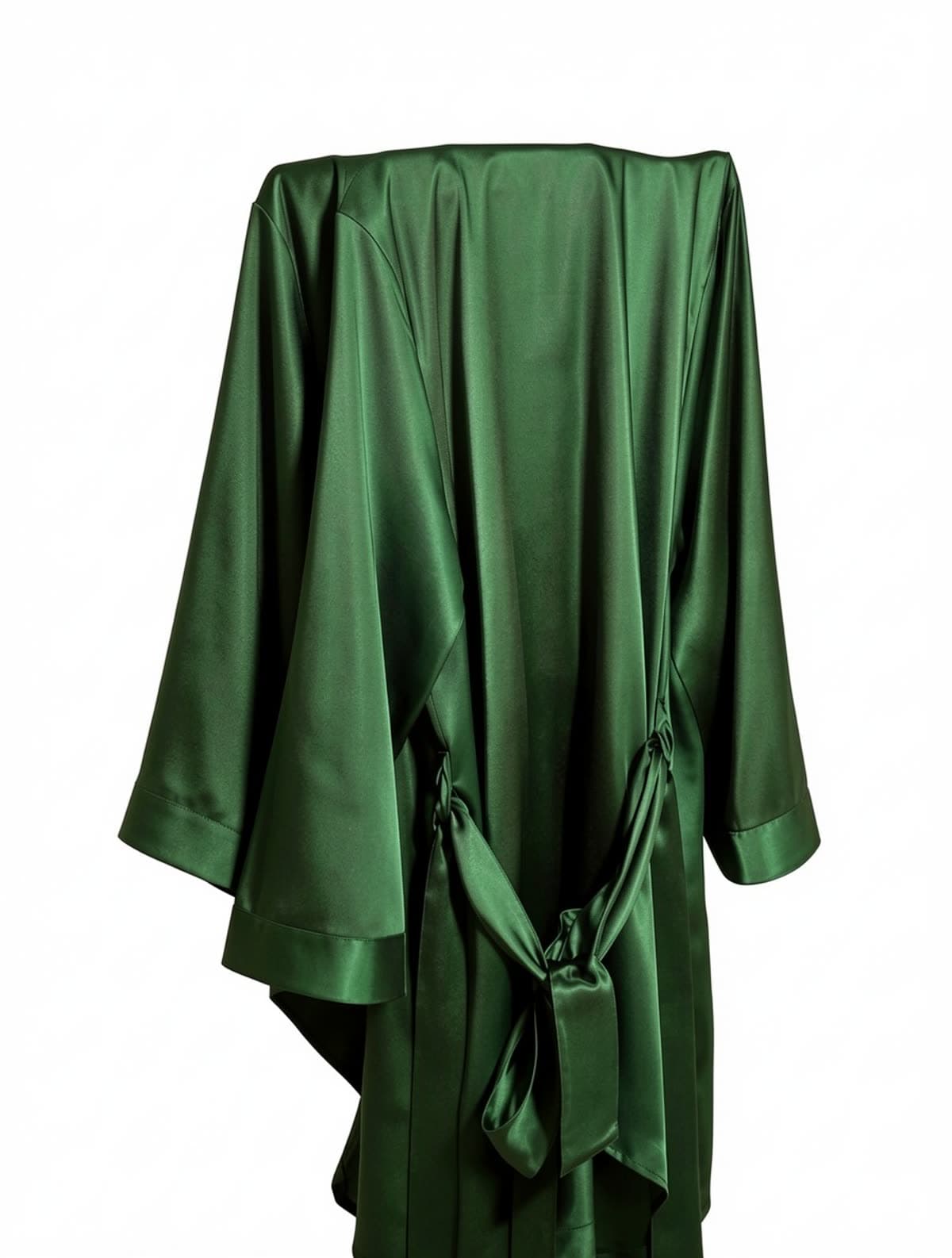
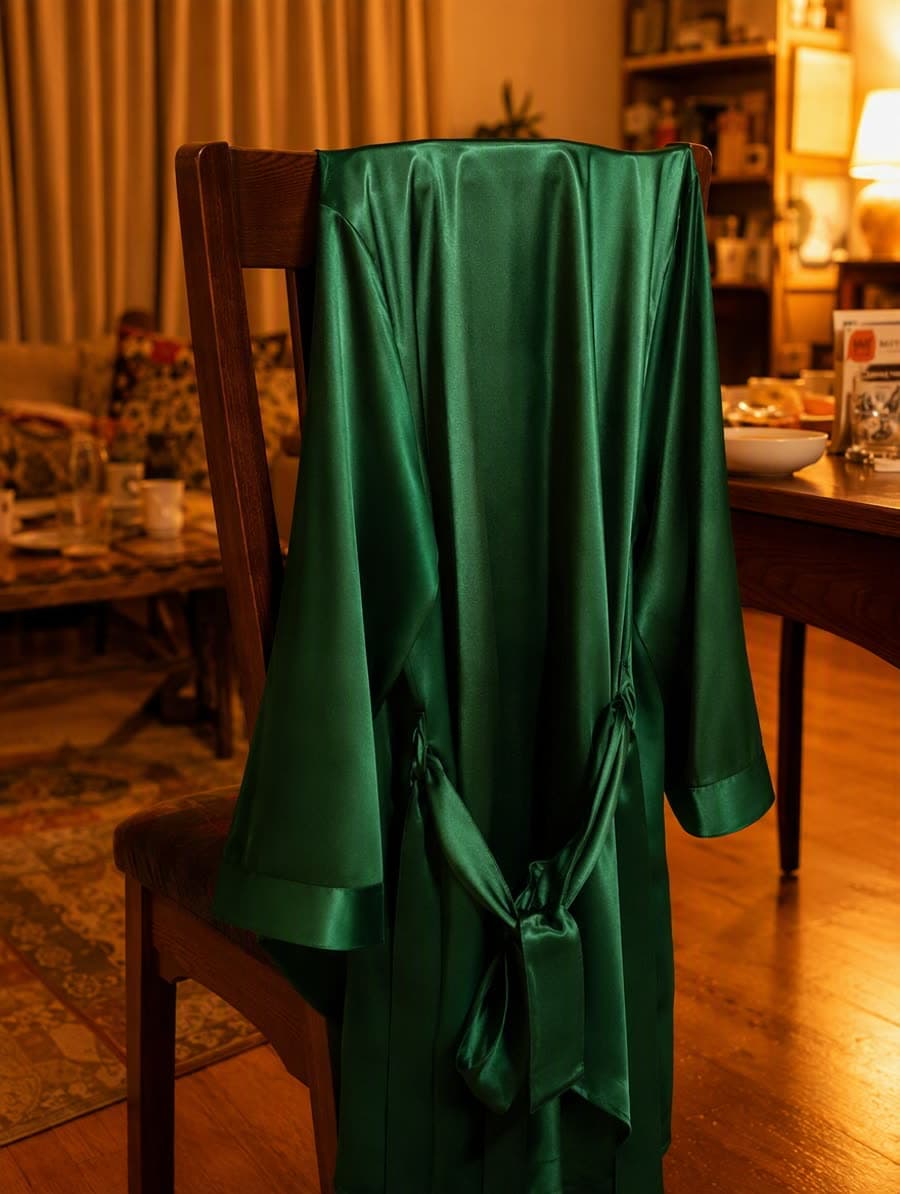
Orange cast corrected, green true again
Three steps. No Photoshop, no clipping path.
Phone photo, lifestyle shot, or even an existing on-model image. The cutout works on busy backgrounds.
Presets for Amazon (1:1, 2K), Shopify, eBay, Tmall and more. Or set a custom ratio.
Pure #ffffff background or transparent — your choice. No cast shadow is carried over or added.
Amazon rejects off-white backgrounds. Our output is the literal pure-white hex value, every pixel verified.
Trained on lingerie, jewelry, and fine apparel. Wisps of hair, lace edges and translucent mesh stay intact.
The cast shadow from your original shot is removed along with the background, and no new one is added. What is left is the garment's own shading — so pale lace and satin read as their real colour instead of turning dingy.
A white background generator is a cutout tool: it removes whatever is behind your product and replaces it with pure #ffffff, leaving the product itself untouched. It is not a photo editor and not a retoucher — it does not restyle, recolour or reshape the item. Marketplaces require a plain white main image, and this produces one from the photo you already have, edges and natural shadow intact.
Studio shots, phone photos, on-model images, flat-lays. The cutout follows the real edge, including straps, lace trim and thin fabric.
Removing the shadow is not the same as flattening the product. The light and shade across the fabric itself are kept, so a satin set still reads as satin and a moulded cup still reads as moulded — it just no longer casts anything onto the white.
Run every angle of an SKU through the same pass so the gallery is consistent — no mixed backgrounds between shots taken on different days.
Manual cutouts run $1–3 an image and come back in a day or two. This is 10 credits — from $0.020 each — and returns in seconds.
Background is one of the most common reasons a main image is rejected. Fixing it no longer means re-shooting or waiting on an editor.
Shots taken against a wall, a table or a hanger rack can be brought up to marketplace standard without going back to the studio.
Amazon and eBay require a pure white main image. If a listing bounced on background, this is the shortest path back.
Supplier shots, your own phone photos and studio images rarely share a backdrop. One pass makes the gallery look like one shoot.
A clean cutout on white is also the starting point for a lifestyle composite, a size chart or an ad creative.
Anyone whose main image has to satisfy Amazon, eBay, Walmart, Tmall or JD background rules.
You did not shoot the product and cannot re-shoot it. The supplier photo is all you have.
Phone photos against a wall become listing-grade without buying a lightbox or booking a shoot.
A white cutout answers “what is it”. It does not answer “how does it fit” — that second question is what on-model shots are for.
Once the main image is compliant, the secondary slots are free. A lifestyle scene belongs there, not in slot one.
Amazon only turns on zoom at 1600 px. If your cutout came out of a small phone snap, enlarge it before you list.
Yes. The output is exactly #ffffff, the product fills 85%+ of the frame at 1:1, and there are no watermarks or borders — Amazon main image policy compliant out of the box.
Yes. Glass, jewelry, mesh and chiffon are explicitly tested. For transparent products we recommend exporting as PNG with alpha.
Currently one image at a time in the studio. Batch and API access are on the roadmap — drop us a line if you need it sooner.
1K and 2K presets. 2K is plenty for Amazon main images and Shopify hero shots; 4K is on the roadmap for print and zoom.
Almost always because it was off-white rather than pure white. A photo shot on a white sweep picks up grey and colour casts from the room, and #fdfdfd reads as white to your eye but fails an automated main-image check. A white background generator does not brighten the existing backdrop — it replaces it with the literal #ffffff value, which is what the checker is actually looking for.
Both, in different slots. Most marketplaces require a pure white background on the main image and allow anything in the secondary slots. So the cutout is not a style choice, it is a compliance requirement for slot one; the lifestyle scene belongs in slots two onward, where it can show the product in use.
When the product edge is genuinely unreadable in your source — motion blur, deep shadow swallowing the outline, or a garment photographed against a background of nearly its own colour. There is nothing clean to lift out, and the cutout will eat detail rather than preserve it. Re-shoot that one SKU against a contrasting surface instead; every other file will cut out fine.