AI Lingerie Try-On

AI lingerie try-on. No model. No studio. No shoot.

Try lingerie on an AI model in seconds. Drop a bra, panties, set or swimsuit flat-lay — pick a model — get an Amazon-ready, Shopify-ready, Etsy-ready PNG. Built for lingerie, sleepwear and swimwear sellers.

Z-Image AI is an AI lingerie try-on tool that puts real garments onto chosen models, so lingerie, sleepwear and swimwear sellers get catalog images without booking a photographer, a studio or a model. One image costs 10 credits and takes about ten seconds, and new accounts start with 30 free — three images to try before you pay. It is not a text-to-image generator — it needs a photo of the actual garment.

Stop paying $300 a shot for lingerie photography.

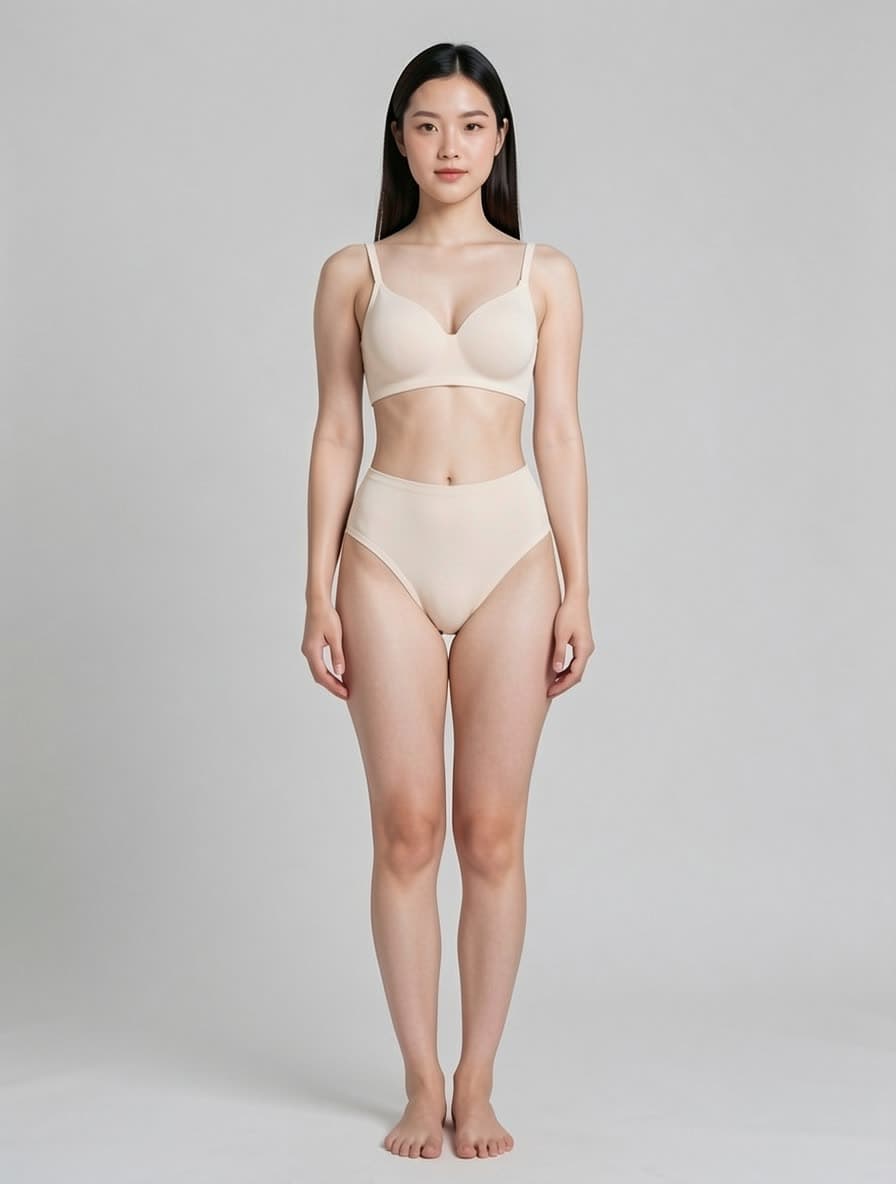
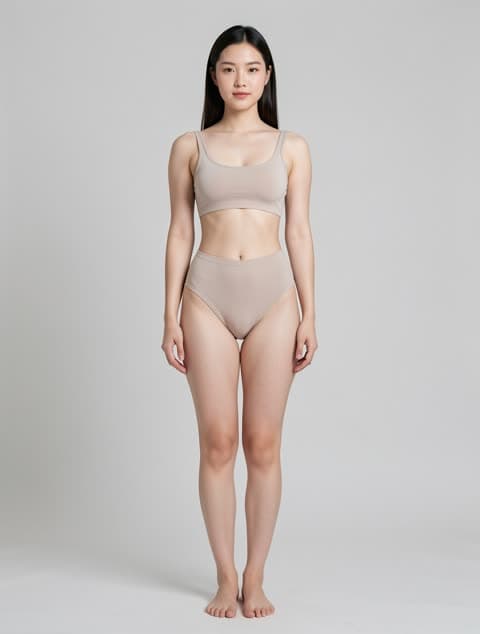
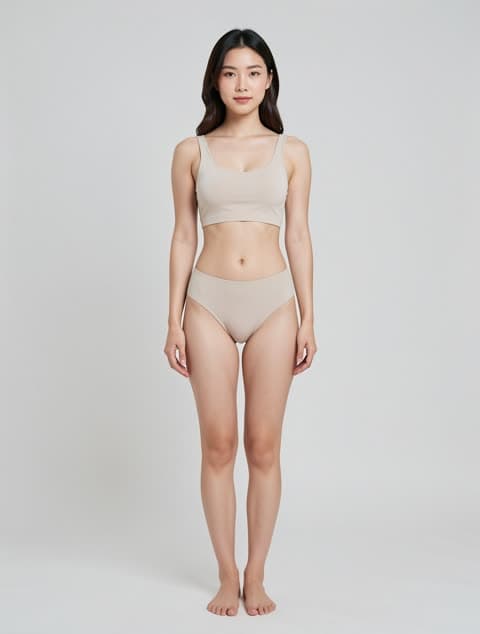
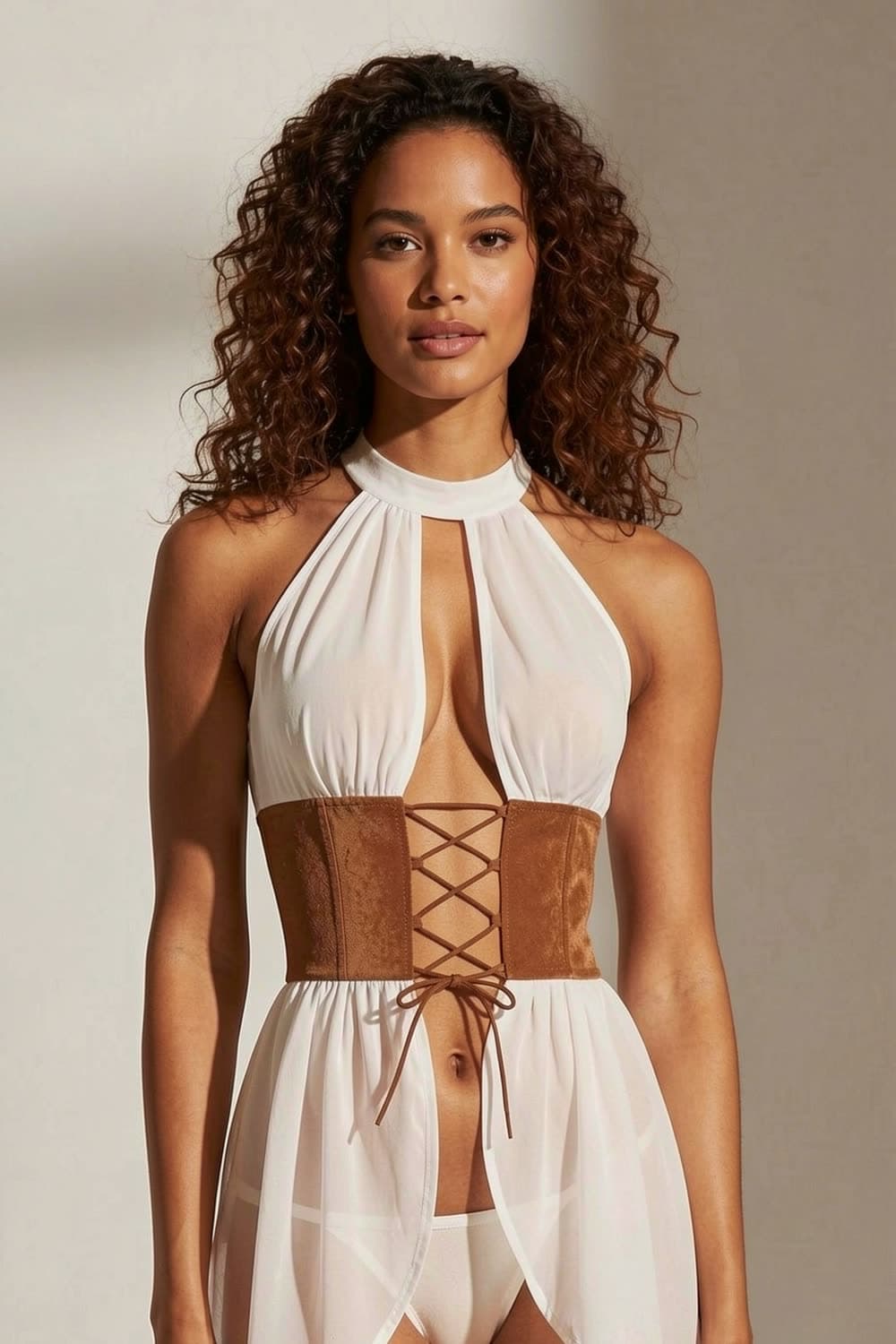
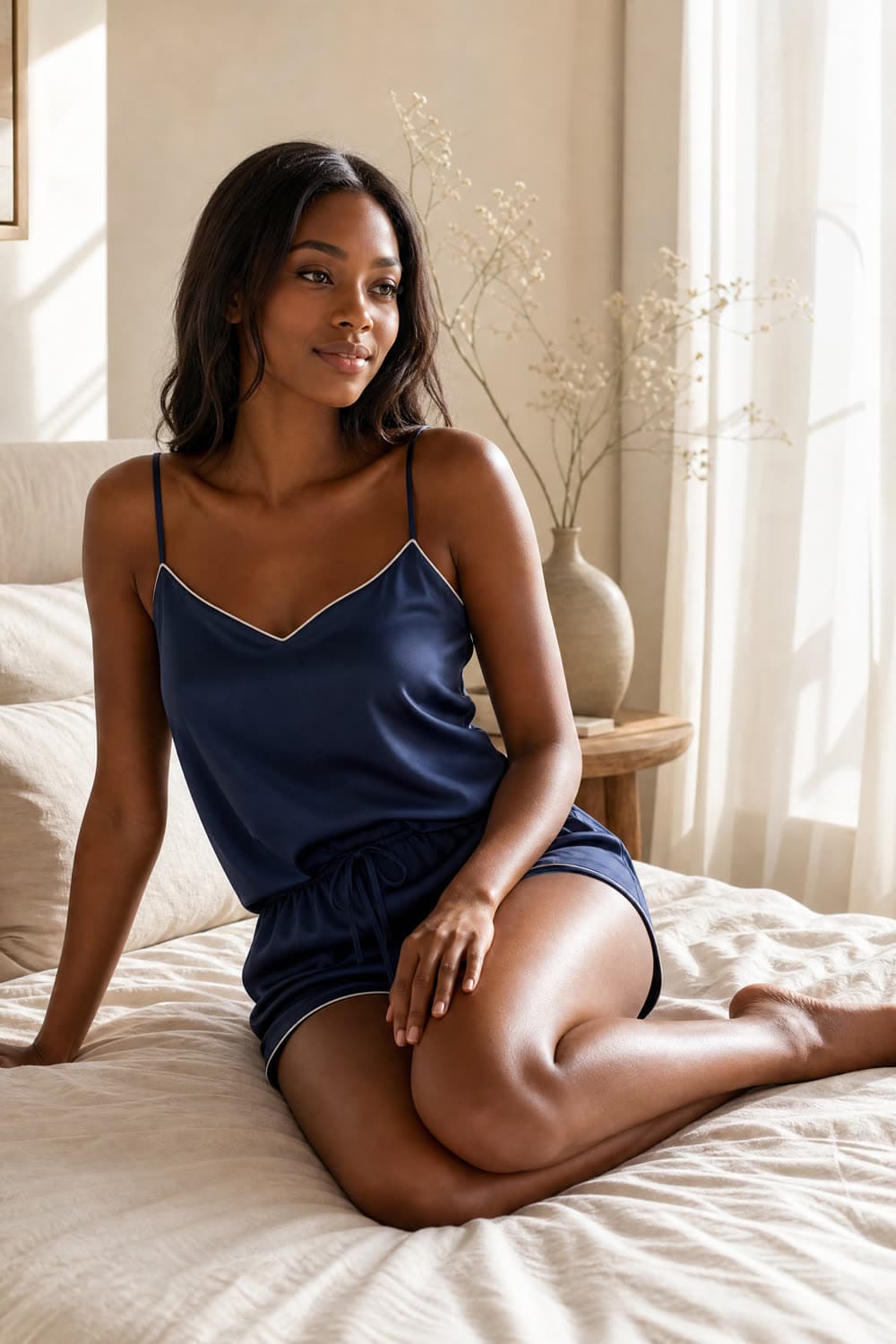
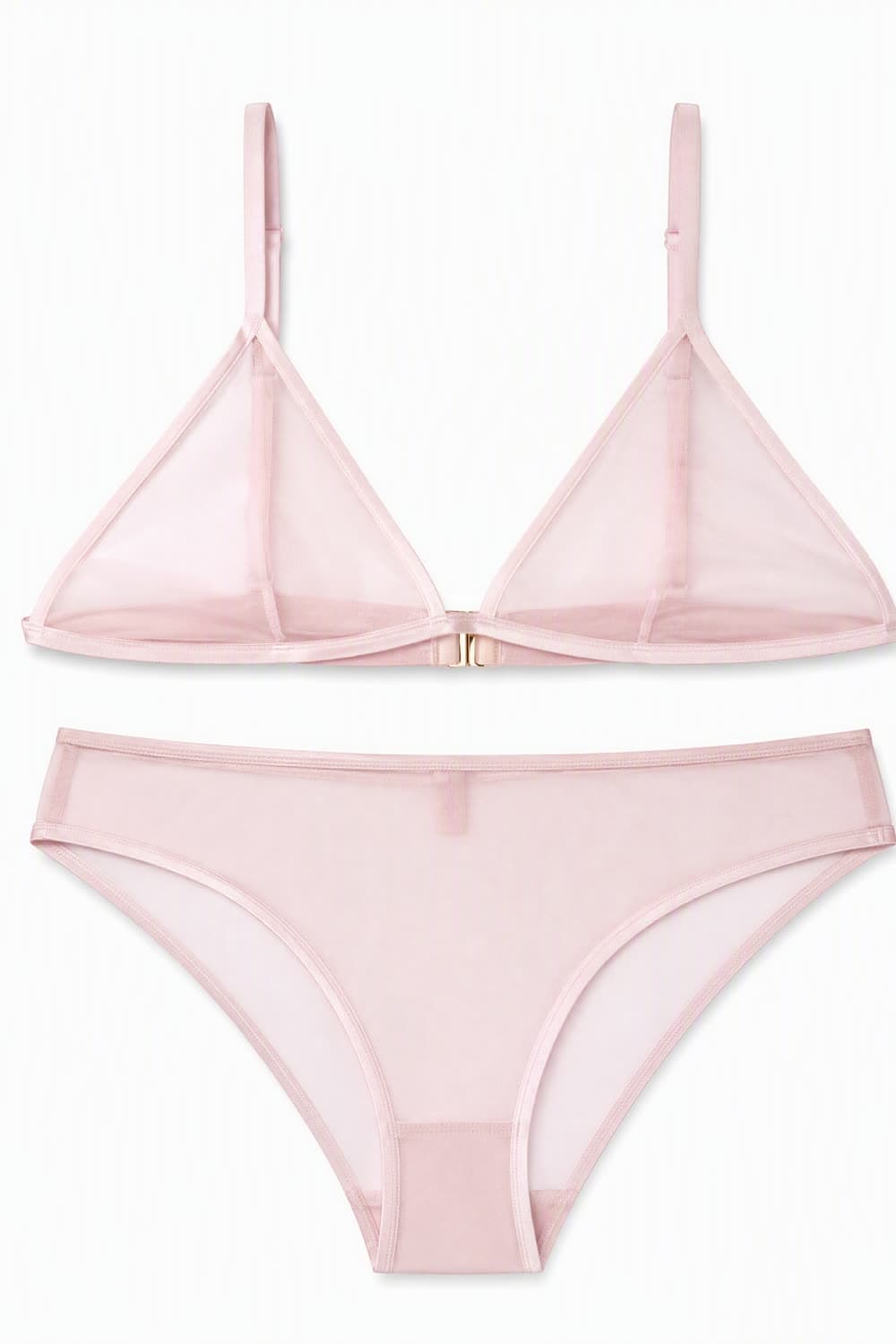
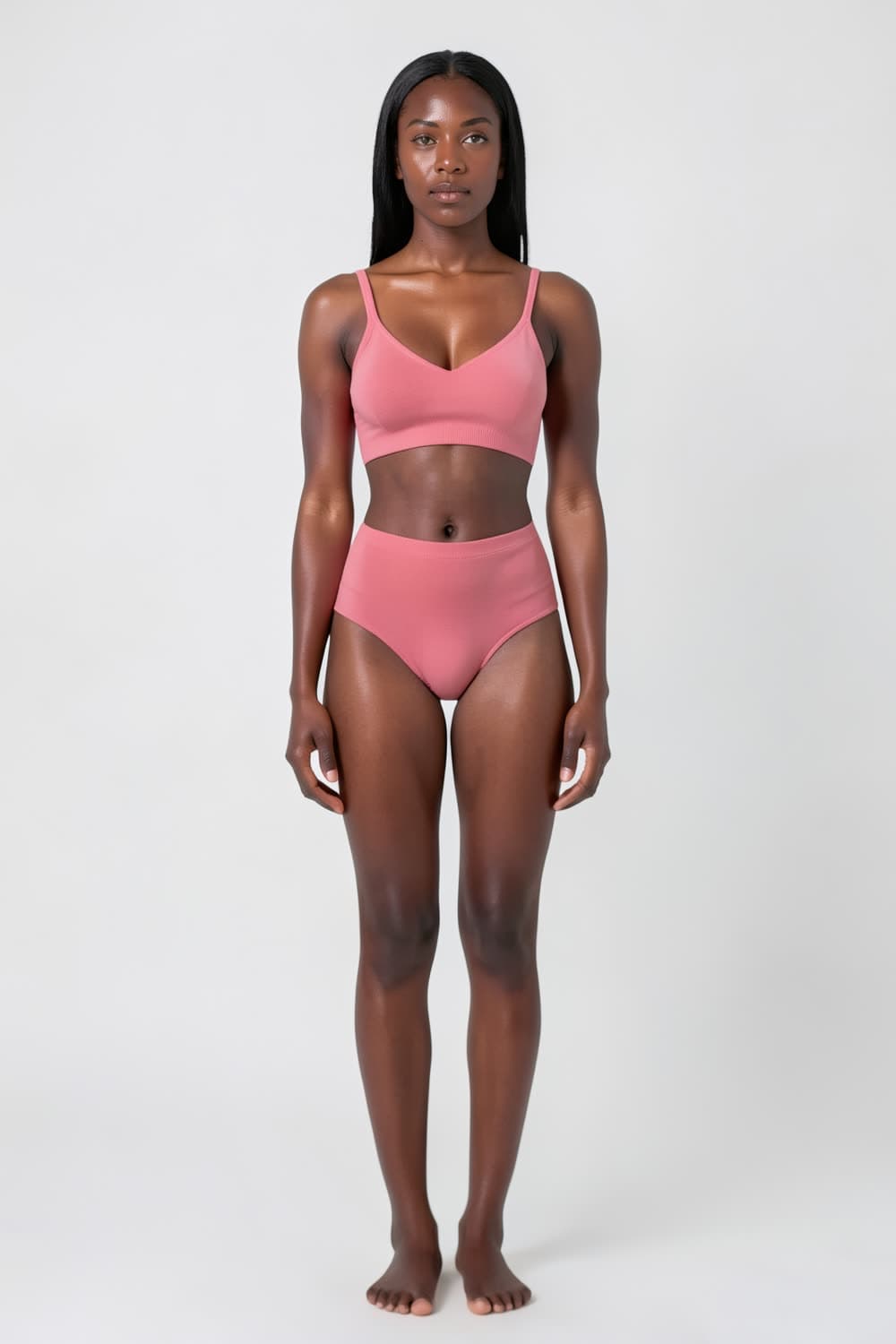
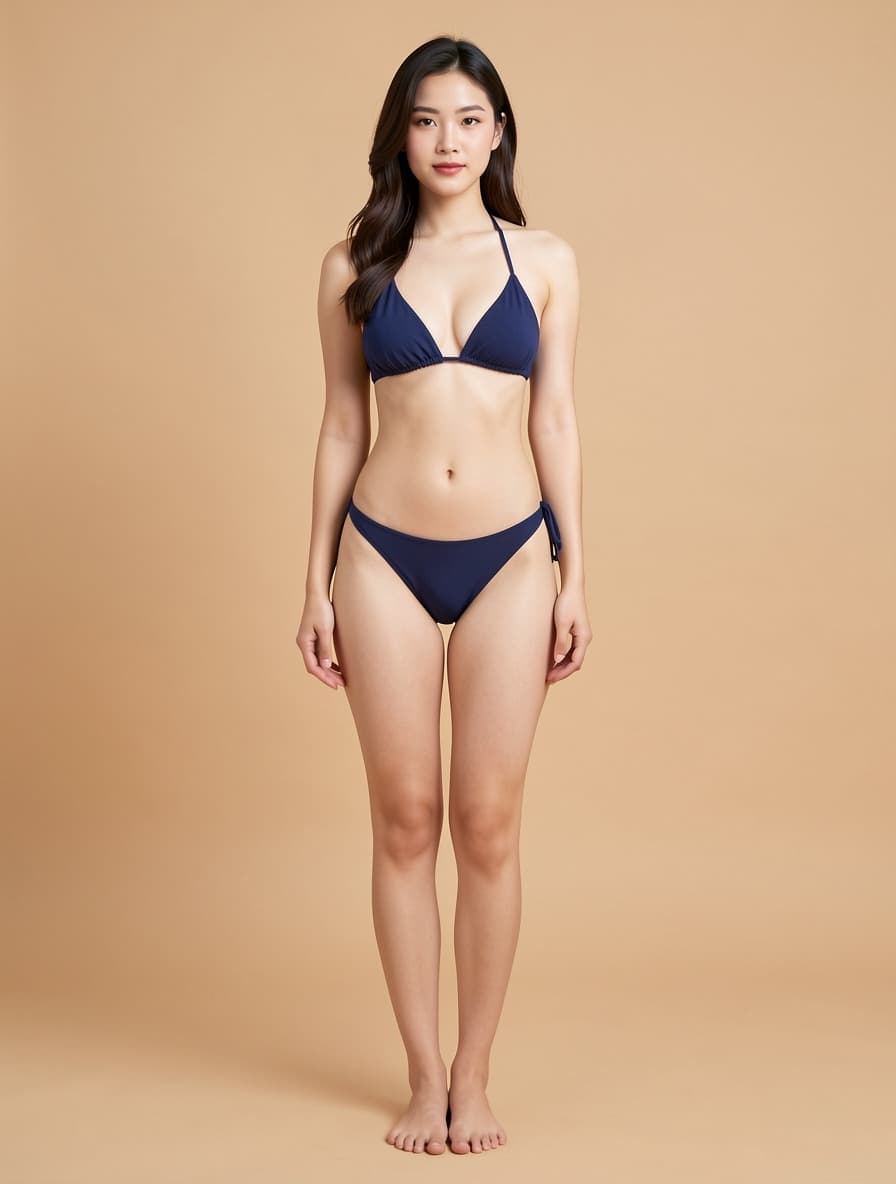
Bras, panties, sets, sleepwear, swimwear, shapewear, sheer — pick a model, drop the garment, get the shot. Diverse pre-built models: Asian, Black and White × slim, standard and curvy. Every result below came out of the try-on tool from the two images beside it.

Result
Garment
Reference model

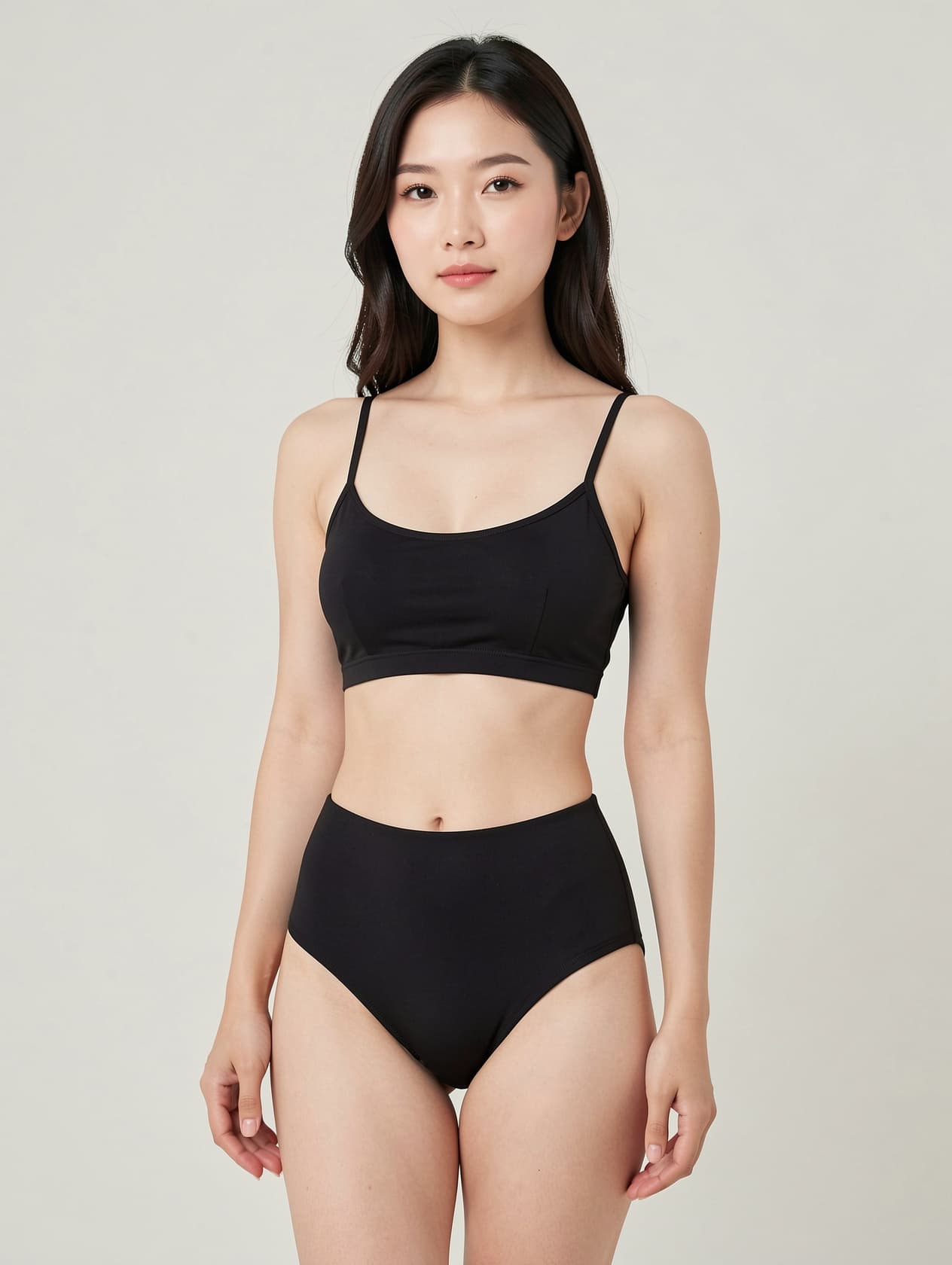
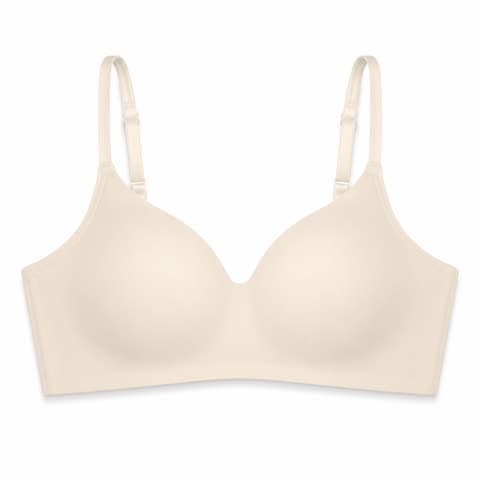
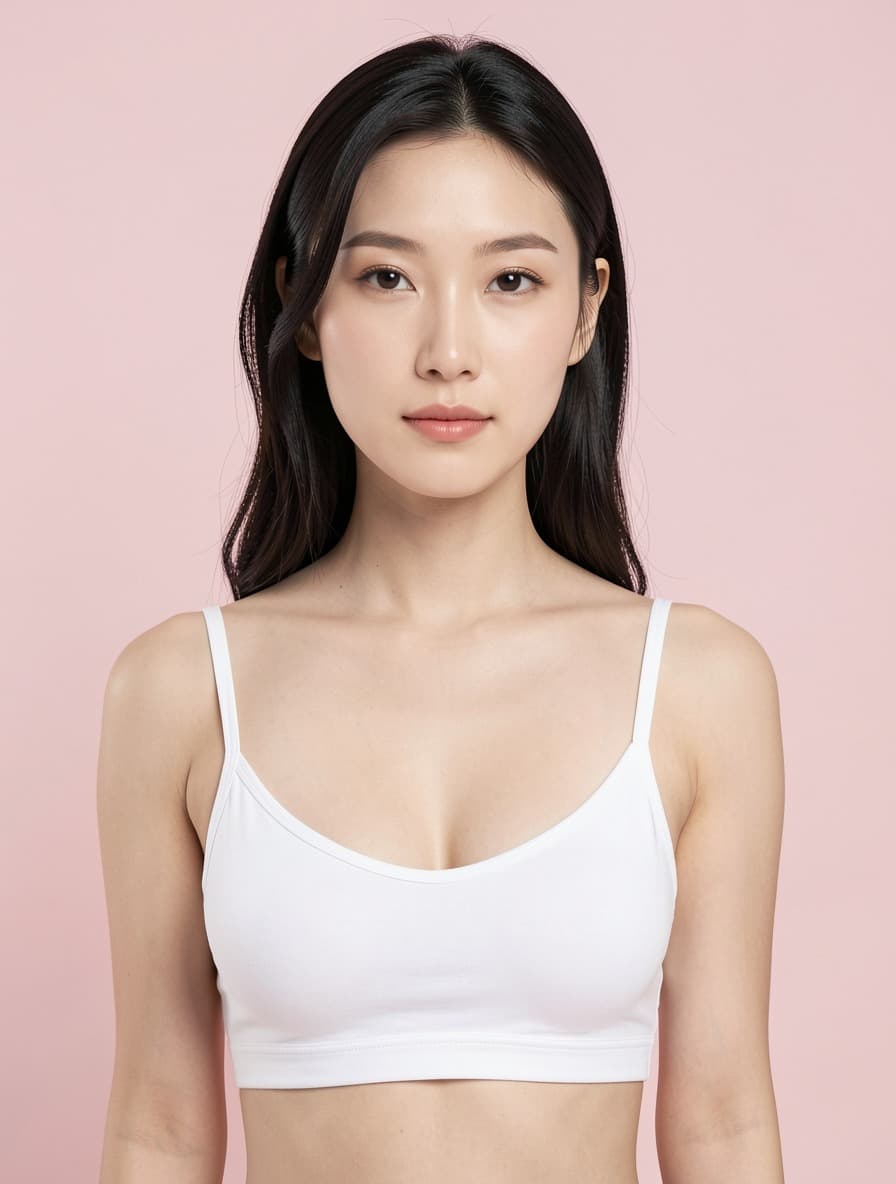
AI bra try-on

Bra try-on, shot from the bust up.

AI bra try-on puts a real bra on a model without a fitting or a photographer. Upload the flat-lay and the model library filters itself to bust-framed shots, so the cup shape, band and straps stay the subject instead of getting lost in a full-body crop. Cut, colour and fabric are carried over from your photo; 10 credits a shot.

Bra · Bust framing

Try this category
Result
Garment
Reference model

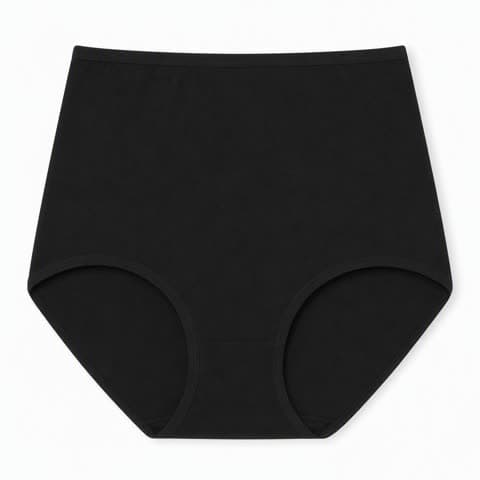
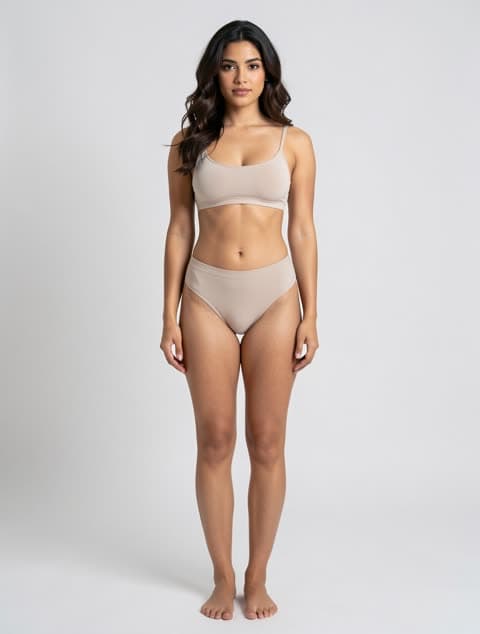
AI underwear try-on

Briefs and panties, framed waist to thigh.

AI underwear try-on solves the framing problem that kills most panty listings: shoot full-body and the product is a thumbnail. Pick the category and the library switches to lower-body models, so the rise, leg line and waistband read at listing size. Works for briefs, high-waist, thong and boyshort cuts.

Panties · Lower-body framing

Try this category
Result
Garment
Reference model

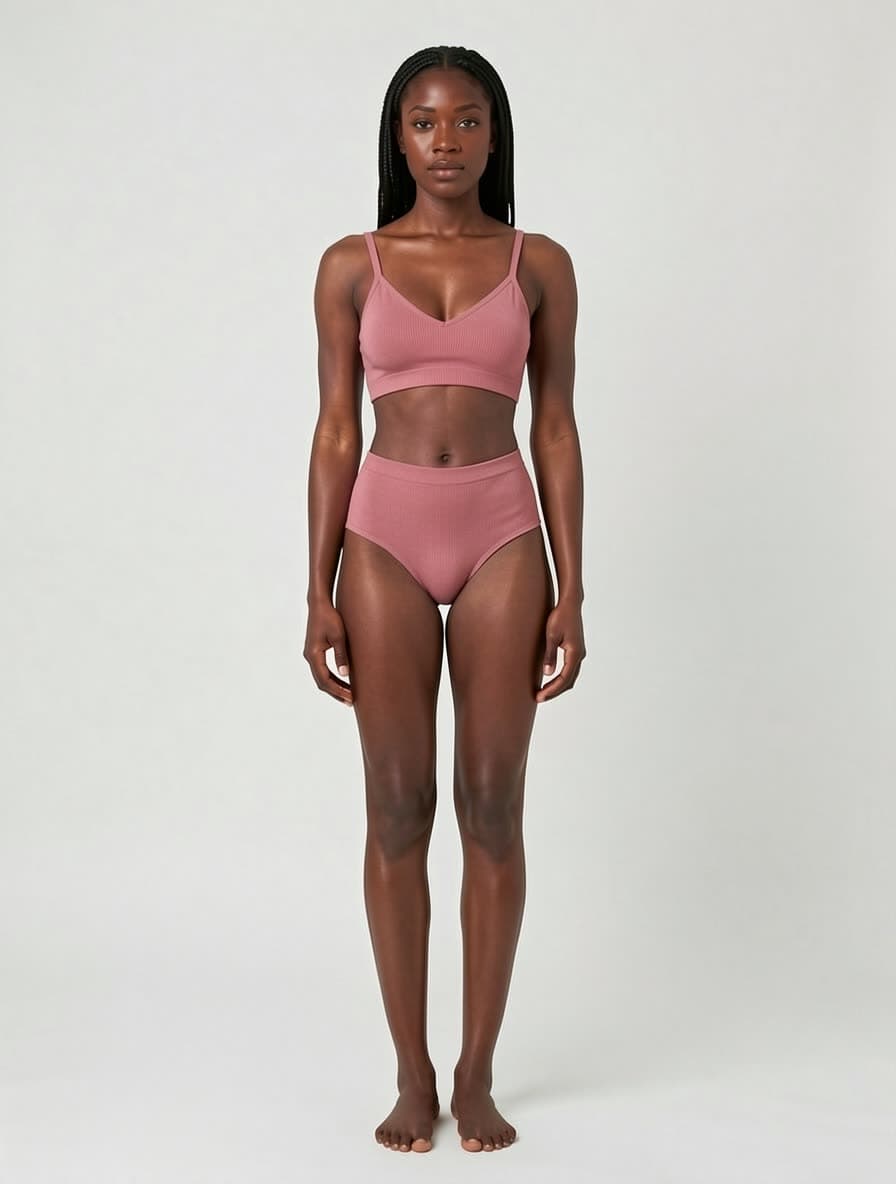
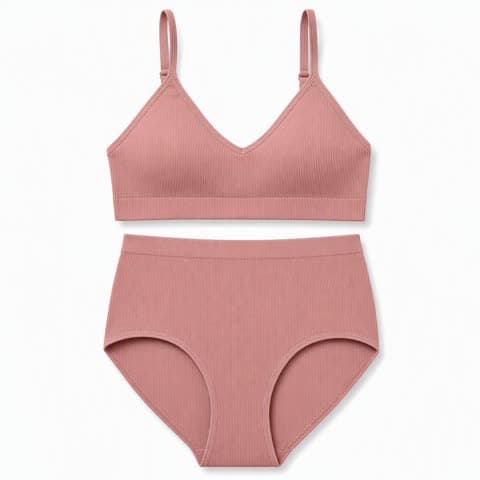
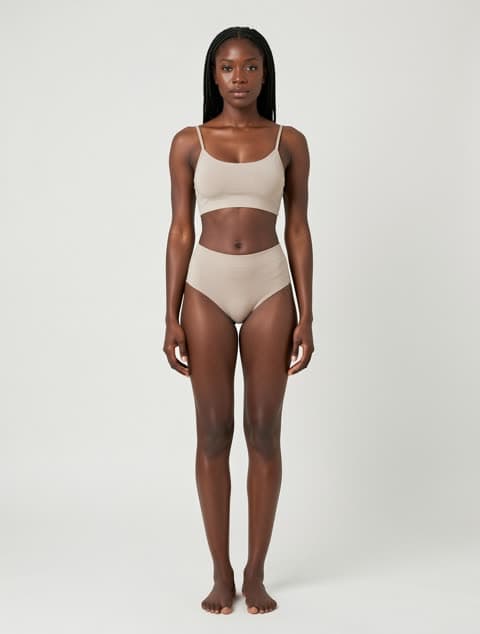
AI lingerie try-on

Sets, shown the way they're sold.

A lingerie set has to be shown as a set — top and bottom together, on one body, in one shot. AI lingerie try-on renders both pieces from a single flat-lay onto a full-body model, keeping the lace placement, strap geometry and colour match between the two pieces. That match is what buyers check first and what a separate top-and-bottom shoot most often gets wrong.

Lingerie set · Full body

Try this category
Result
Garment
Reference model

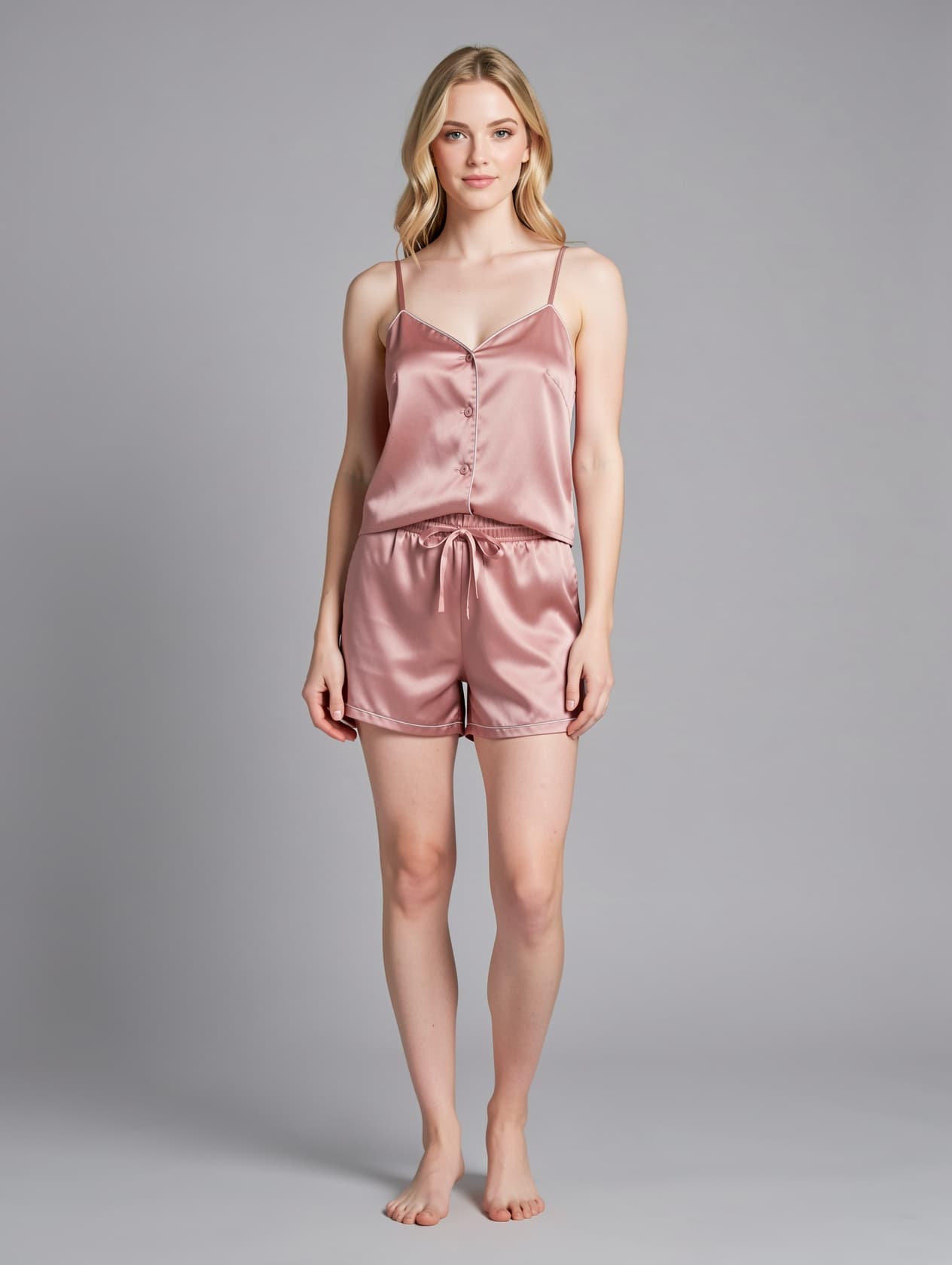
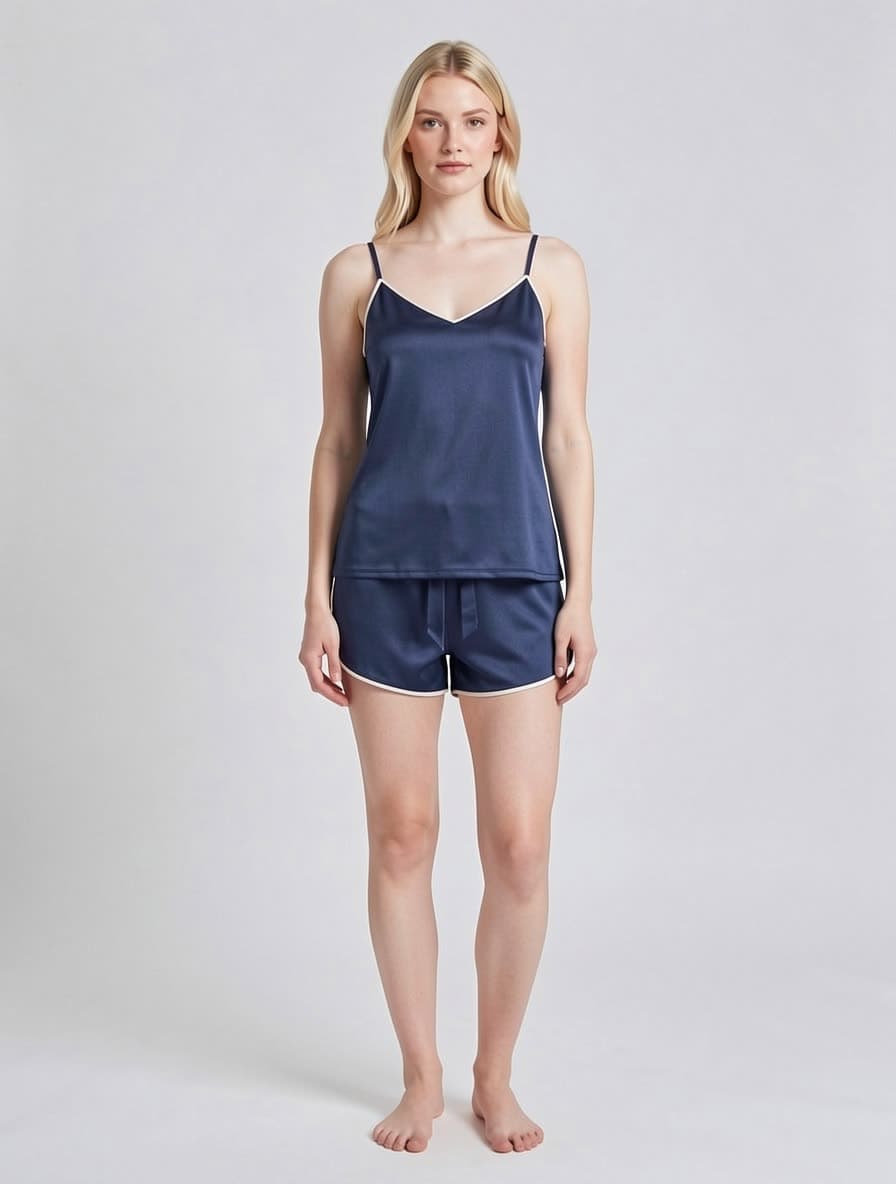
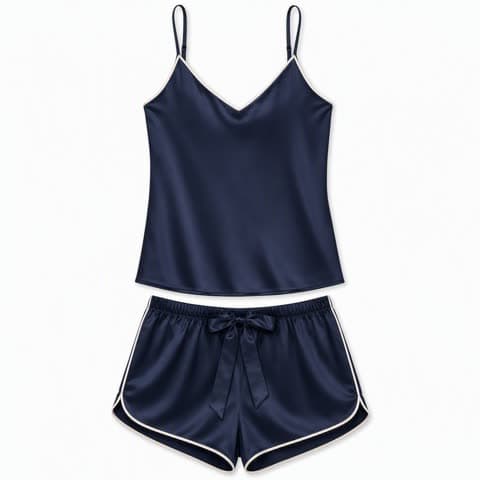
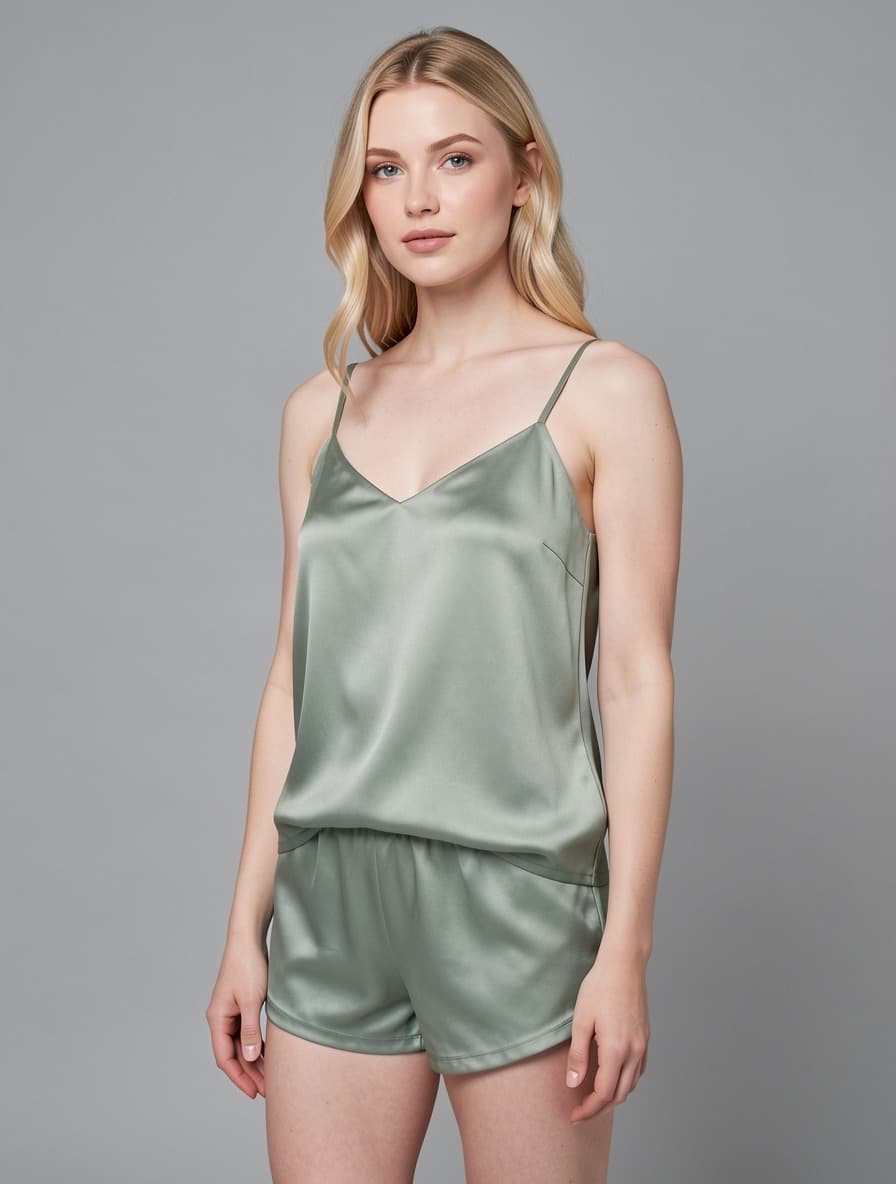
AI sleepwear try-on

Pyjamas and loungewear, on a real drape.

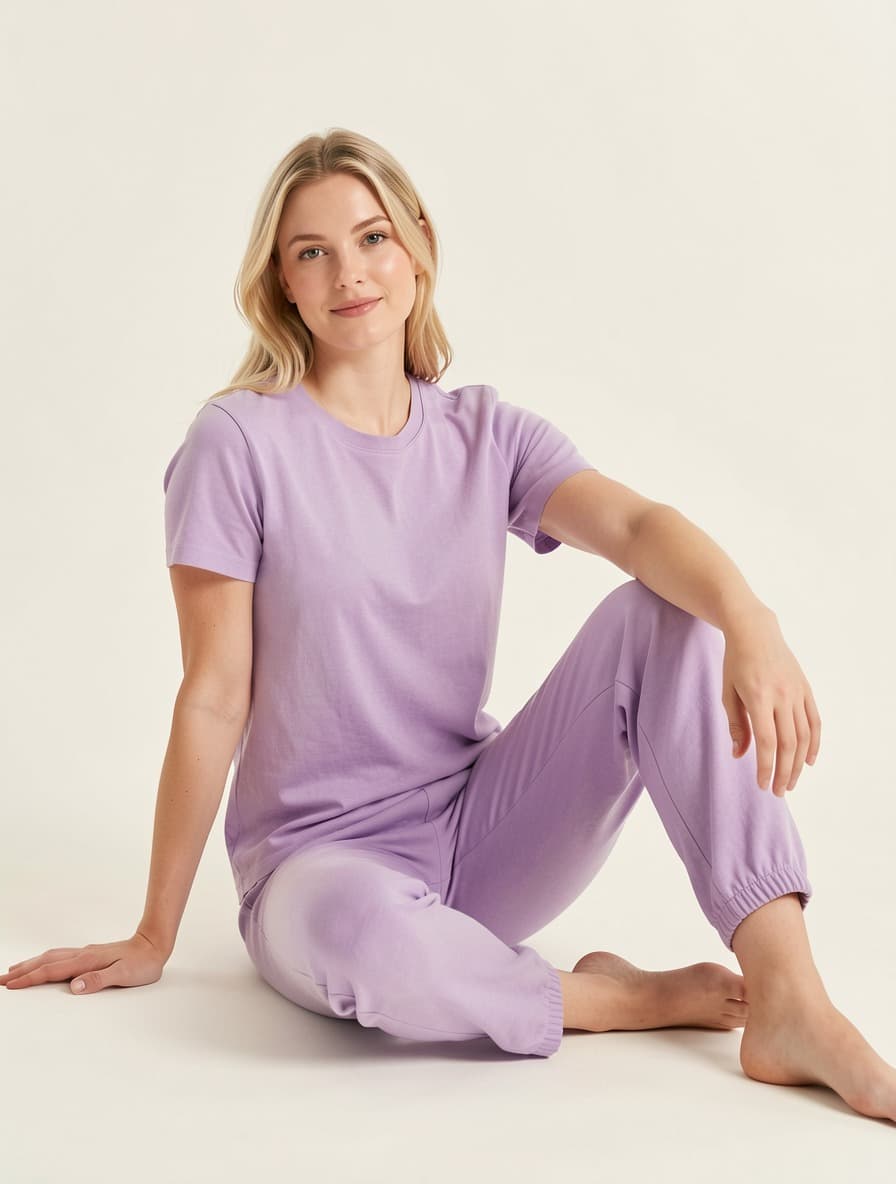
Sleepwear lives or dies on drape — satin that hangs wrong reads as cheap no matter how good the fabric is. Try-on renders the garment onto a standing model so the fall of the cami, the piping and the shorts hem behave like cloth instead of a flat cutout. Same workflow as lingerie: flat-lay in, on-model out, about ten seconds.

Sleepwear · Full body

Try this category
Result
Garment
Reference model

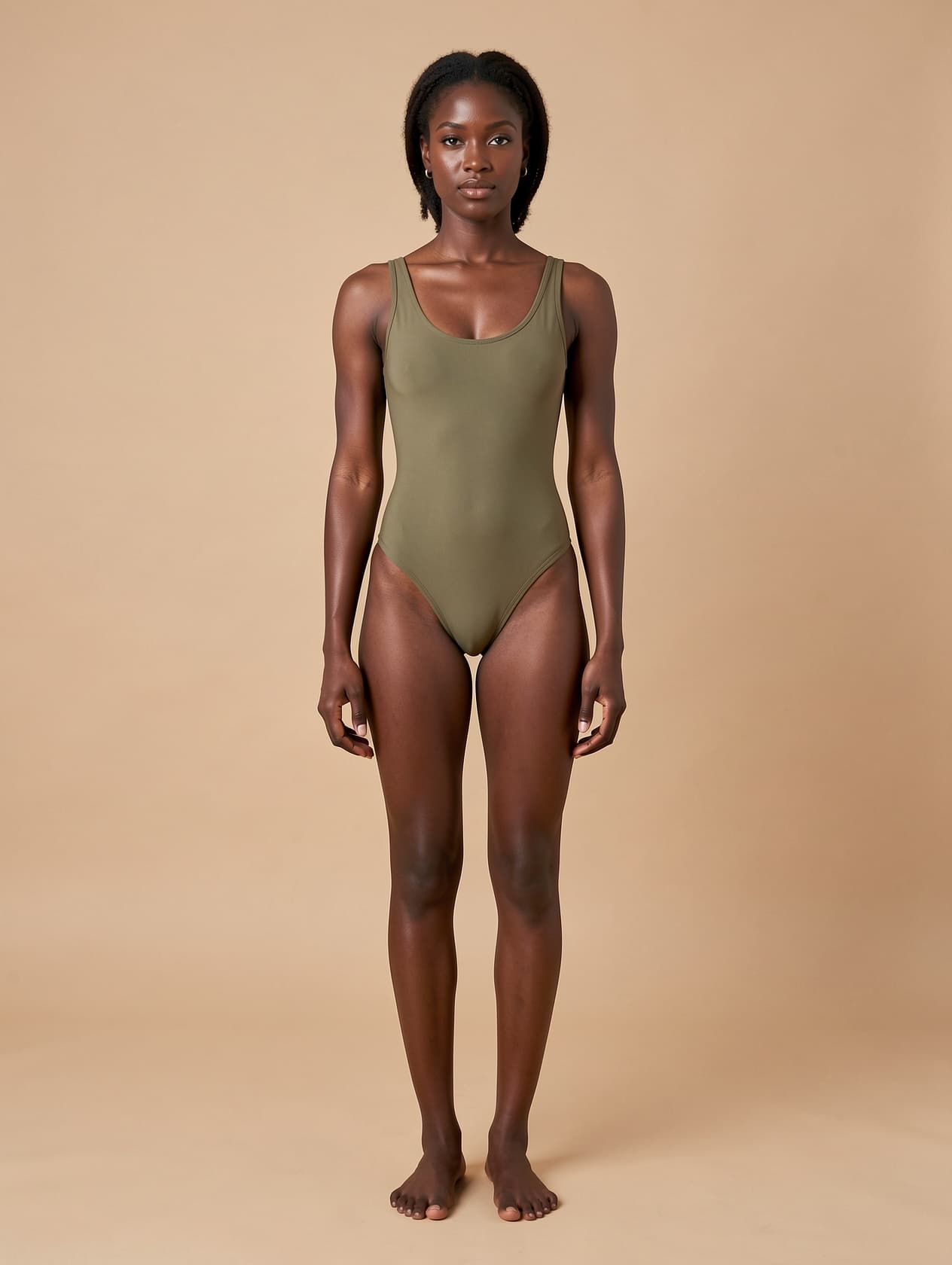
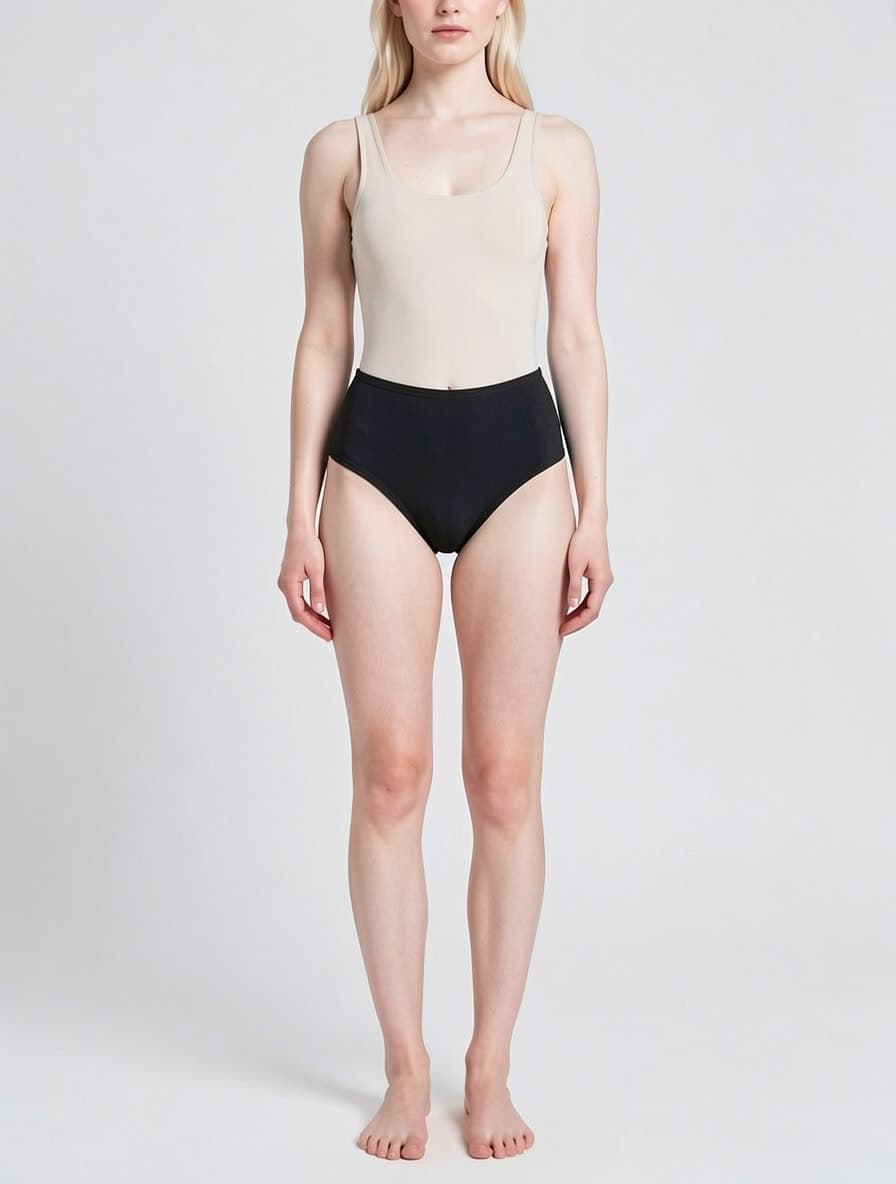
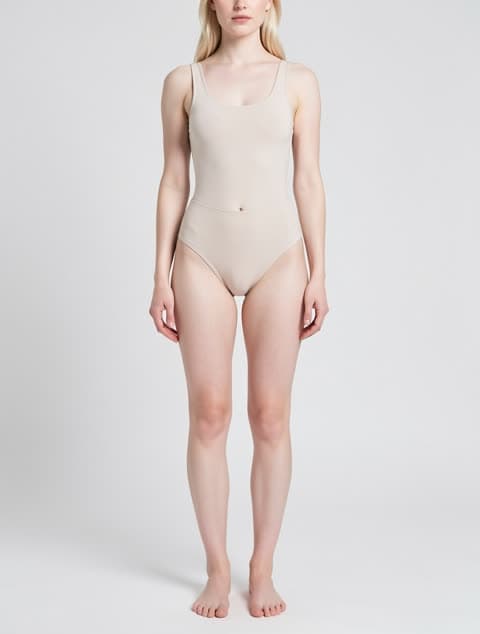
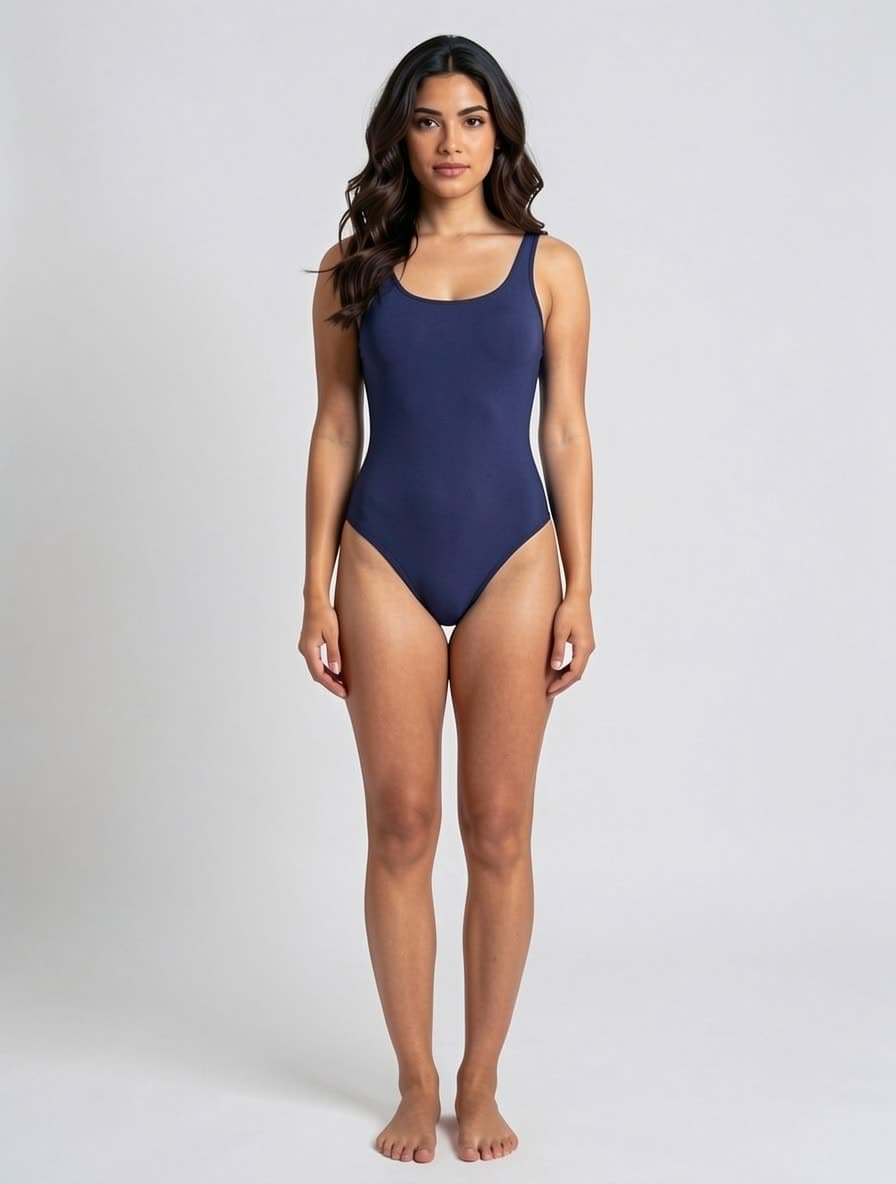
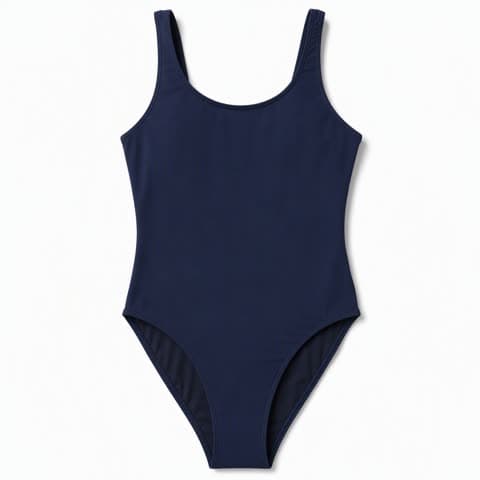
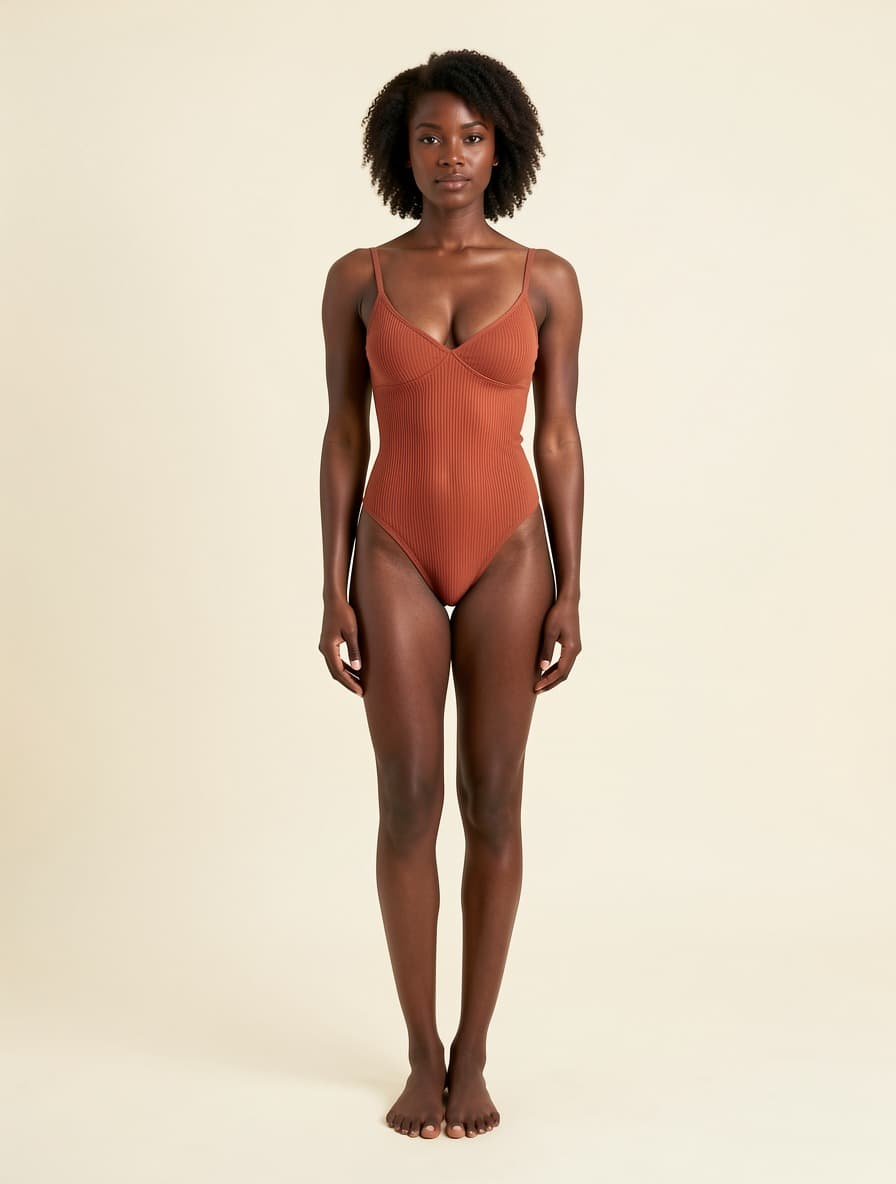
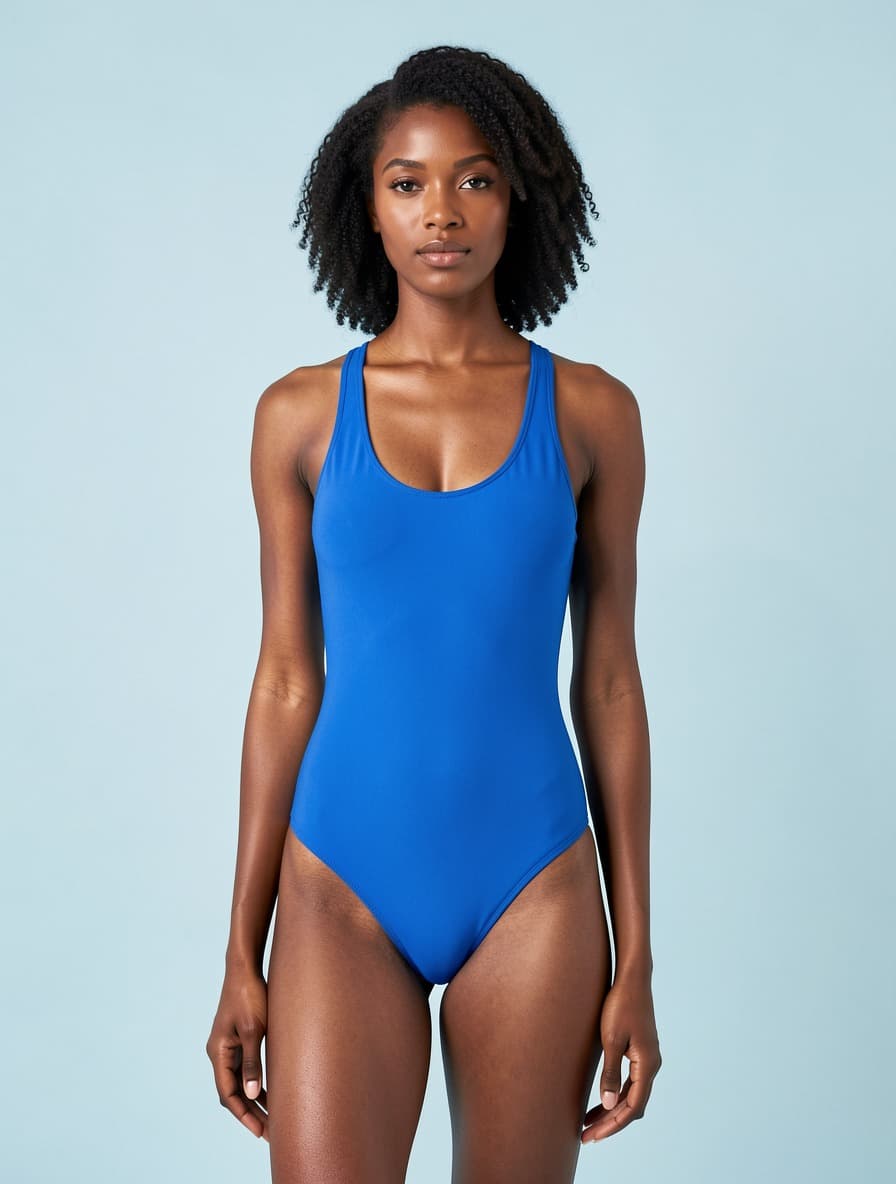
AI swimwear try-on

Swimsuits, without a beach or a booking.

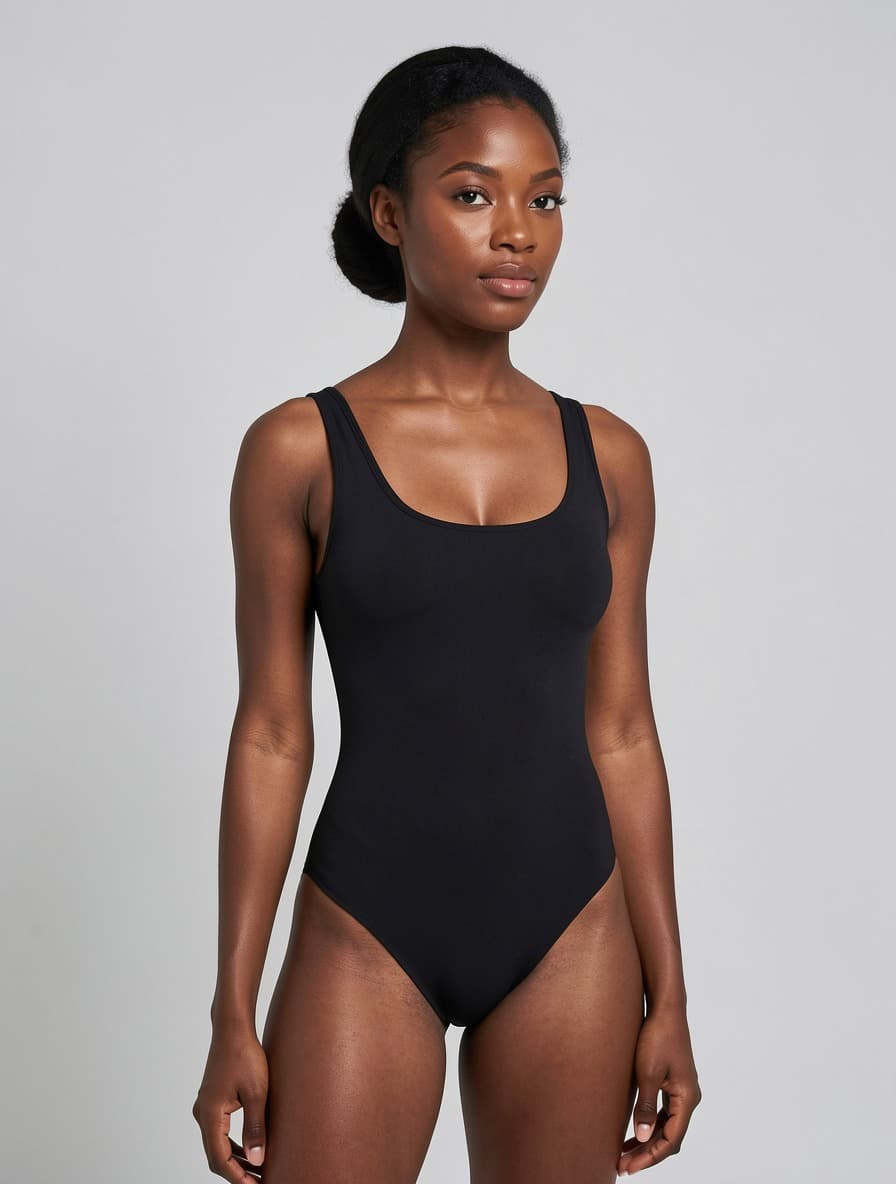
Swimwear is the category where a shoot costs the most and the season is shortest — you need the images before the weather turns, not after. AI swimwear try-on renders one-pieces and two-pieces onto a full-body model from a flat-lay, holding the neckline depth and leg-line height exactly as cut. A one-piece stays a one-piece; the model will not split it into a two-piece to fit the pose.

Swimwear · Full body

Try this category
Result
Garment
Reference model

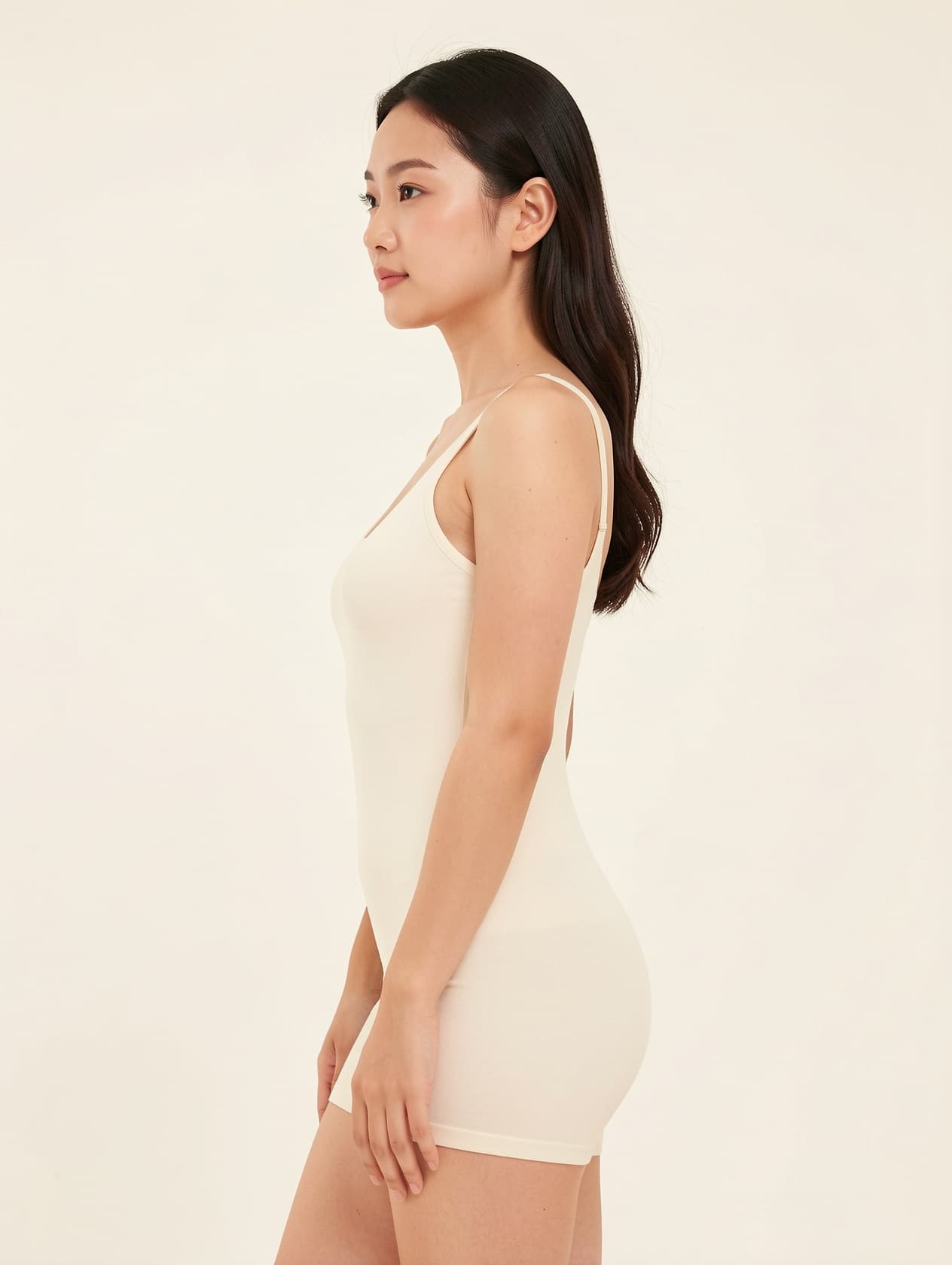
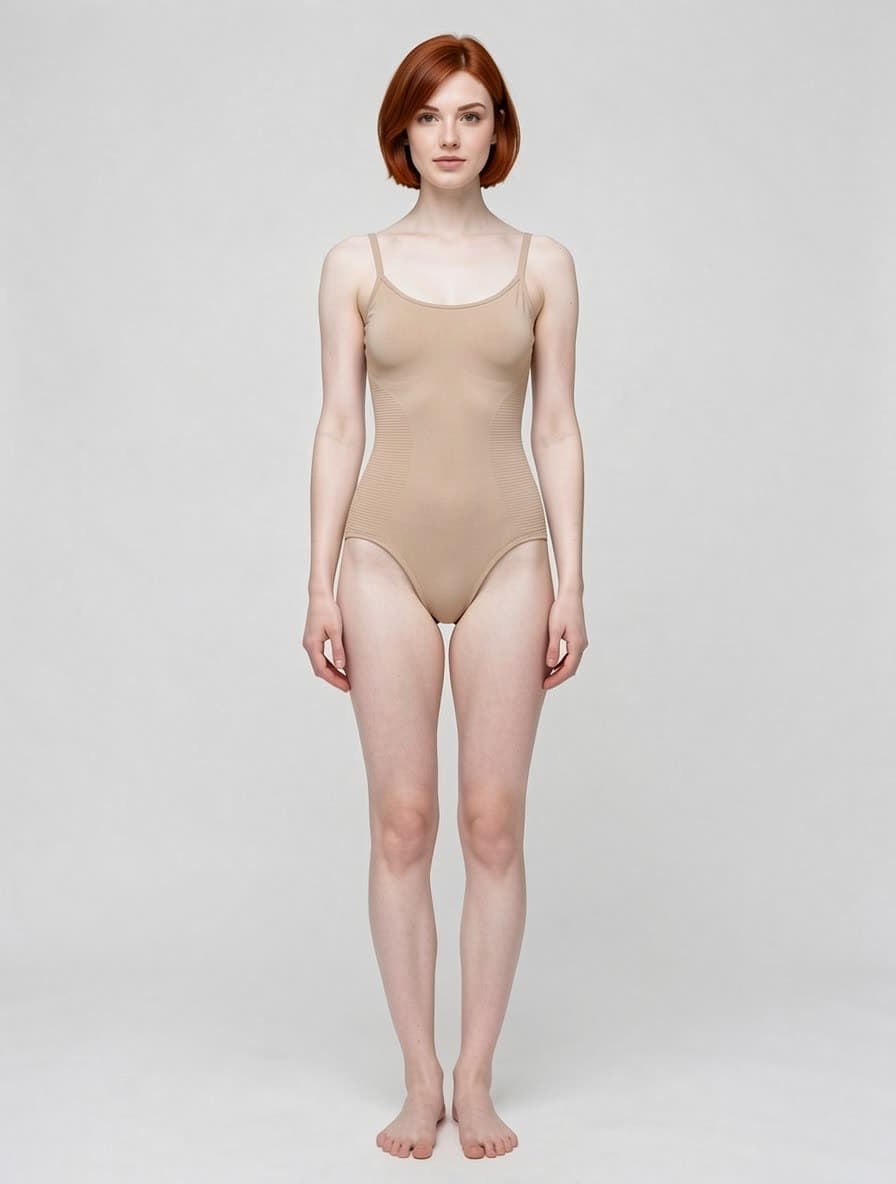
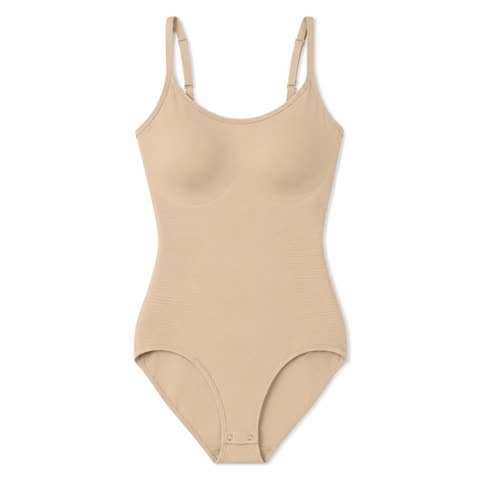
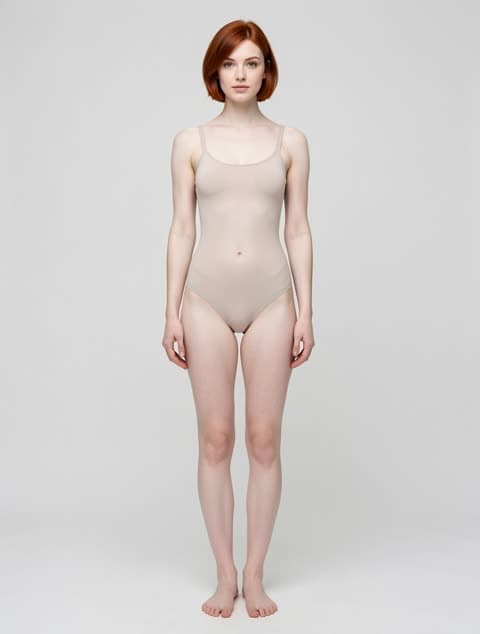
AI shapewear try-on

Shapewear, with the compression knit still visible.

Shapewear sells on construction, not on colour — the panel seams and compression knit around the waist are the product. Those are exactly the details a generic render flattens into a plain sleeve of fabric. Try-on keeps the knit texture and panel lines from your flat-lay while rendering the piece smooth on the body, which is the pair of requirements that usually fight each other.

Shapewear · Full body

Try this category
Result
Garment
Reference model

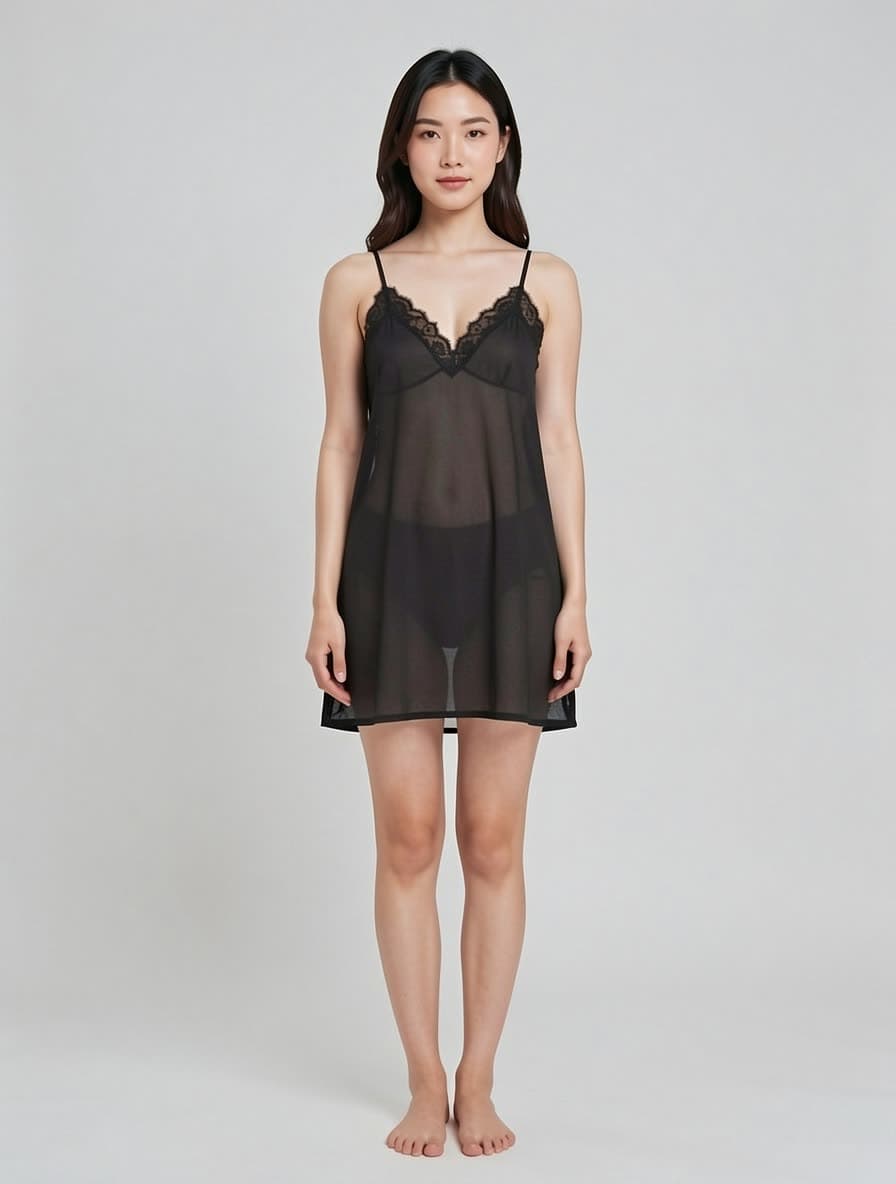
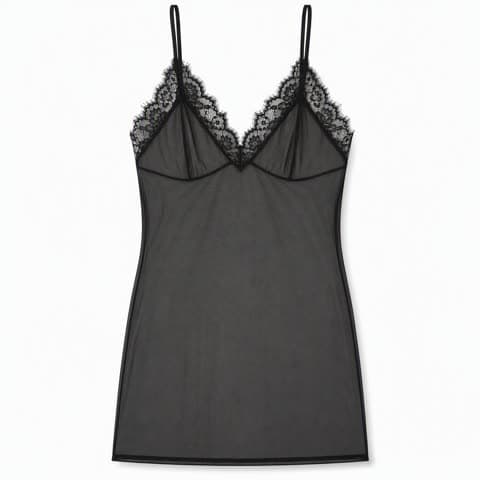
Sheer and lace

Sheer works sometimes. Here's the honest version.

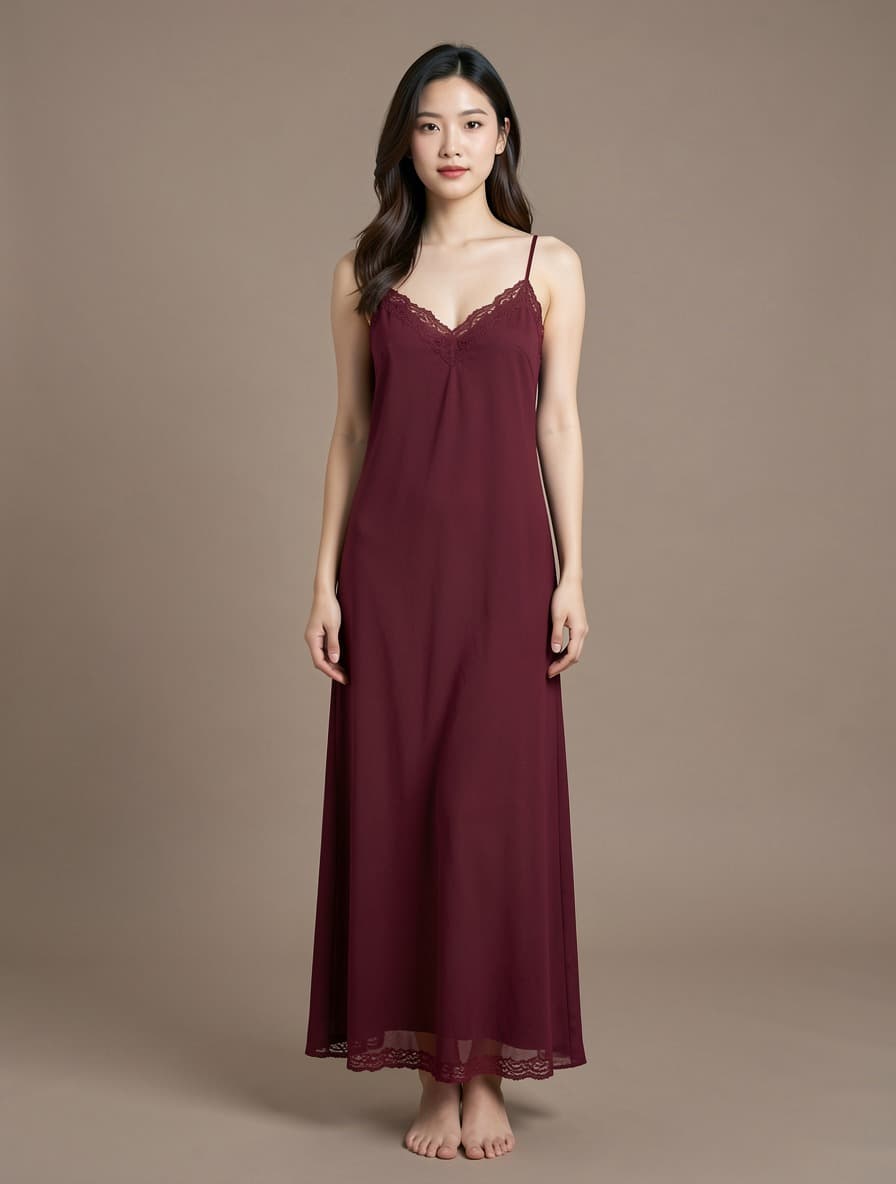
Sheer mesh, heavy lace and open-cut styles are the one category we tell sellers to test before committing budget. Semi-transparent fabric is where the model is weakest — lace motifs can shift and mesh density can flatten — and uploads in this category are also the ones most often rejected by the upstream content filter. Solid-fabric pieces above are reliable; run two or three of your own sheer SKUs first and judge from those.

Sheer / boudoir · Results vary

Try this category

Lingerie outputs

Real lingerie, sleepwear + swimwear results from this site.

A glimpse of what lingerie sellers have generated here. Your output library will look like this.

Browse the lingerie model library

Built for lingerie e-commerce.

Amazon, Shopify, Etsy ready PNG

Downloads are PNG/JPG so your lingerie main images upload directly to Amazon, eBay, Etsy, Walmart, Tmall and JD. Web previews are WebP for speed.

Diverse lingerie models, pre-built

Asian, Black, White × slim / standard / curvy × bust / full-body / lower-body framing. Pick the model your lingerie buyers actually look like.

Sleepwear & swimwear, marketplace-safe

Sleepwear, swimwear and intimate apparel rendered with clean, marketplace-safe framing — consistent lighting, ready for Amazon and Etsy listings.

AI lingerie try-on, answered

Can I try lingerie on an AI model?

Yes — that is the core of the tool. Upload a flat-lay of the actual garment, pick a model from the library, and you get an on-model product photo in about ten seconds. Bras, panties, sets, sleepwear and swimwear all work; the model library filters itself to the right framing for the category you pick.

Can I do a bra try-on specifically?

Yes, and bras get their own framing. Choosing the bra category switches the library to bust-framed models, so the cup shape, band and straps stay the subject instead of shrinking into a full-body crop. A single try-on costs 10 credits and new accounts start with 30 free, so the first three are on us.

Do I need a photo of the real garment?

Yes. This is not a text-to-image generator and it cannot invent a product from a description — it needs a photo of the item you actually sell. A flat-lay or ghost-mannequin shot works best; at least 1500 px on the long edge keeps prints and lace legible.

Will the garment look exactly like mine?

Cut, colour, fabric texture and prints are preserved by design — that is the whole point of try-on rather than generation. It is close but not a pixel-faithful copy, so do not rely on it where the garment must be reproduced exactly, such as trademark prints or certification labels.

Can I use the results on Amazon and Shopify?

Yes. Output is PNG/JPG with marketplace-safe framing and consistent lighting, sized for Amazon main images, Shopify, eBay and Etsy. You keep full commercial rights to anything generated on paid credits; free credits are for evaluation.

What does it cost?

You pay per image, not per month. One try-on is 10 credits, and credits run from $0.030 down to $0.020 each depending on pack size — $60 buys 3,000. There is no subscription, and failed generations are refunded automatically.

When should I not use this?

Skip it for sheer mesh, heavy lace and open-cut styles — semi-transparent fabric is where the model is weakest, and uploads in that category are also the ones most often rejected by the upstream content filter. Skip it if your product is not apparel worn on a body. And skip it if you have no photo of the garment itself.

Stop paying for lingerie photoshoots.

30 free credits — three images — to try lingerie AI. No card required.