
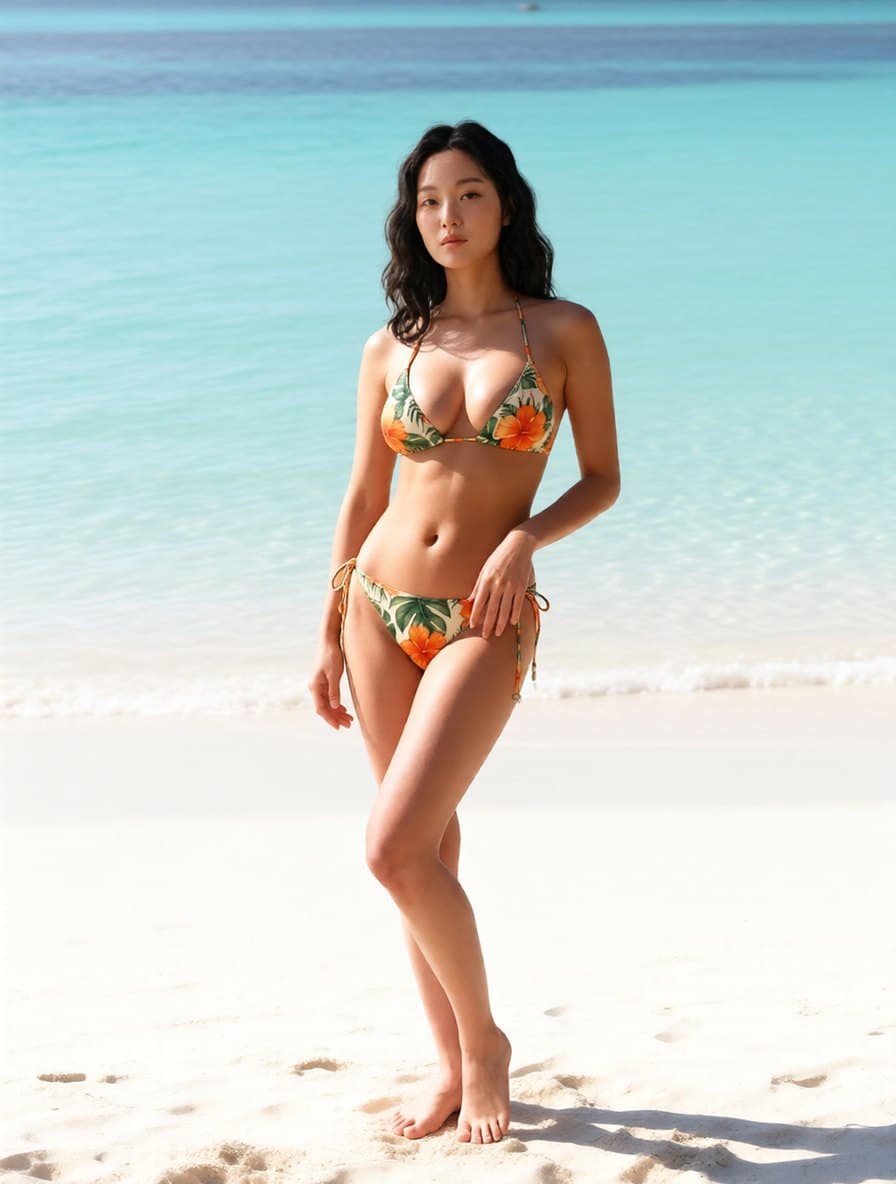
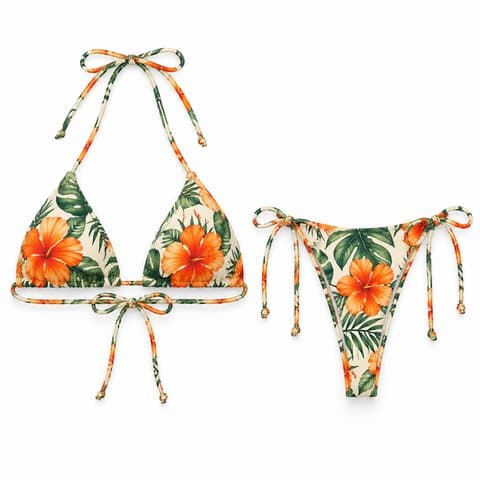
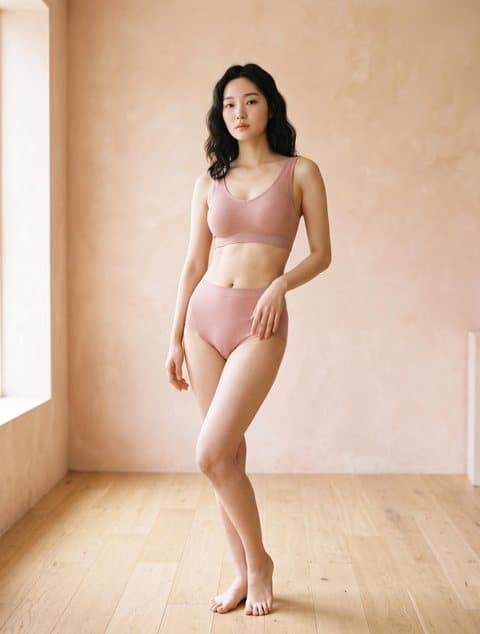
Floral string bikini
Halter and side ties kept · indoor shot moved to a beach
AI Swimwear Photography
Upload a bikini or one-piece flat lay, pick a model, and choose a beach, poolside, resort terrace or plain studio. You get one on-model photo relit to the scene, with the two-piece still a two-piece and the ties, straps and cut-outs where they were cut.
AI swimwear product photography is a product-photo tool that puts a swimsuit you already sell onto an AI or uploaded model and, if you want, moves the shot to a beach, pool or resort setting, so swimwear sellers get on-model listing photos without a location shoot. Use it when you have a flat lay or mannequin shot of a bikini or one-piece and need the photo buyers expect. Each image costs 10 credits and usually takes about half a minute.
Scene
Cost: 10 credits
Pick a person, upload a garment, generate in seconds.
The swimsuits below are demo products made for this page, not customer items. Each result was made from the two photos beside it — a garment shot and a library model — in one pass that also set the scene: three moved to a beach, one to a poolside, two kept the original studio backdrop.
Halter and side ties kept · indoor shot moved to a beach
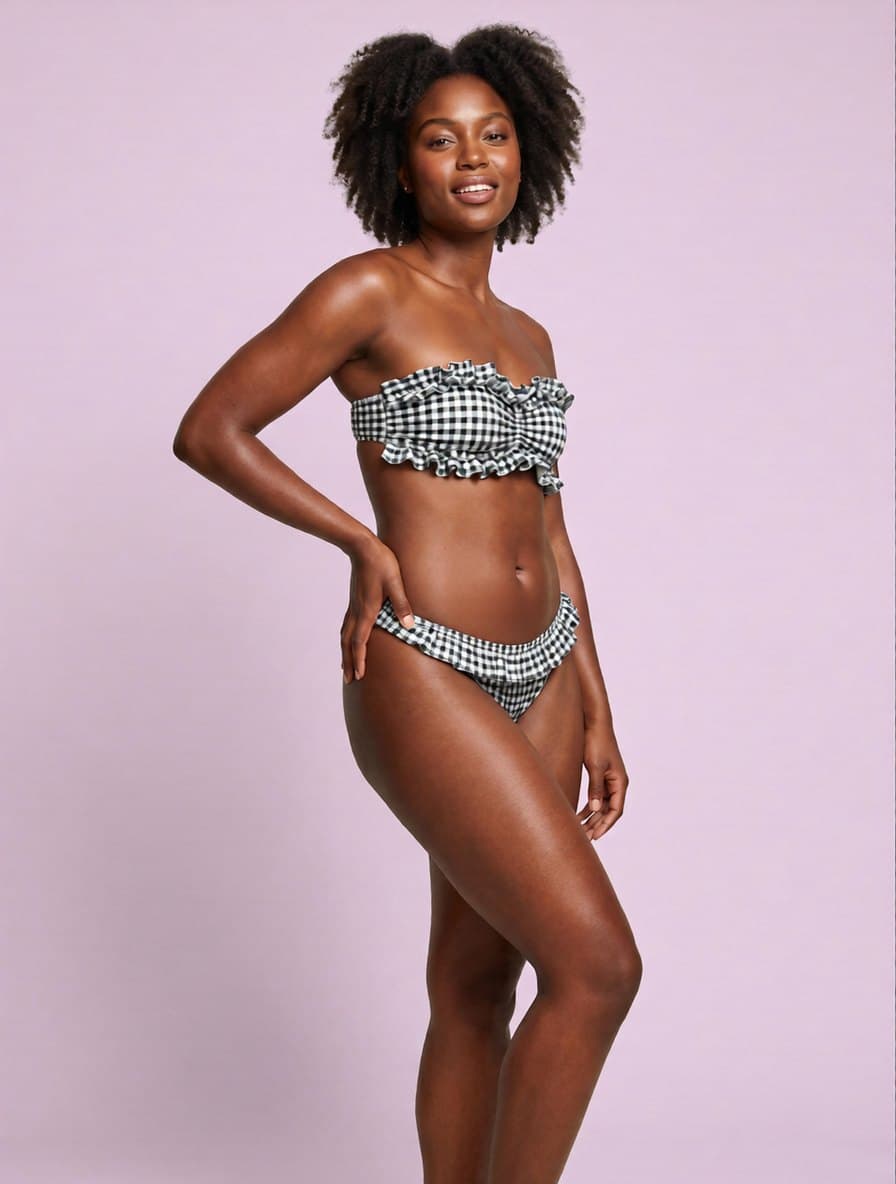
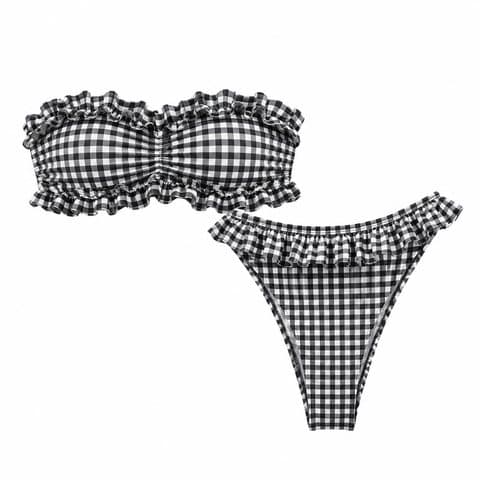
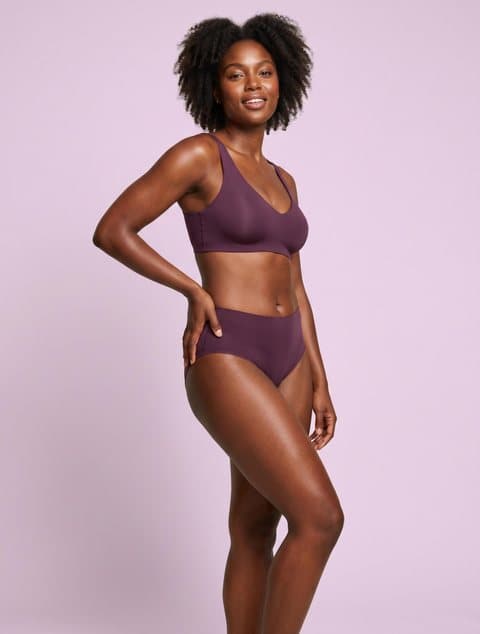
Strapless stays strapless, ruffles kept · studio kept
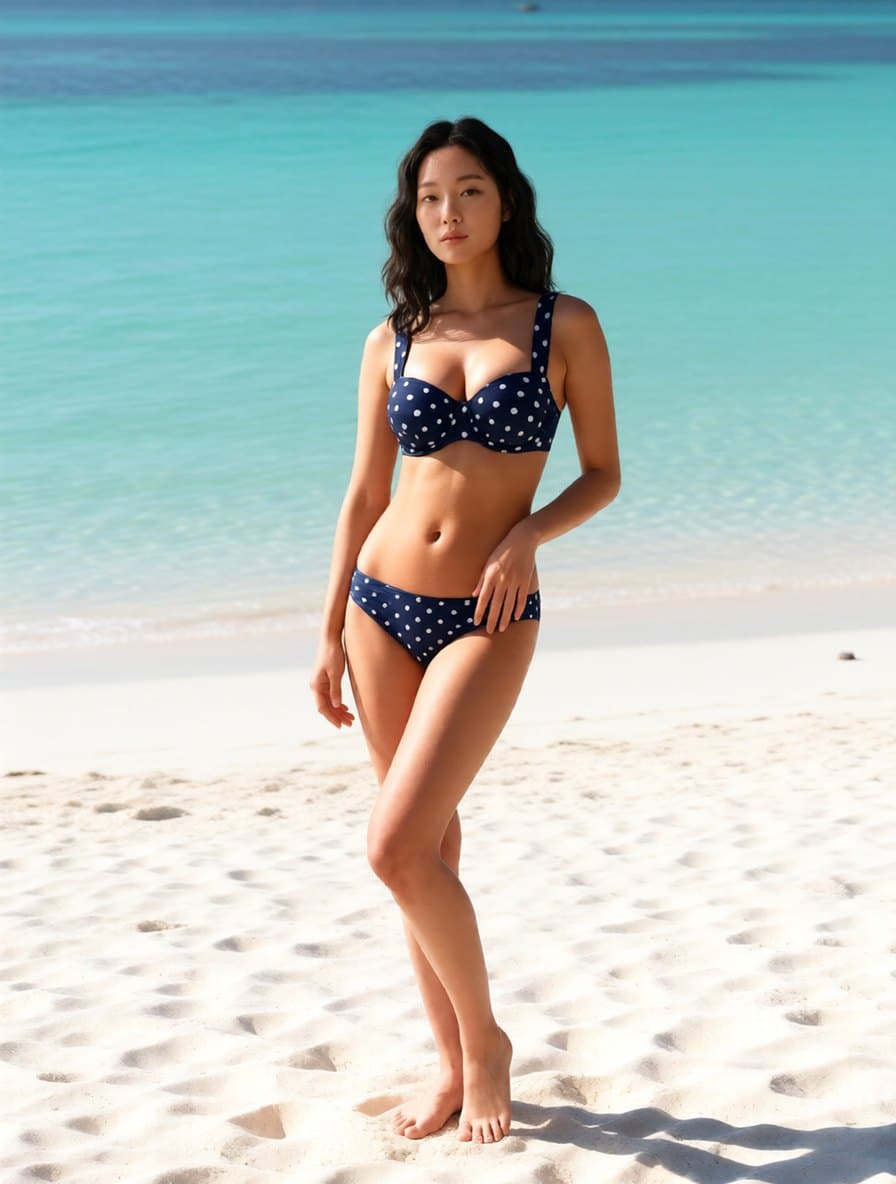
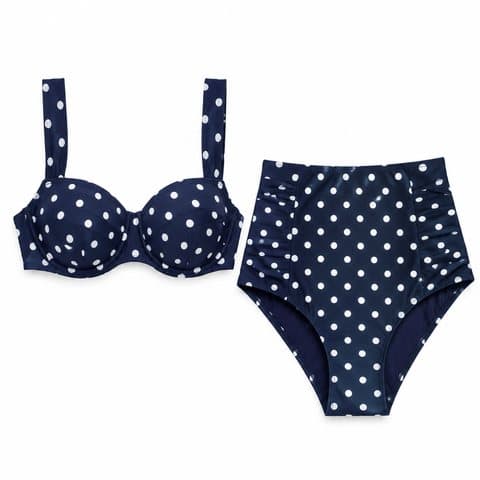
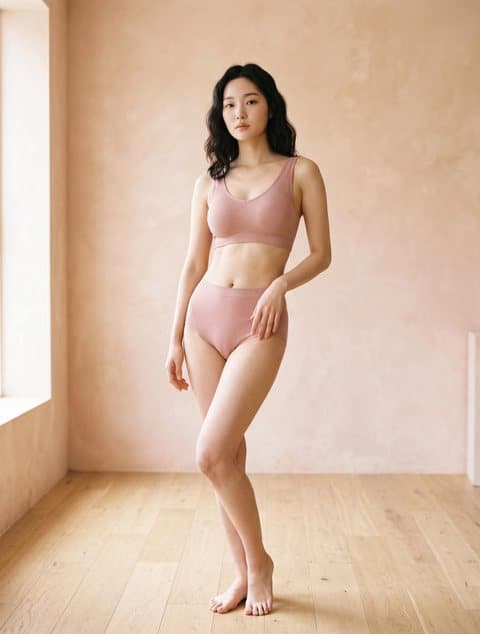
Underwire and dots kept; the high rise came back lower · beach
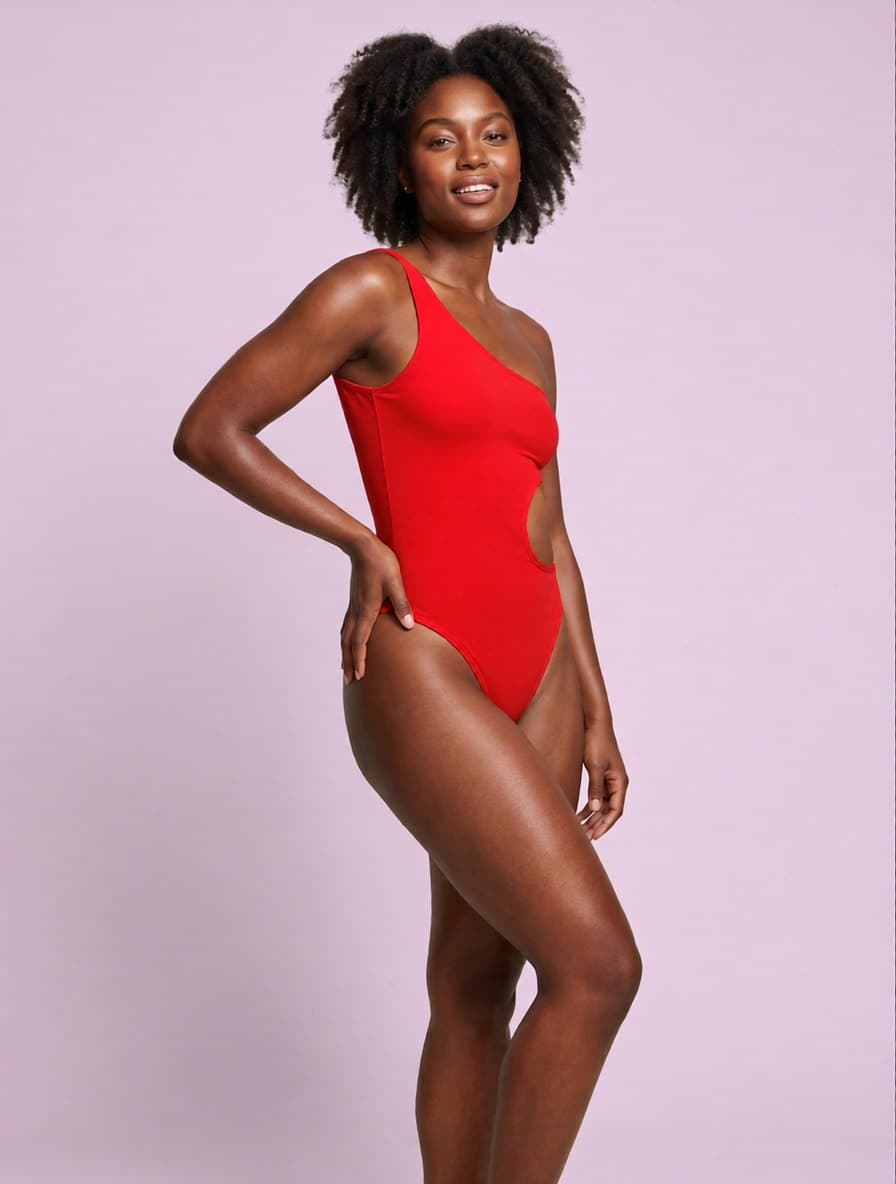
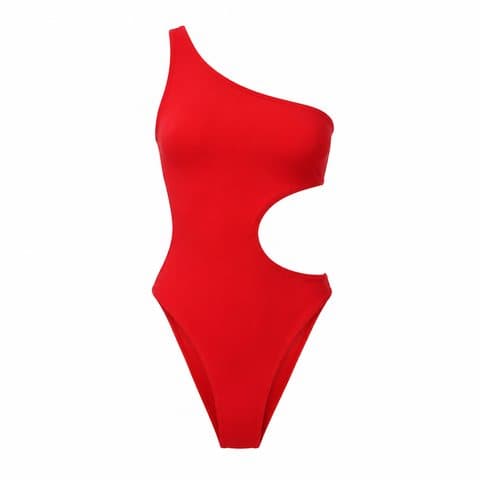
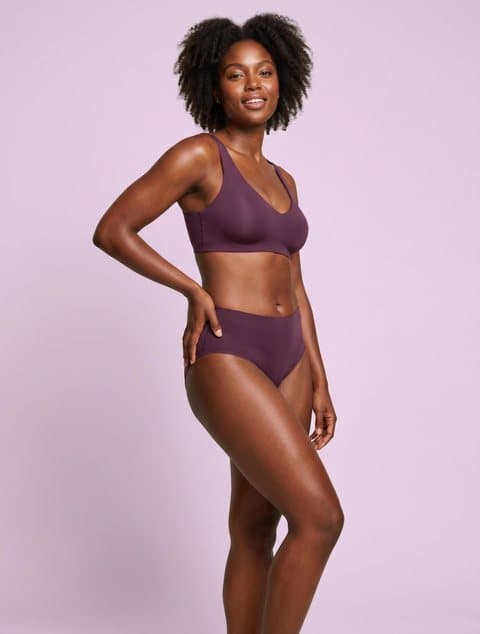
Single strap and waist cut-out kept · studio kept
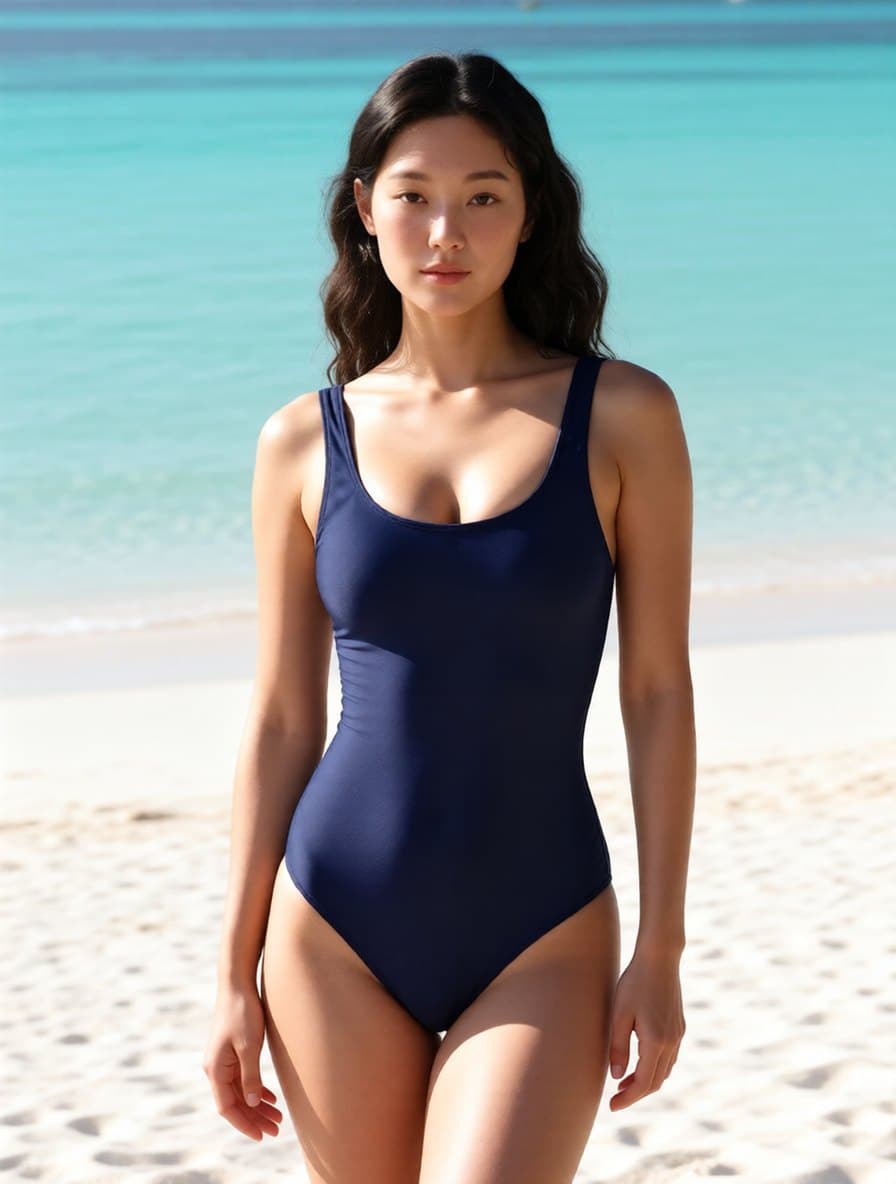
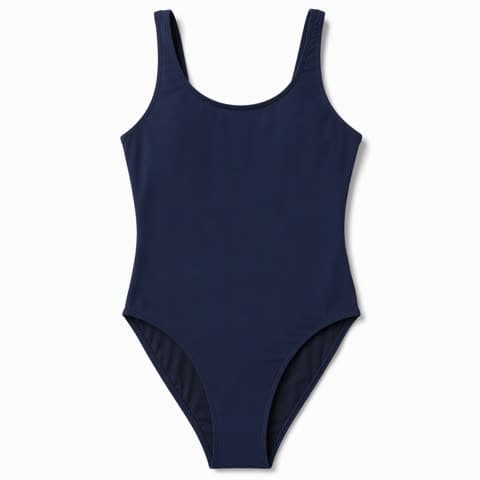
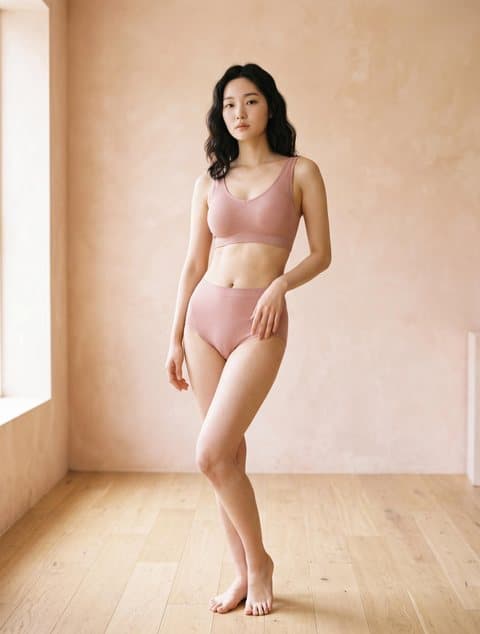
Scoop neck and tank straps kept · beach
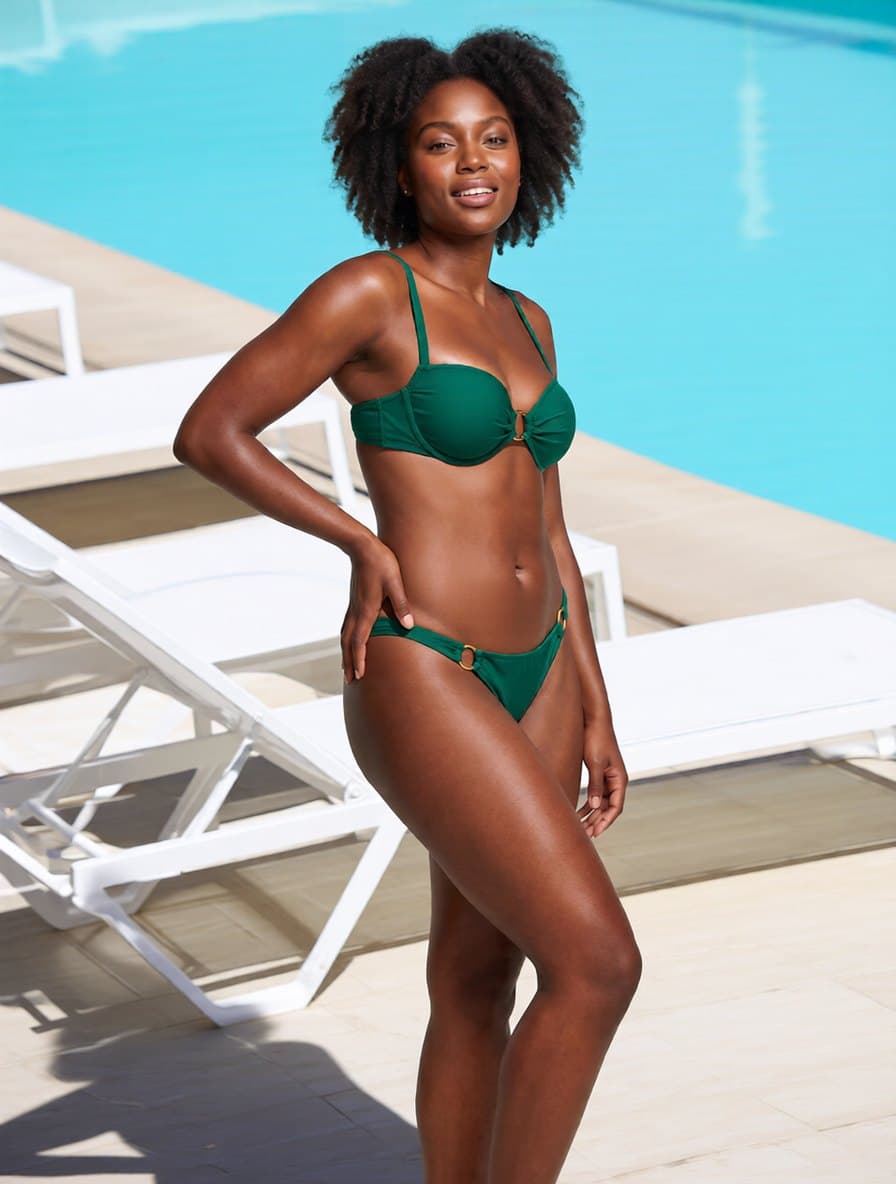
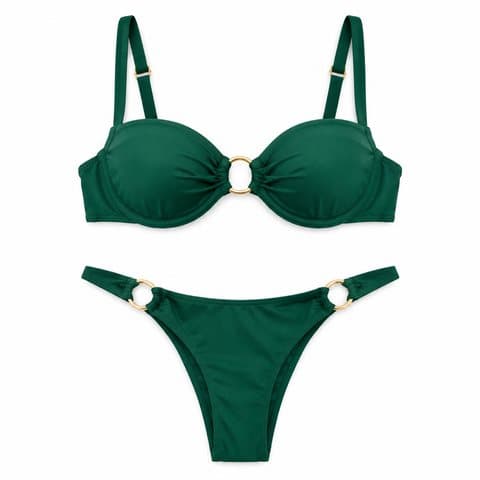
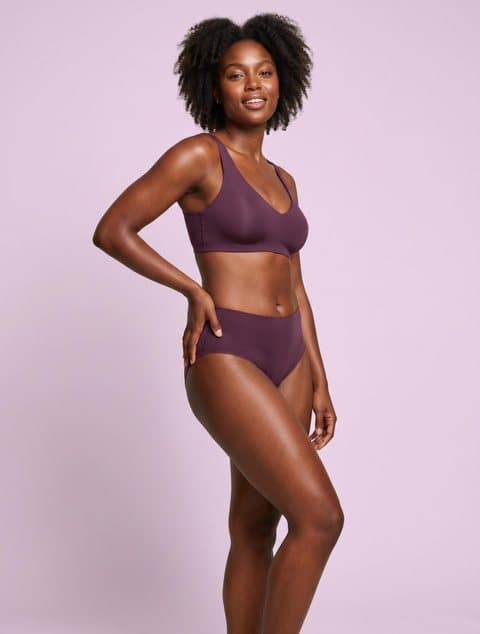
Underwire and gold rings at bust and hips kept · moved to a poolside
Three steps. One image per run, usually in about half a minute.
A flat lay, mannequin shot or packshot of the suit you sell. For a bikini, the top and the bottom must be in one photo — two separate uploads are not supported.
Choose from the library — Asian, Black and white models; slim, standard or curvy — or upload your own model photo. Keep the original background, or switch to beach, poolside, resort terrace or plain studio.
One generation gives one image, relit to match the scene. Before listing, compare the body with your size chart and the cut with your flat lay: the result can subtly change proportions.
About $0.20 each. New accounts get 30 free credits, which covers the first three images.
The result keeps the model photo's size; library models come out at 1792×2400. Images are stored permanently, so the link in your listing does not expire.
Asian, Black and white models across slim, standard and curvy builds, so one swimsuit can be shown on more than one body.
AI swimwear product photography turns a photo of a swimsuit you sell into a photo of that swimsuit being worn, by a model you pick, in a setting you pick. The suit's cut, colour and print come from your photo; the model comes from the library or from your own model photo; the background is either kept or swapped for a beach, poolside, resort terrace or studio, with sunlight and shadows matched to it. It is not a text-to-image generator — it cannot design a swimsuit from a description — and it is not an app for putting bikinis on photos of other people. It is a catalog tool for sellers who already have the product and need swimsuit model photos to list it with.
A flat lay, mannequin shot or packshot becomes an on-model photo. Bikinis need both pieces in the same photo.
Bikini product photography fails when the tool redraws the suit. This mode keeps a two-piece a two-piece and keeps ties, one-shoulder straps, cut-outs, ruffles and prints where they were.
Keep the original background or switch to beach, poolside, resort terrace or plain studio. The model is relit with sunlight and shadows that match, so she does not look pasted on.
One Guangzhou studio's 2026 rate card lists ¥250–350 per on-model swimwear image with a five-outfit minimum, and Backstage puts a starting swimsuit model at roughly $1,000–$2,000 a day. Here an image is 10 credits, about $0.20.
The beach, pool or resort terrace is chosen in the same pass as the model. Nobody travels, nobody waits for sun, and an overcast day does not cancel anything.
Particl's estimates for US swim brands put the start of the season in March and the peak in May, so listing photos are needed from January to March — when Northern Hemisphere beaches are too cold to shoot on.
Some swimwear factories photograph a sample and list it before producing against orders. An on-model photo from that one sample is enough to see whether the style sells.
Run the same swimsuit on slim, standard and curvy models to show how it sits across sizes, without booking three people.
The model photo was taken in a room; the listing wants sand and sea. Pick the beach scene and the result is relit for sunlight, as in the floral bikini example above.
High-SKU sellers who need an on-model photo for every style at a cost per SKU that a shoot cannot match, often before the style is in production.
Brands that already shoot a campaign and need more from it: another colourway, another body type, another setting, or content out of season.
Anyone who needs summer images in winter — one-piece swimsuit photos and bikini shots for a spring launch, made before the weather allows a shoot.
Bras, panties and lingerie sets go through the lingerie try-on, which frames the shot to the garment — a bust crop for a bra, lower body for briefs.
Leggings, sports bras and yoga sets have their own mode, with pose options in place of beach scenes.
Press reports say TikTok Shop US now steers swimwear toward flat-lay or mannequin images, and kids' swim cannot go on a model anywhere. A clean white flat lay covers both.
Already have an on-model swim photo you like? Swap only the setting and keep the pose and the suit exactly as shot.
Library models come out at 1792×2400. If you used your own, smaller model photo, the result keeps that size — upscale it before it becomes the image buyers zoom into.
AI swimwear product photography turns a photo of a swimsuit you sell into an on-model listing photo, without booking a model or a location. You upload a flat lay, mannequin shot or packshot, pick a library model or upload your own model photo, and either keep the background or switch it to a beach, poolside, resort terrace or studio. One run gives one image for 10 credits, usually in about half a minute. It is not a text-to-image generator: it needs a photo of the real product.
A bikini stays a two-piece: keeping swimwear structure is what this mode is built for. General-purpose try-on tools often merge a bikini into a one-piece or lose its ties; the swimwear mode keeps the two pieces separate and keeps halter and side ties, one-shoulder straps, cut-outs, ruffles and prints. It is not exact on every measurement — in one of the examples on this page, a high-rise bottom came back at a lower rise — so compare the cut with your flat lay before you list.
You can move the shot to a beach or a pool in the same generation that dresses the model. The options are keep original background, beach, poolside, resort terrace and plain studio, and the model is relit with sunlight and shadows that match the scene, so she does not look pasted onto a backdrop. Each run gives one image, so if you are unsure which setting sells, run the style twice. If you already have an on-model photo you like and only want a new setting, AI background replacement changes the scene and keeps the pose as shot.
Upload the top and bottom together in one photo; separate uploads for each piece are not supported. Lay both pieces out side by side, or shoot them together on a mannequin, and upload that single image. That also means a mix-and-match look — top A with bottom B — has to be photographed together first.
Each image costs 10 credits, about $0.20, and usually takes about half a minute. New accounts get 30 free credits, which covers three images. The output keeps the model photo's size — library models come out at 1792×2400 — and results are stored permanently on Cloudflare R2, so the URLs do not expire. You retain full commercial rights to anything you generate on a paid plan; free credits are limited to evaluation use.
Adult swimwear on a model is allowed on Amazon, but three rules apply. Amazon says swimwear images must not be sexually explicit, and it prohibits showing children's swimwear on a model at all — kids' swim is listed off-figure. Seller-news coverage of an Amazon notice from July 2026 also says images with a photorealistic, fully AI-generated person must carry the tag contains-synthetic-performer in the image's XMP metadata, which covers a photo made with a library model. Confirm the tag is in the file and read Amazon's current notice in Seller Central before you upload.
On TikTok Shop US, an on-model swim photo may not be what the platform wants. Press summaries of its August 2026 safety guidance say lingerie and swimwear should be shown on mannequins or flat lays rather than on-body try-ons; we could not read the original text, so check it yourself, and use a white-background flat lay for that channel. Coupang's main-image policy from July 2026 asks for a pure white background and, in categories where models are allowed, a standing pose; whether swimwear is on that list we could not confirm.
Wet-look and in-water swimwear photos are not something this tool makes. It does not produce wet skin, wet fabric or water droplets, and the beach scene places the model on the shore, not in the water. If the listing depends on how the fabric looks wet, that still needs a real shoot.
The result can subtly change the model's body proportions, so check it against your size chart before listing. Swimwear is the category where buyers judge fit by eye, and a small shift at the waist, hips or bust changes what size the photo seems to show. Pick the model whose build matches the size you are listing, and run it again or switch models if the result no longer matches.
You can upload your own model photo, as long as the person in it has agreed to be used this way. That is the right choice if you have a house model or need a pose the library does not have. It is not for photos of people who have not given permission, and it does not produce nudity — the output is a catalog photo of the swimsuit, worn.
It runs in the same studio, but it is a separate swimwear mode. AI lingerie try-on is built for bras, panties and sets and frames the shot to the garment. The swimwear mode is tuned to keep bikini and one-piece structure and adds the choice of beach, poolside, resort terrace or studio. Use the one that matches the product.